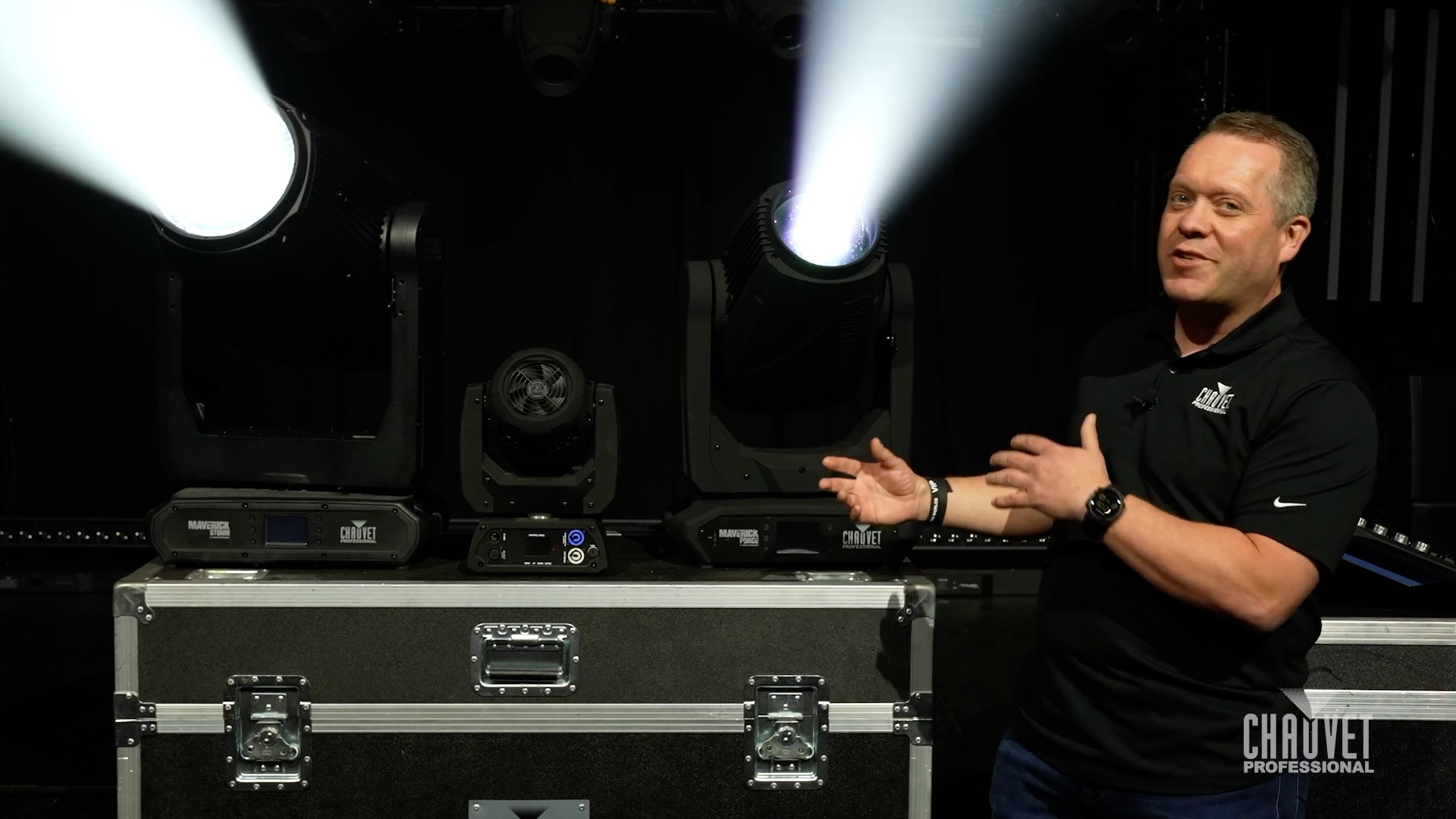
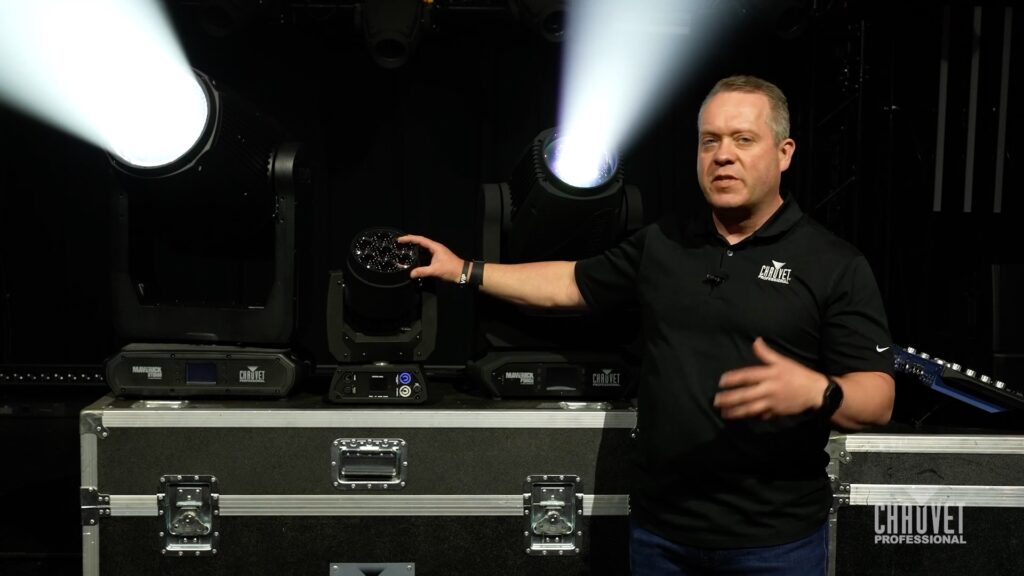
In this episode of Light Snacks, Senior Product Manager Michael Graham dives into the latest improvements that make Rogue R1E, R2E, and R3E Spots brighter, lighter, and more powerful than ever before.
Read on to learn: What is a SoloWash? And what makes them different?
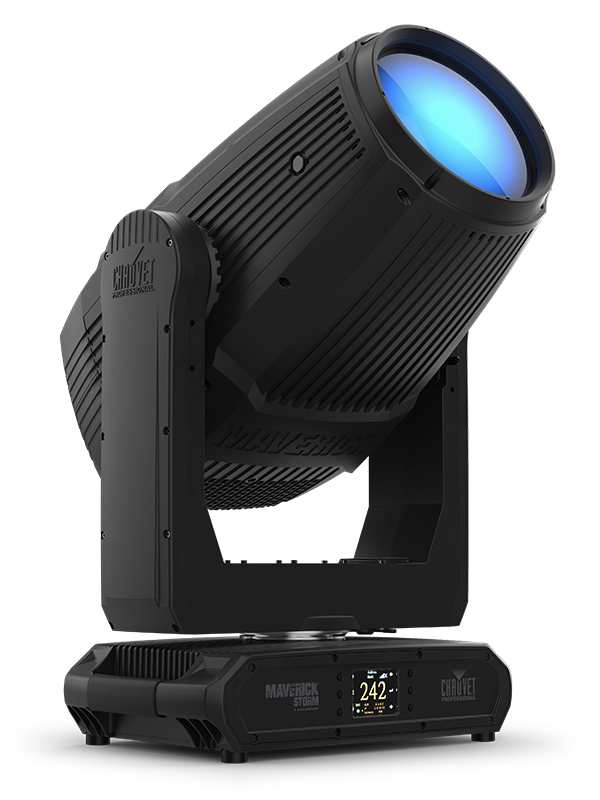
Multi-source BeamWash fixtures come in different shapes and sizes, such as Maverick Force 2 BeamWash or Maverick Storm 3 BeamWash, and their individual lenses create the possibility for dynamic pixel-mapped eye candy for stunning live and on-camera looks.
While multi-source fixtures have certainly established their place in many applications, for lighting designs that call for a classic theatrical wash look, a different approach is required.
Maverick Force and Maverick Storm SoloWash fixtures are specifically designed to deliver that difference, using single-source LED optics to achieve a classic look, while also bringing an effects wheelhouse full of modern features.
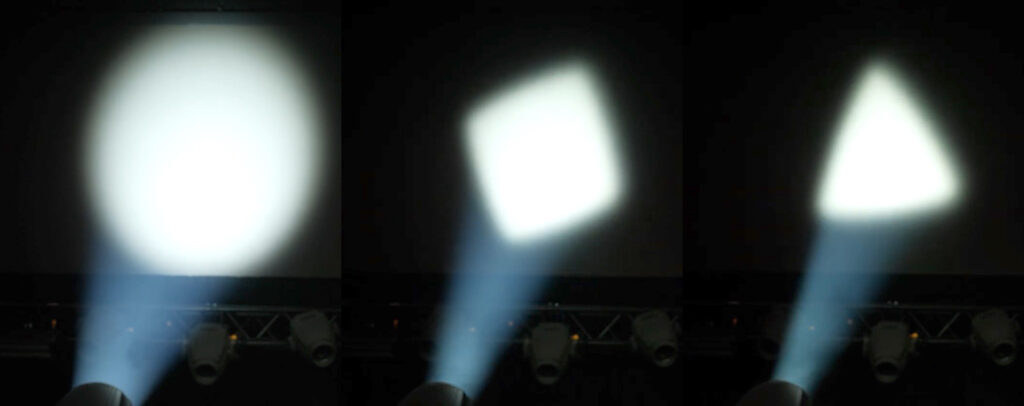
Included in that modern arsenal of SoloWash effects is a rotating gobo wheel that enables these wash fixtures to bring heightened dynamics that are beyond the capabilities of a traditional wash.
On one hand, the selection of rotatable geometric gobos on the wheel offers the ability to strategically highlight stage scenery.
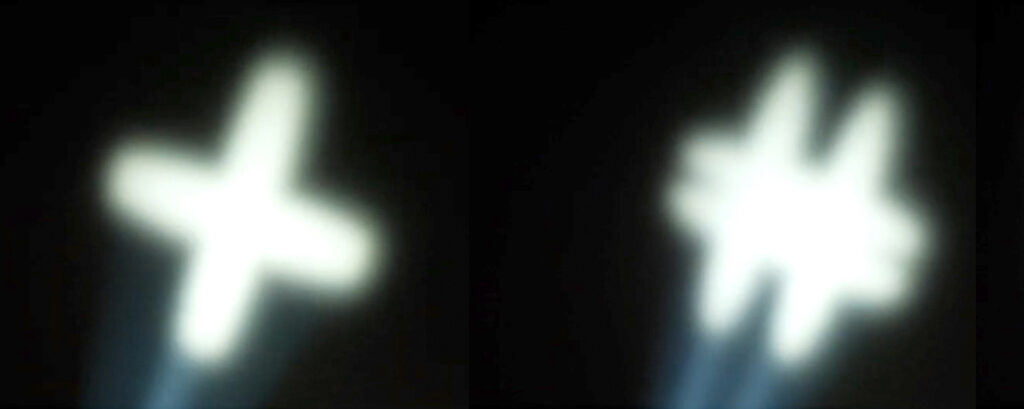
On the other half of the wheel are gobos designed to produce dynamic aerial effects.
Maverick Storm 4 SoloWash, in addition to shaping light coverage and creating aerials with its rotating gobos, also brings an animation wheel for even more possibilities.
Be sure to watch Brad’s demo to see that animation wheel and all of these SoloWash effects in action, then visit their product pages for all the details:
Meet the gear:
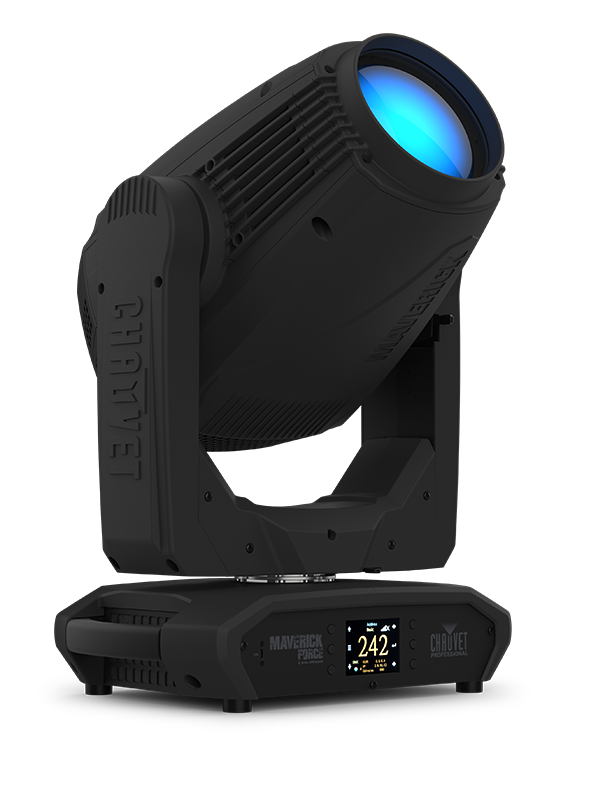
Maverick Force 2 SoloWash A powerful single source 480W LED wash engineered to meet lighting designer demand for classic stage wash looks with the modern features LDs expect: CMY + CTO color mixing system offering a wide color palette, independent color wheel with CRI and CTB filters, expansive 8:1 zoom, rotating gobo wheel with interchangeable geometric gobos, linear 5-facet prism, and frost. Housed in a compact and lightweight design and calibrated to match the colors of other Force fixtures in the rig.
Maverick Storm 4 SoloWash An outdoor-ready IP65-rated single source 1250W LED wash engineered to meet demand for classic wash looks with the modern features LDs expect and bright enough for stadium level long throws: CMY + CTO color mixing system offering a wide color palette, independent color wheel with CRI and CTB filters, expansive 9.5:1 zoom, rotating gobo wheel with interchangeable geometric gobos, framing shutters, animation wheel, frost and iris. Built with the durability and versatility to perform in any venue, indoors or out, and calibrated to match the colors of other Storm fixtures in the rig.
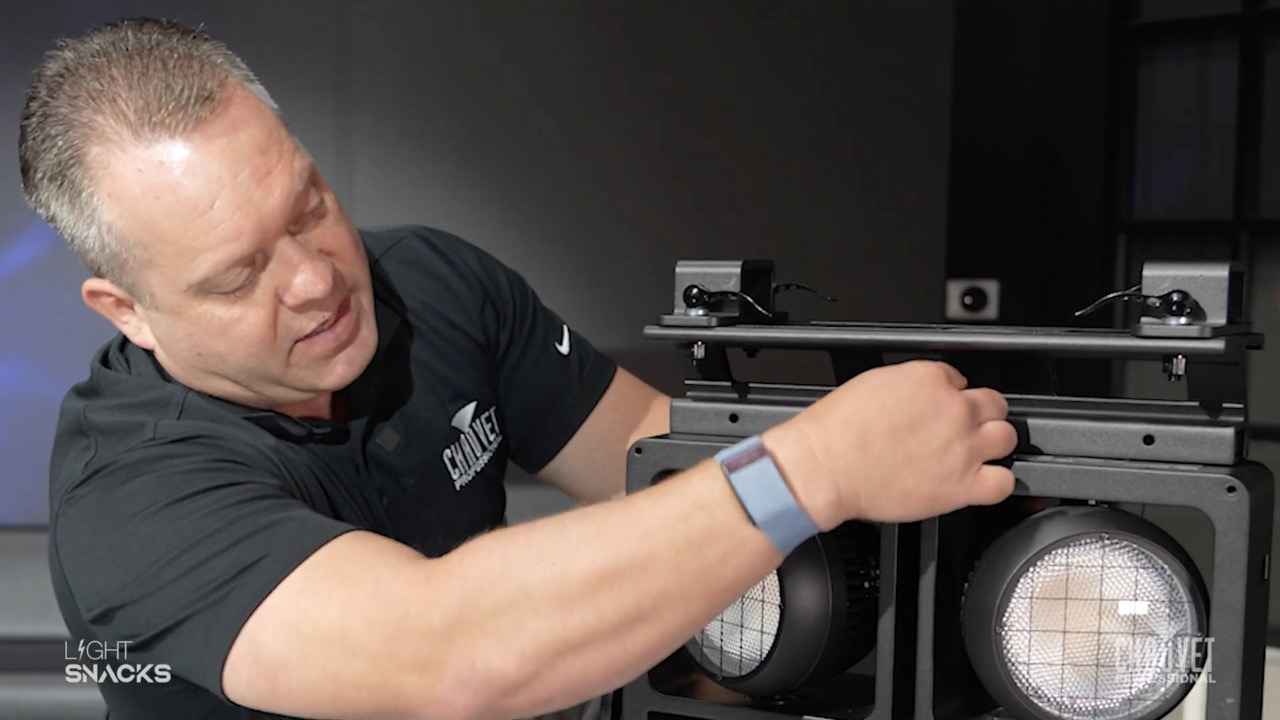
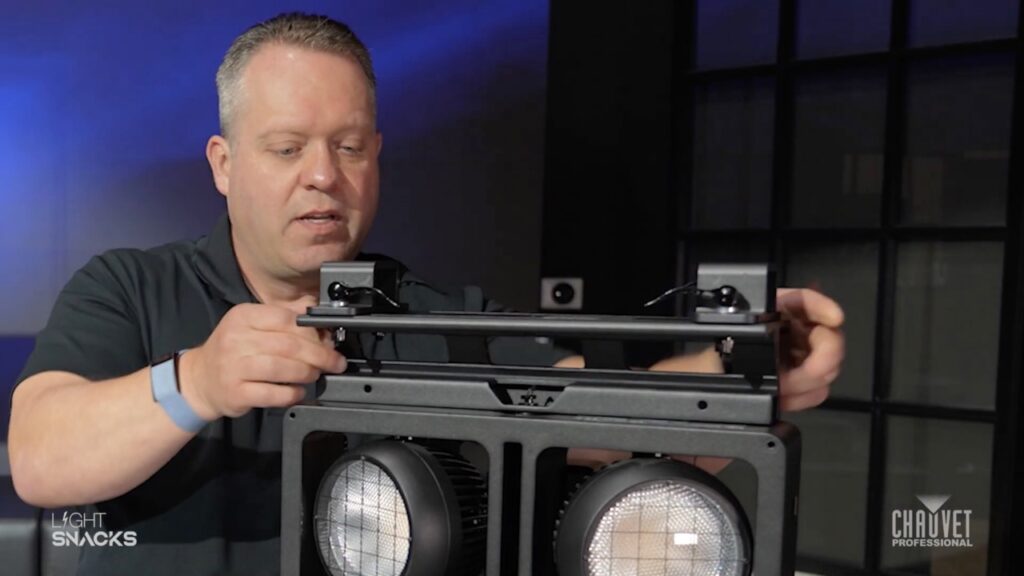
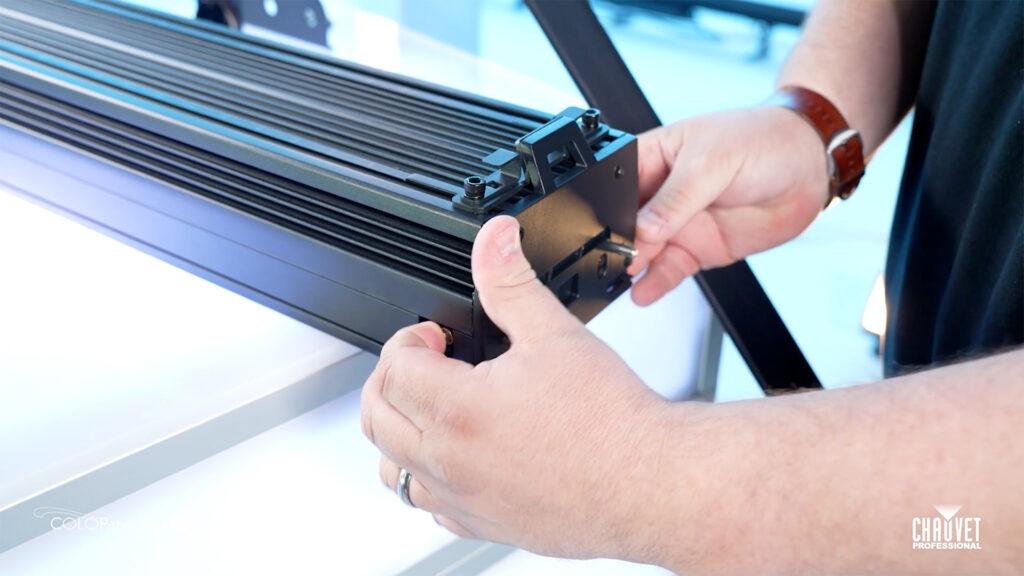
Bracket is a useful new accessory for our STRIKE Array family of audience blinders.
Easy to install and control with clamps that can be positioned to give extra flexibility with hanging STRIKE Array fixtures in your lighting design.
Most importantly, it allows you to manipulate the fixture while hanging, without the yoke.
WATCH our live demo of how to install and adjust bracket position on this handy new rigging tool.
Product description: Mounting bracket for STRIKE Array fixtures that eliminates the need for the yoke, resulting in a cleaner, easier-to-hang array in certain situations and applications. Lightweight IP65-rated aluminum diecast construction in black finish with a total load capacity of (16) cells in any combination of STRIKE Array 2 and/or STRIKE Array 4 cells.
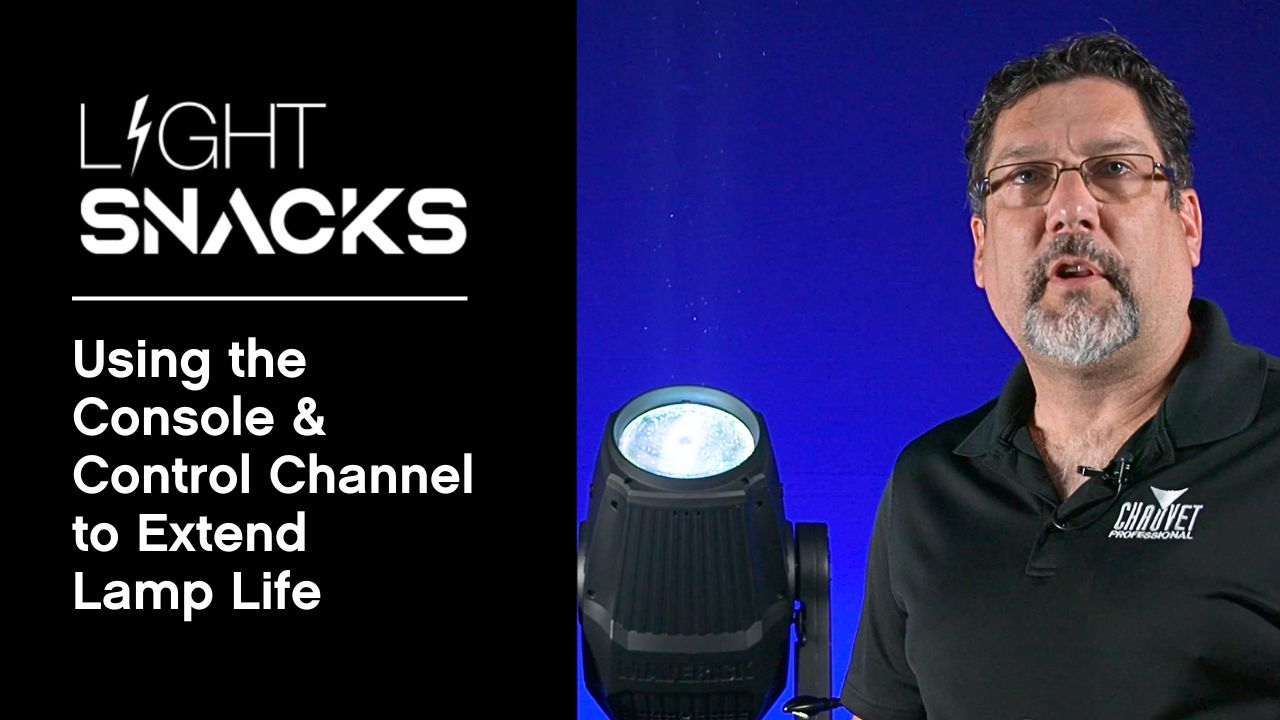
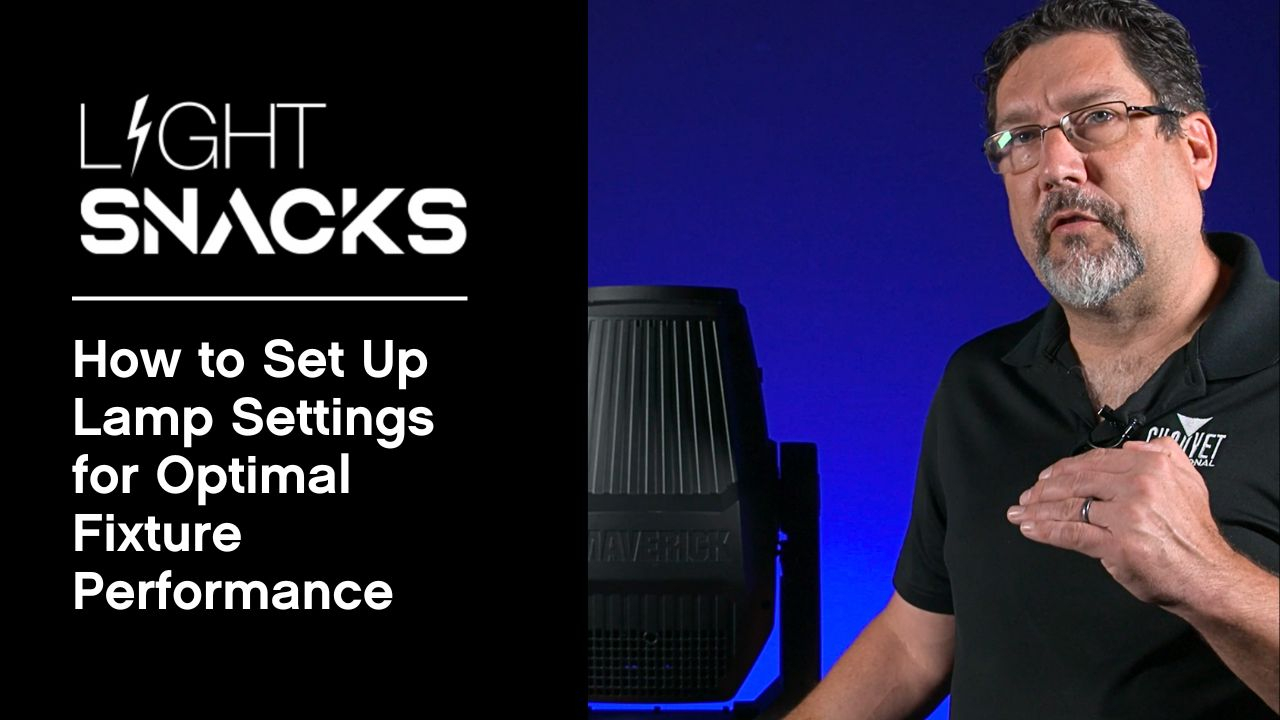
Join Senior Product Manager Michael Graham to learn how to use console and channel controls to lamp CHAUVET Professional fixtures on and off for optimal performance and longevity.
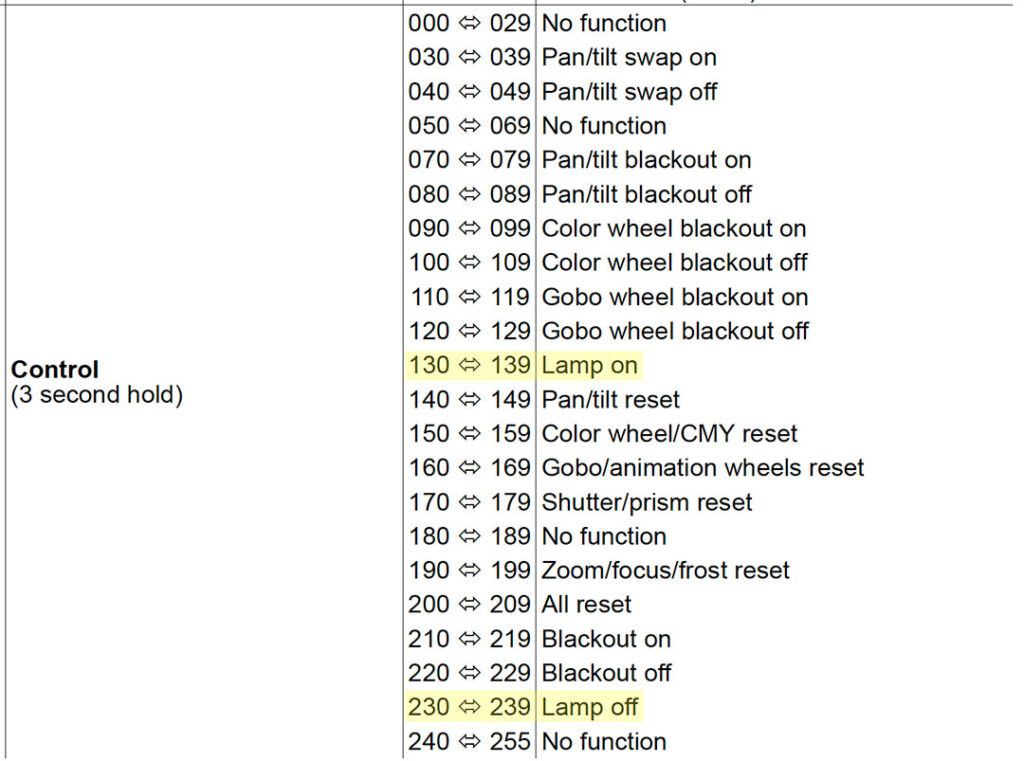
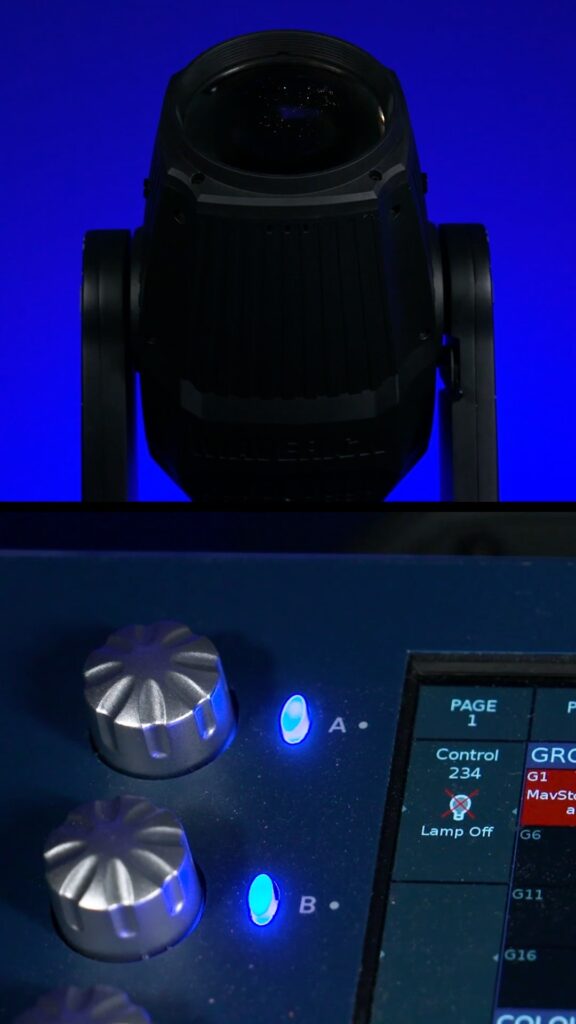
There are many parameter settings in the control channel. In this episode of Light Snacks, the focus is on the functions available for powering lamps on and off from the console.
Allowing the lamps to cool down with the help of the fixture’s internal fans is a technique that will extend your lamp life.
WATCH NOW for a demonstration of putting this useful advice to good use with CHAUVET Professional lamped fixtures.
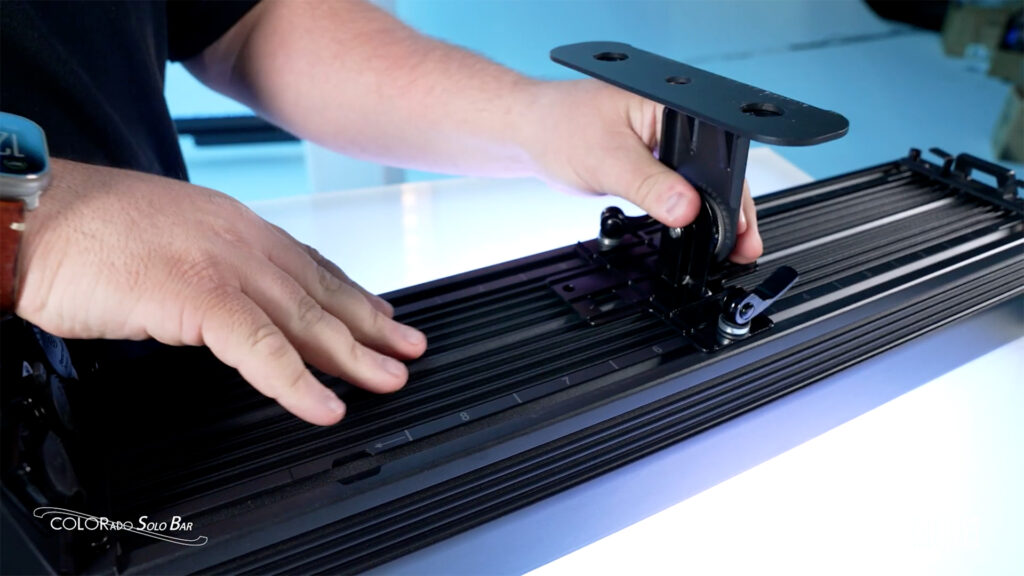
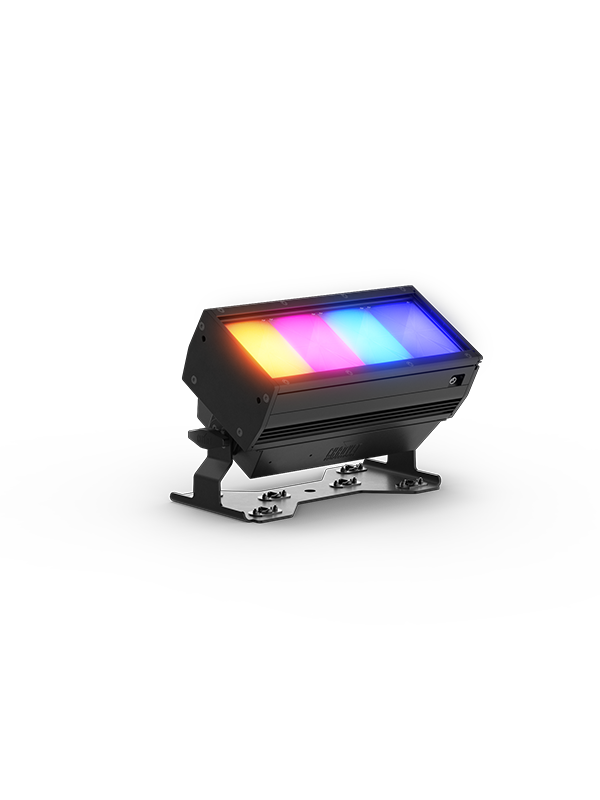
COLORado Solo Bar 1: COLORado Solo Bar 1 is a 4-cell IP65-rated RGBwWL LED batten that produces a full range of color and perfect whites from a fixture offering LDs the flexibility to easily create beautiful whites with RGBwW or take control of all five colors in the full RGBwWL array.
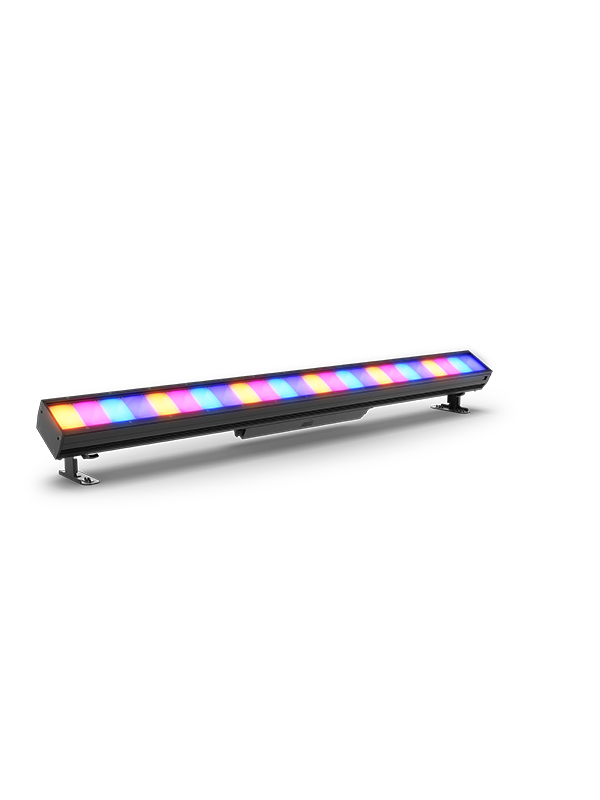
COLORado Solo Bar 4: COLORado Solo Bar 4 is a 16-cell IP65-rated RGBwWL LED batten that produces a full range of color and perfect whites from a fixture offering LDs the flexibility to easily create beautiful whites with RGBwW or take control of all five colors in the full RGBwWL array.
COLORado Solo Bar 6: COLORado Solo Bar 6 is a 24-cell IP65-rated RGBwWL LED batten that produces a full range of color and perfect whites from a fixture offering LDs the flexibility to easily create beautiful whites with RGBwW or take control of all five colors in the full RGBwWL array.
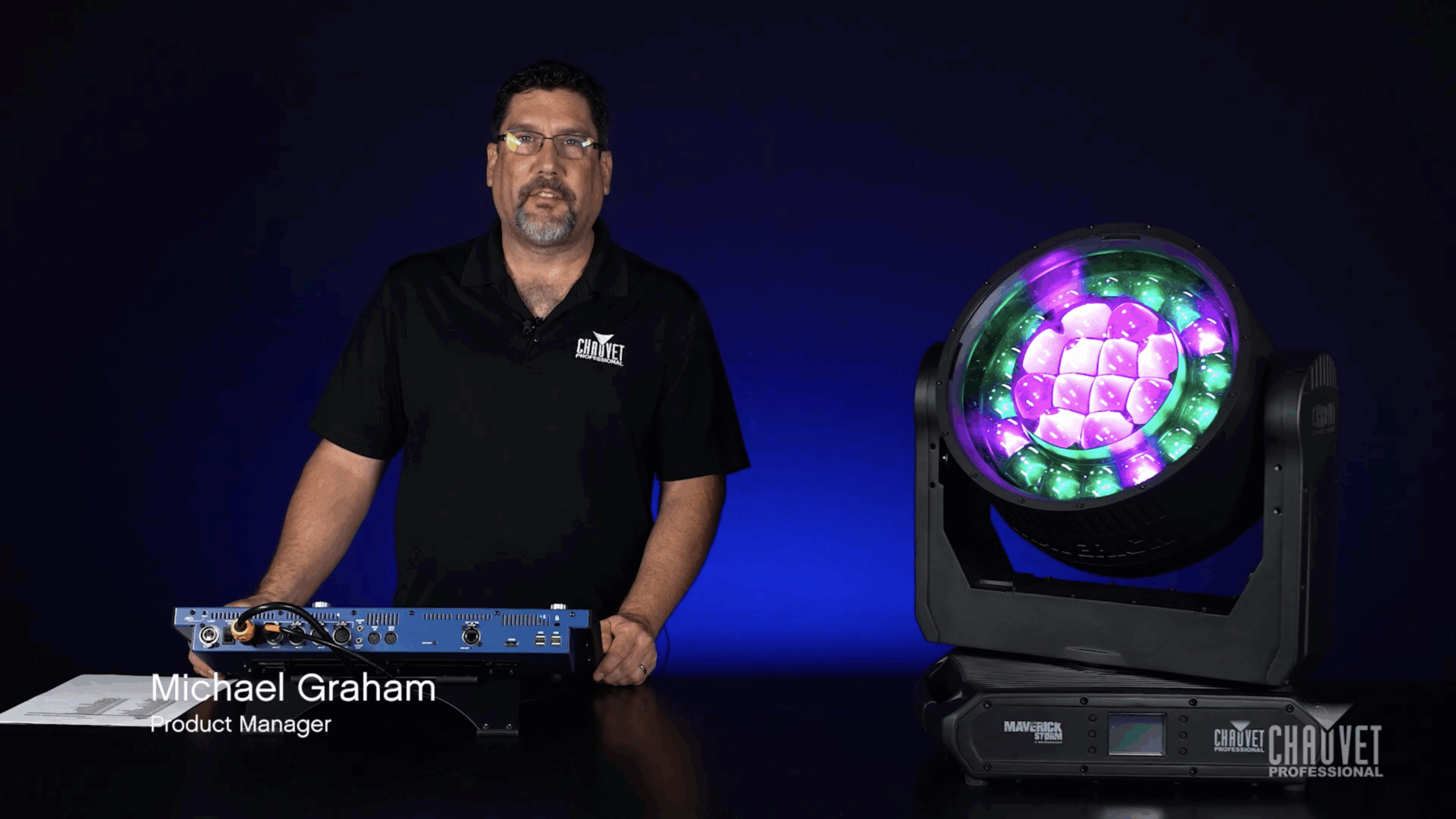
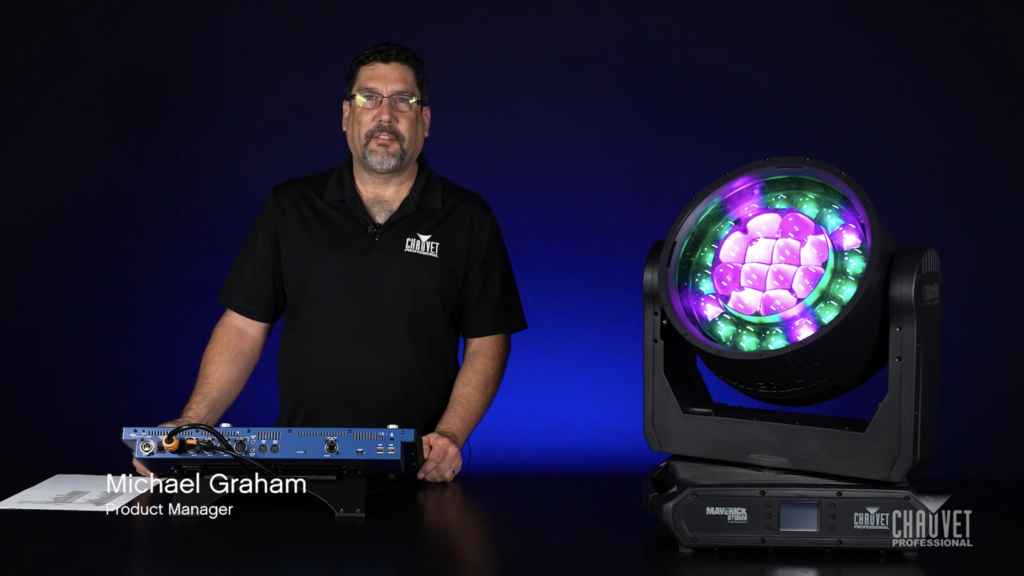
Maverick Storm 3 BeamWash is a feature-rich fixture that includes the ability to independently control its inner (main) and outer (ring) zooms.
WATCH NOW to learn how the Control channel can be used to link dual zooms into a single zoom so that they operate in unison. This can be particularly useful in a cloning situation when it may be preferable to override the dual zoom functionality.
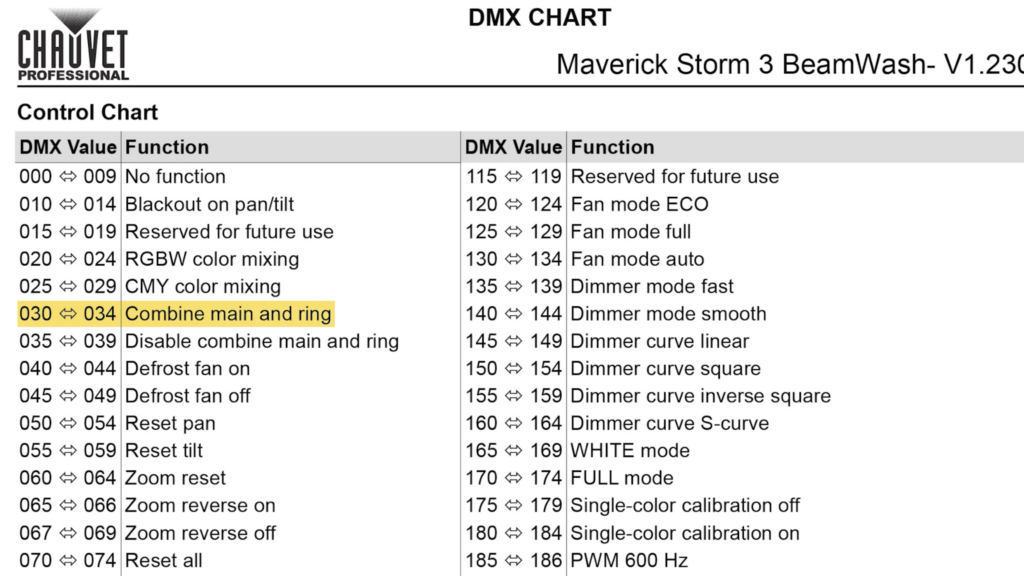
Enabling linking to run both zooms as one:
Control channel values between 030~034 Combine main and ring
Note the 5-second interval as this feature activates
Beyond linking dual zooms, the Control channel gives us options for changing fan settings, PWM settings, selecting dimming curves, choosing pan/tilt behavior, and more. Understanding how Control channel options can help you control your rig better is a great way to come into a show.
Join Senior Product Manager Michael Graham as he walks through each setting, from on/off states and DMX controls to ignition delay and low power modes.
WATCH NOWto discover practical tips to protect your equipment, reduce heat, and save power, all while extending lamp life.
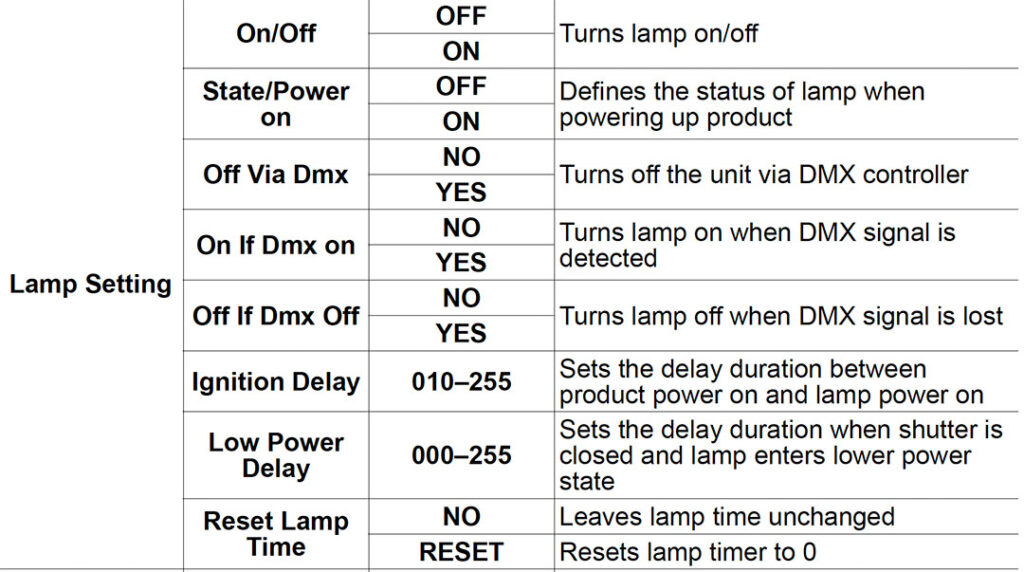
Selected function highlights in the Lamp Setting menu:
State/Power on Set the behavior of the lamp when the fixture is turned on.
Off Via DMX Enable or disable the ability to control the lamp from the console
On if DMX On Lamp turns on when a DMX signal is detected.
Off if DMX Off If the DMX signal is lost, the lamp will turn off.
Ignition Delay Offsets the lamp strike commmand by the number of seconds selected. Useful for avoiding tripping circuit breakers when striking large quantities of fixtures.
Low Power Delay Sets the delay time for entering low power mode after shutters are closed. Useful for saving power and reducing the heat generated behind mechanical flags.
WATCH NOW for the full walkthrough of the CHAUVET Professional Lamp Setting menu.
One of the great things about the Control channel is the options it gives us for changing fan settings, PWM settings, selecting dimming curves, and more.
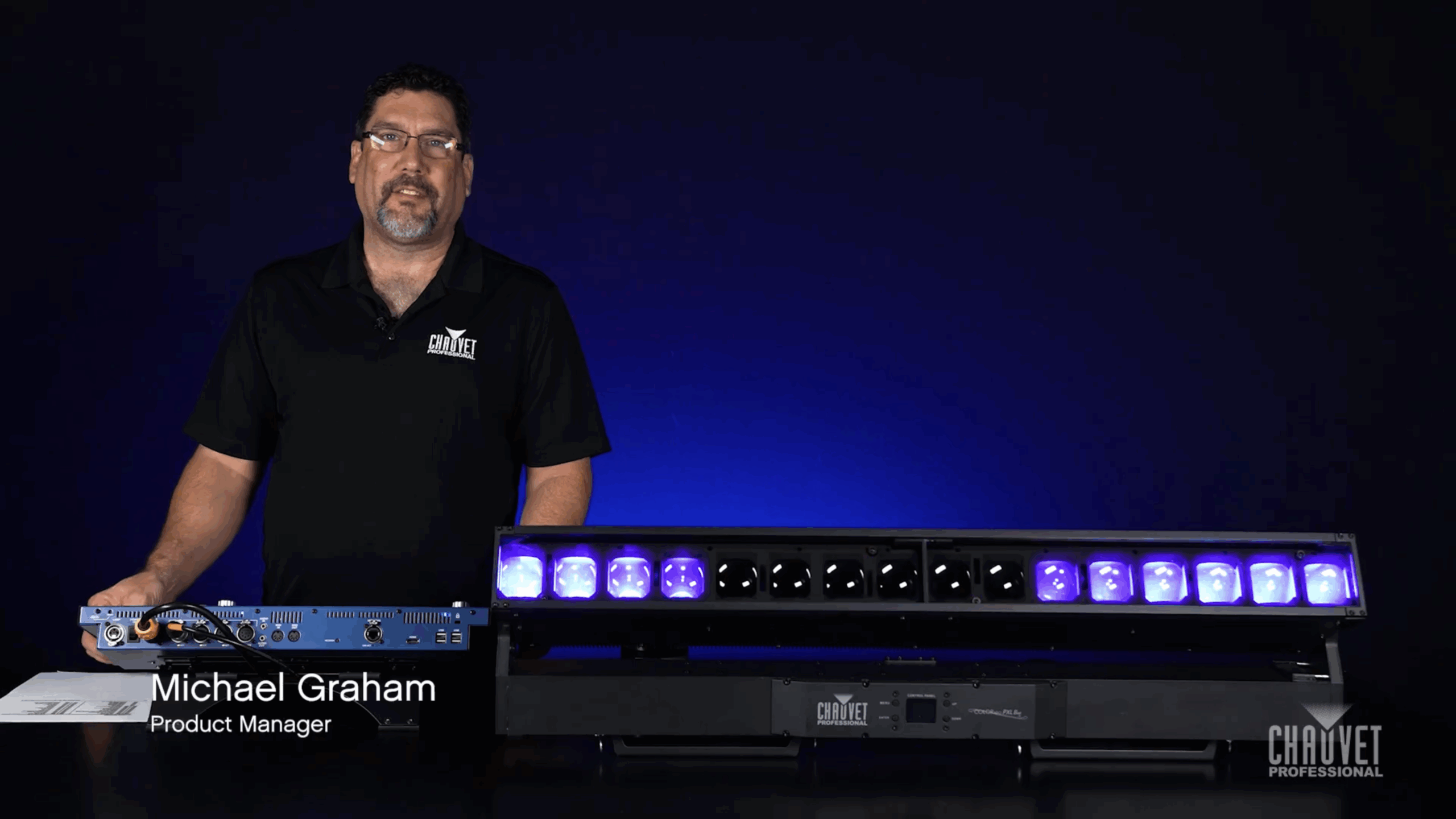
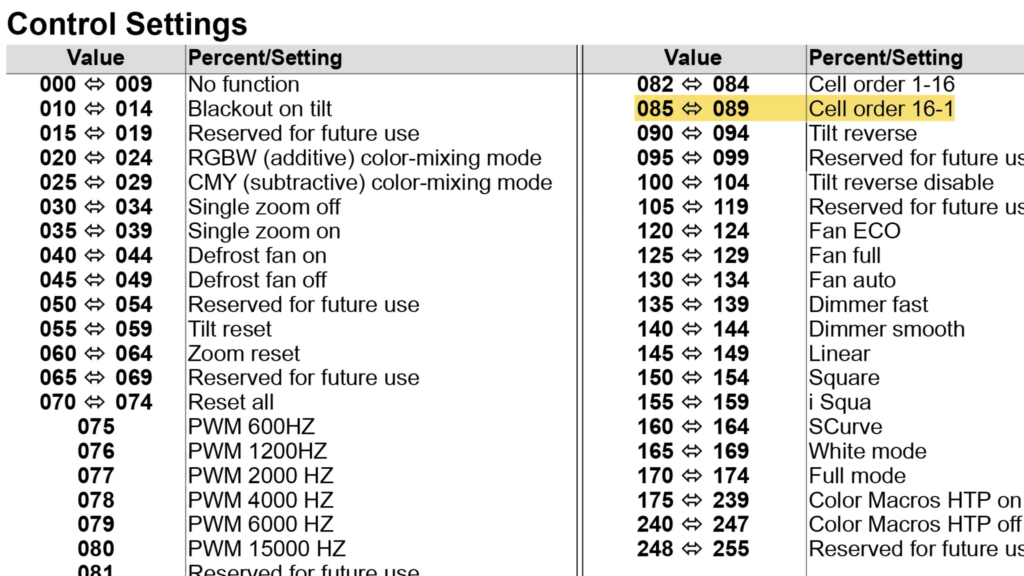
WATCH NOW to learn how the Control channel can be used to switch pixel order by defining the first pixel on COLORado PXL Bar 16. Assigning a first pixel is how we invert the direction our effects run.
This is particularly useful when fixtures are mounted in a mixed orientation, allowing upside-down fixtures to match the direction that effects run in the rig, regardless of how they’re hung.
In the Control channel, Cell refers to pixel. Setting the Control channel between 085~089 reverses the cell order and moves the starting pixel to the opposite end of the fixture.
Understanding how Control channel options can help you control your rig better is a great way to come into a show.
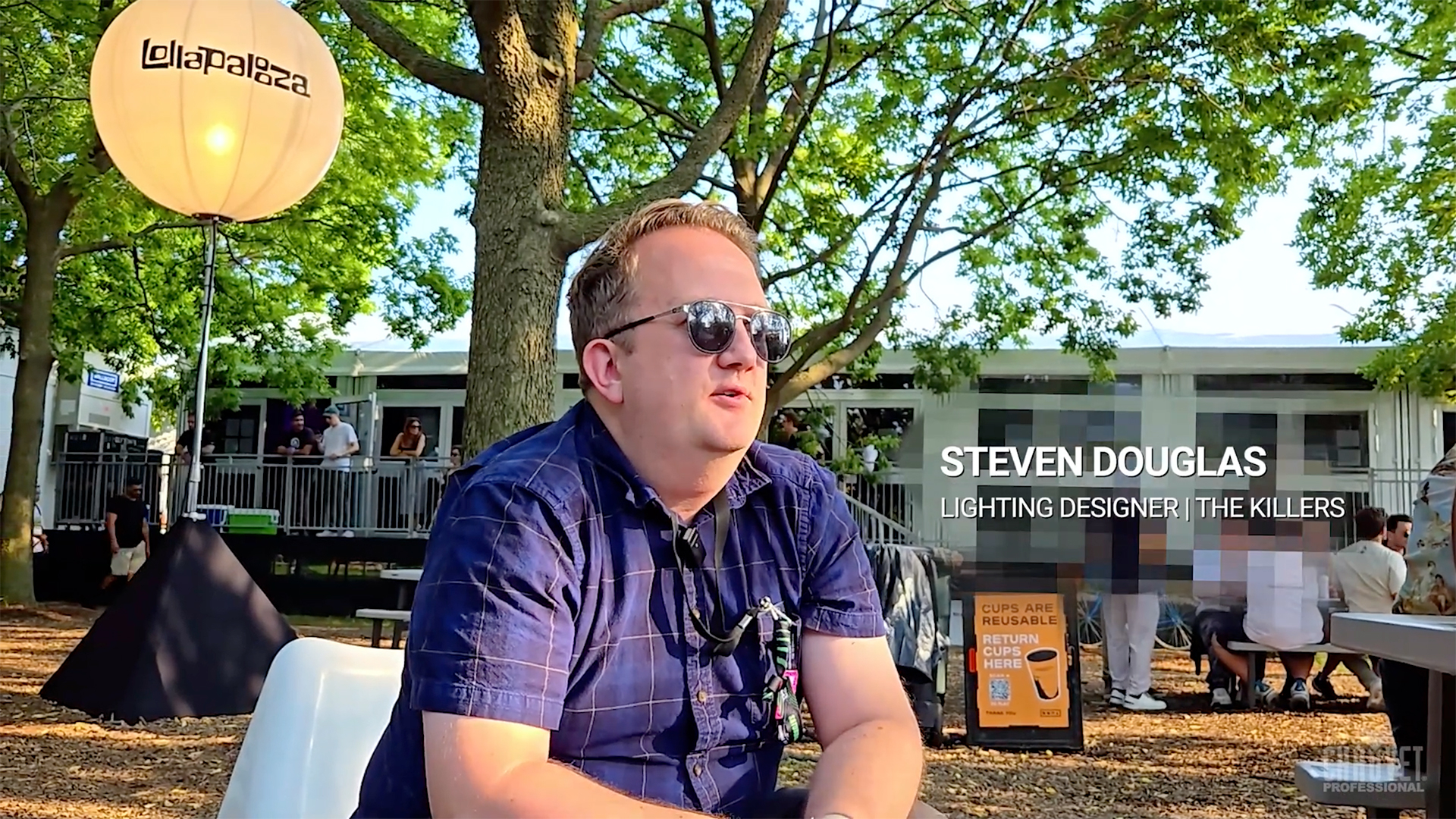
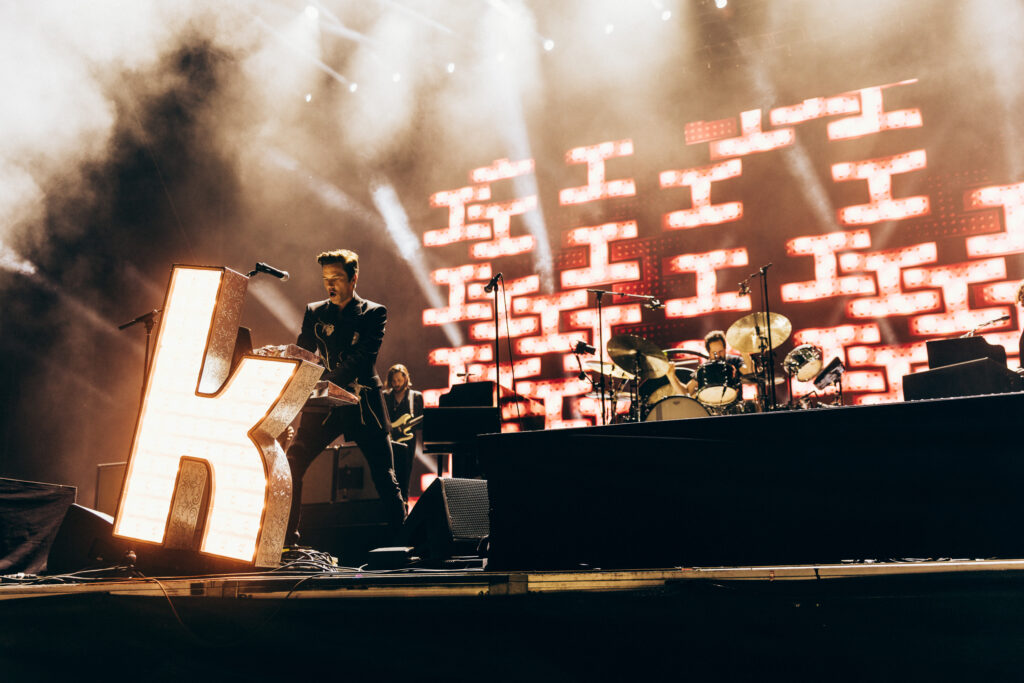
“The STRIKEs are our big blinders for this show. The band are big on wanting to see people’s faces and sing-along moments, so they work great for that.”
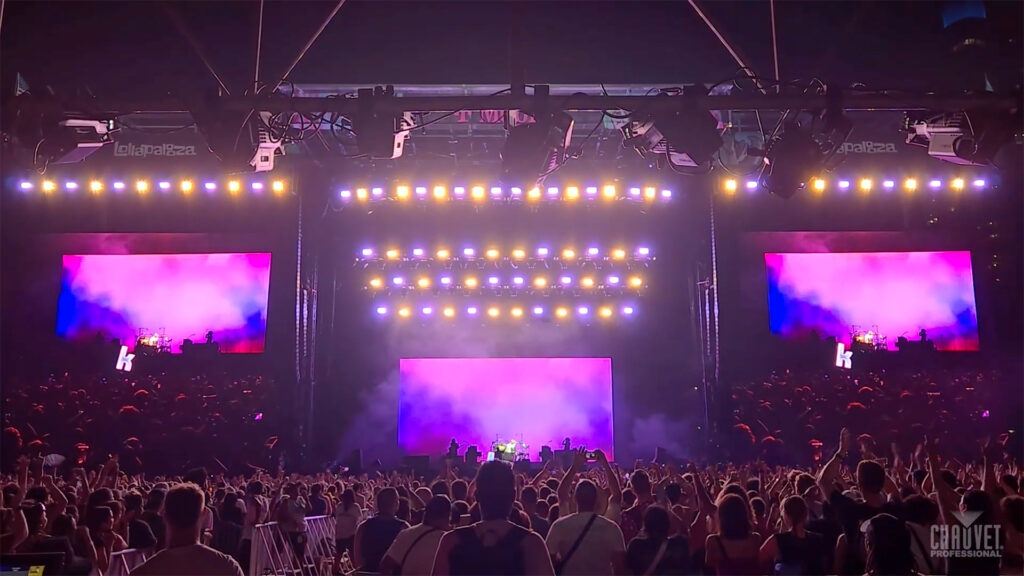
“With the Color STRIKE M, it’s nice to have the subtlety of the wash elements. Especially for camera, they come in quite handy for reverse shots and things like that.”