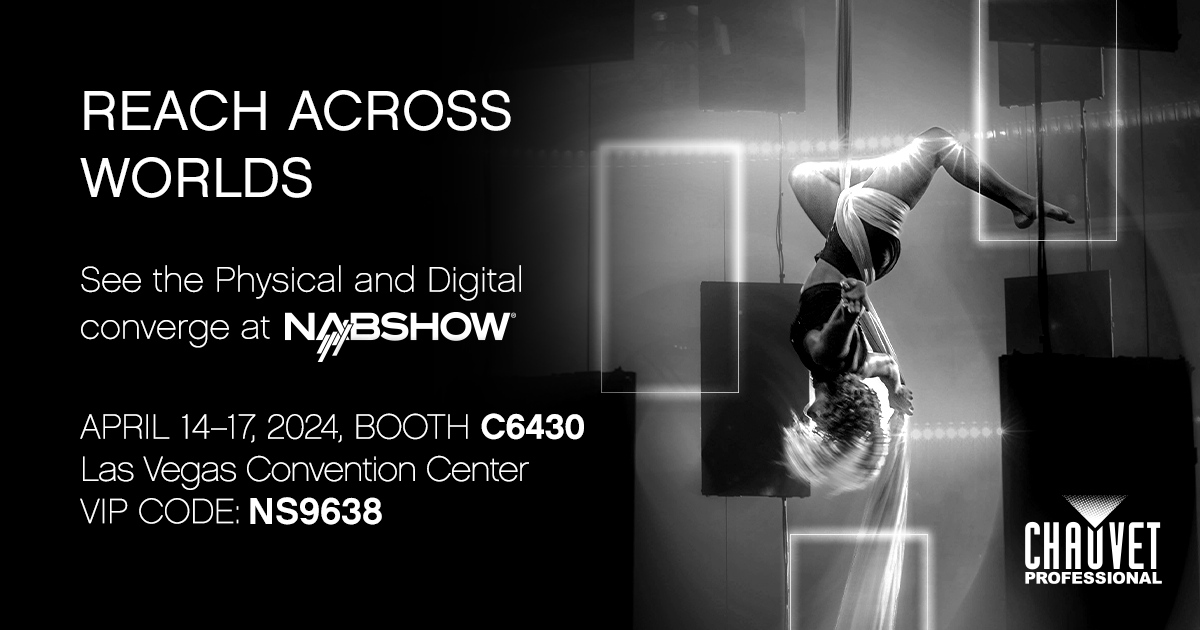
Your VIP Code for NAB 2024

14-17 APRIL
BOOTH C6430
Las Vegas Convention Center
VIP Code: NS9638

14-17 APRIL
BOOTH C6430
Las Vegas Convention Center
VIP Code: NS9638

March 19-22 • Frankfurt
Hall 12.1 • Booth E21

Created for fans of fanless operation.
The continuing saga of uncompromising innovation.

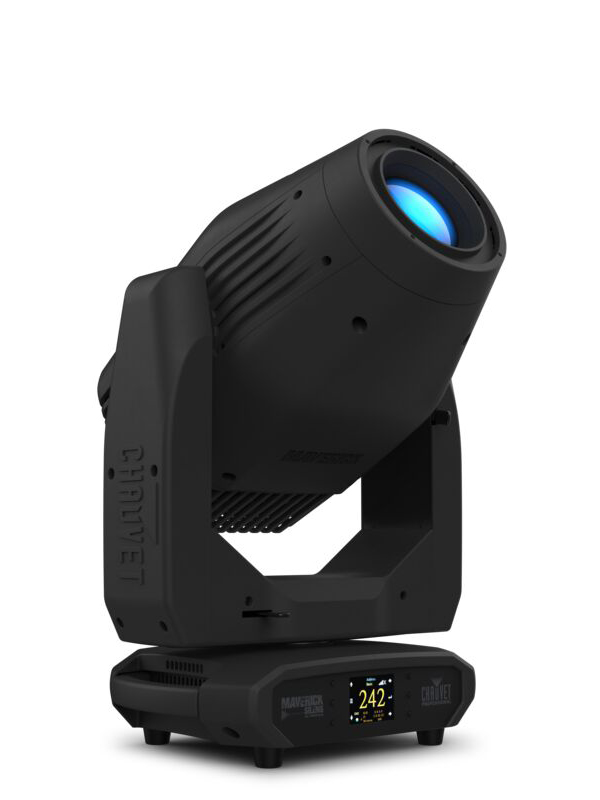
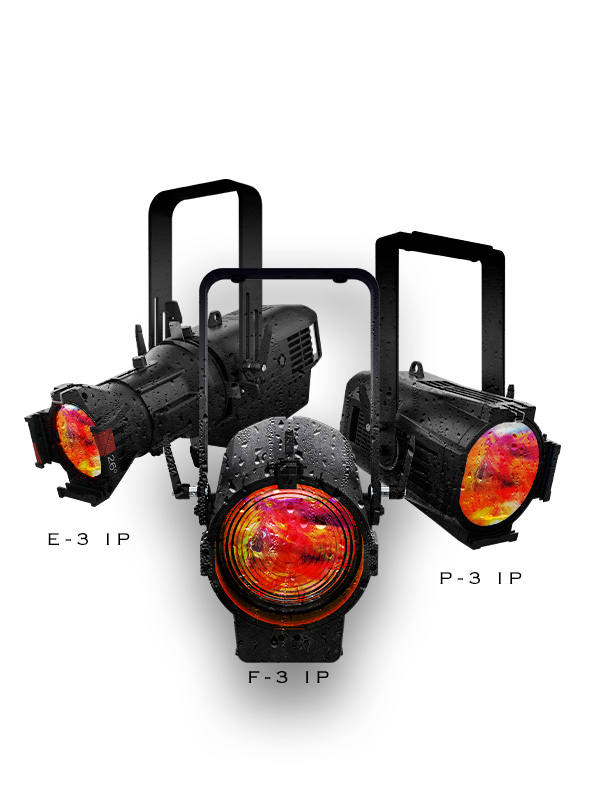
Meet the brightest family of multi-color and full-spectrum-white LED IP65-rated storytelling machines.

A brilliantly conceived compact form
A touch of genius inspired by the greats

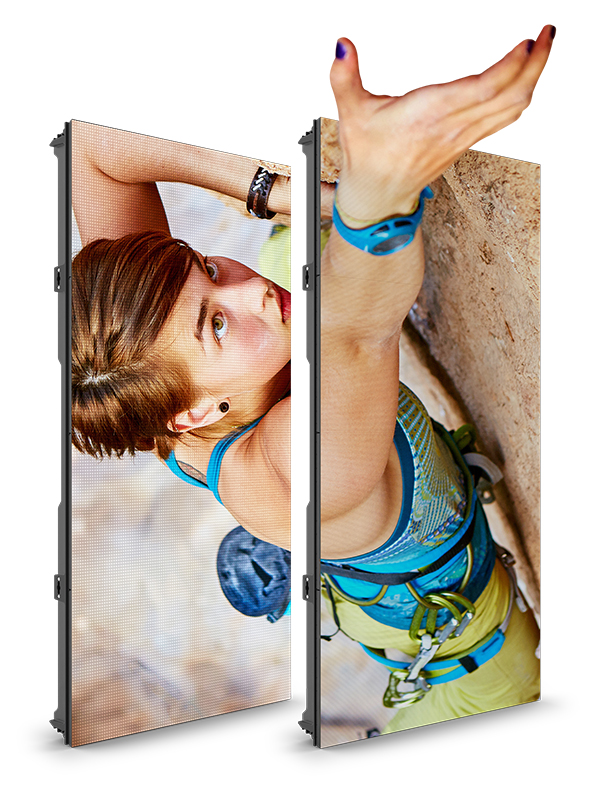
Integrated convex and concave curving
Magnetic-assisted tool-free locking

March 21-23 • Booth 2533
Seattle Convention Center
VIP Code: CHAUVIP24

Created for fans of fanless operation.
The continuing saga of uncompromising innovation.

Meet the brightest family of multi-color and full-spectrum-white LED IP65-rated storytelling machines.

A brilliantly conceived compact form
A touch of genius inspired by the greats

Integrated convex and concave curving
Magnetic-assisted tool-free locking
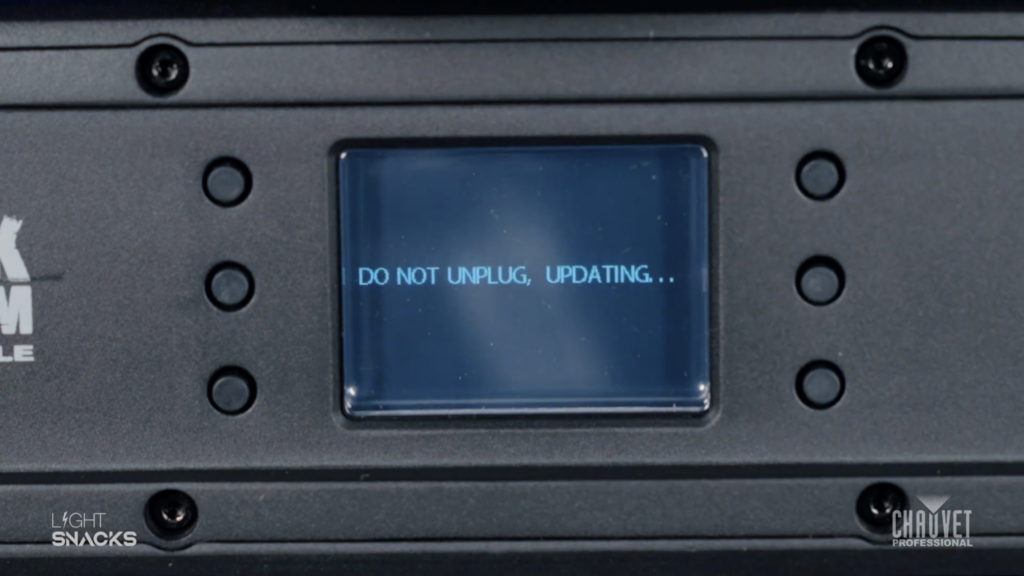
First, make sure you have downloaded the software update to your USB stick. You can load all software to your thumb drive, as our fixtures will automatically detect the relevant software for updating.

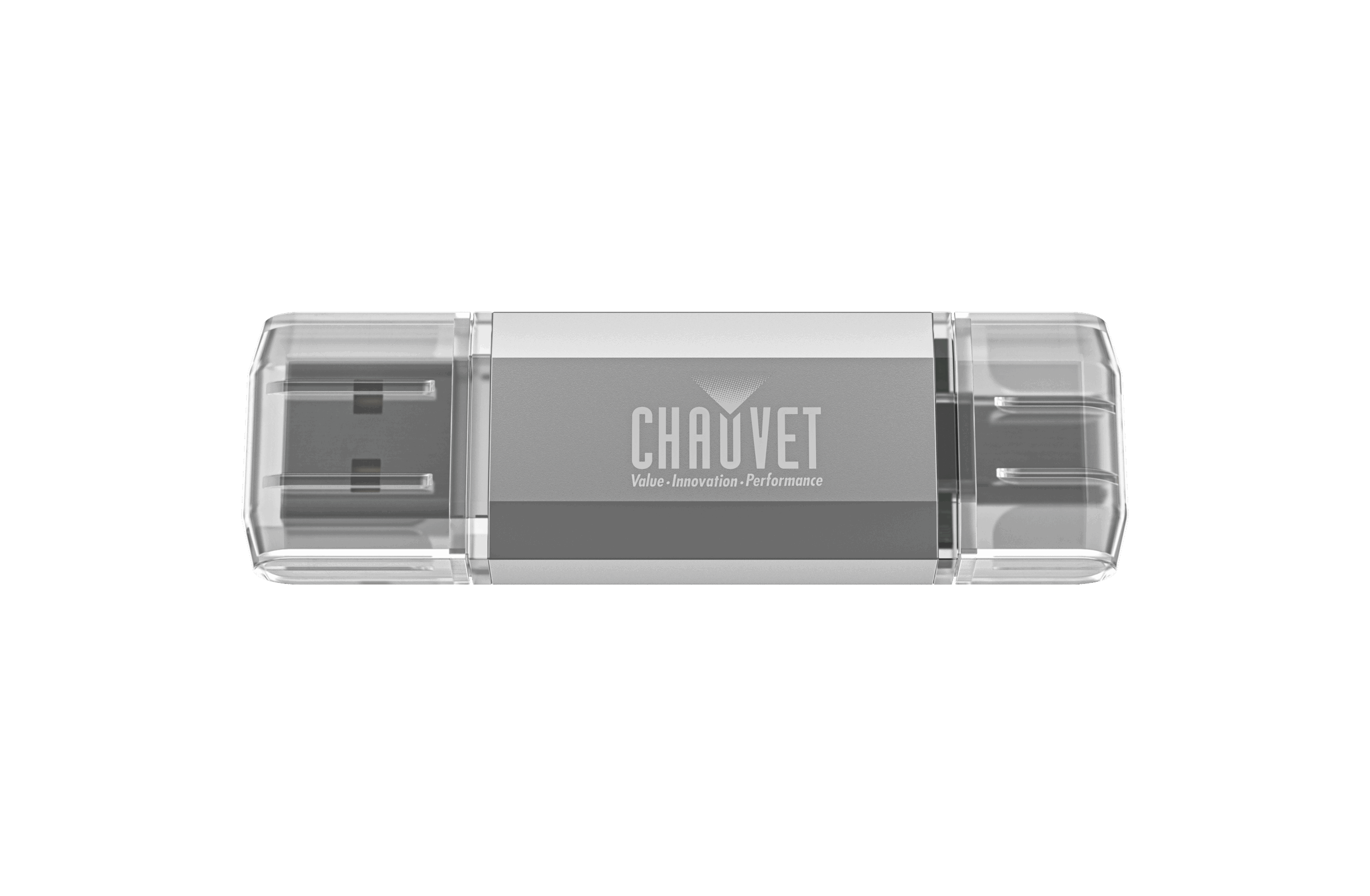
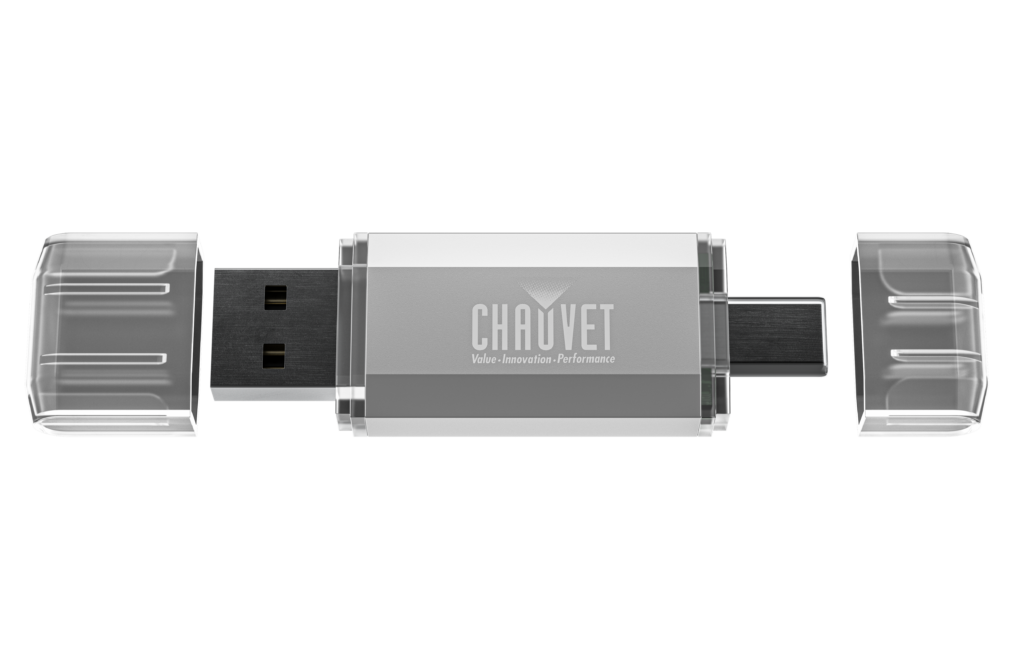
Our Firmware USB drive offers both USB-A and USB-C ports, 8GB of storage for your firmware files, and is correctly formatted to ensure compatibility with our fixtures. Store as many firmware files as needed on this handy device.
link: https://chauvetprofessional.com/products/firmware-usb/
We have created a step-by-step video tutorial that explains the software updating process:
Light Snacks: Maverick Moving Heads Software Update with a USB
link: https://youtu.be/NciHzI4G9Y4

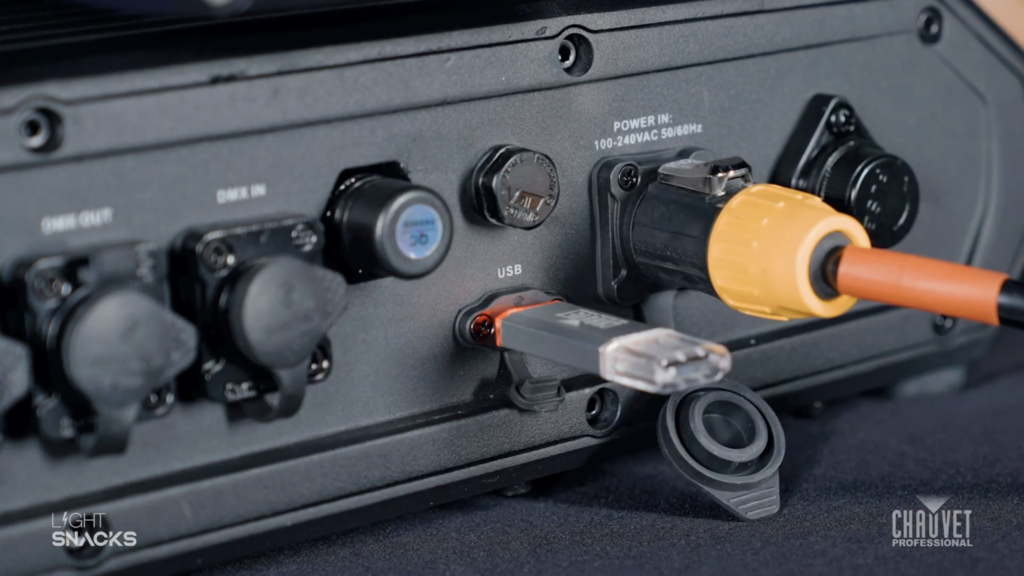
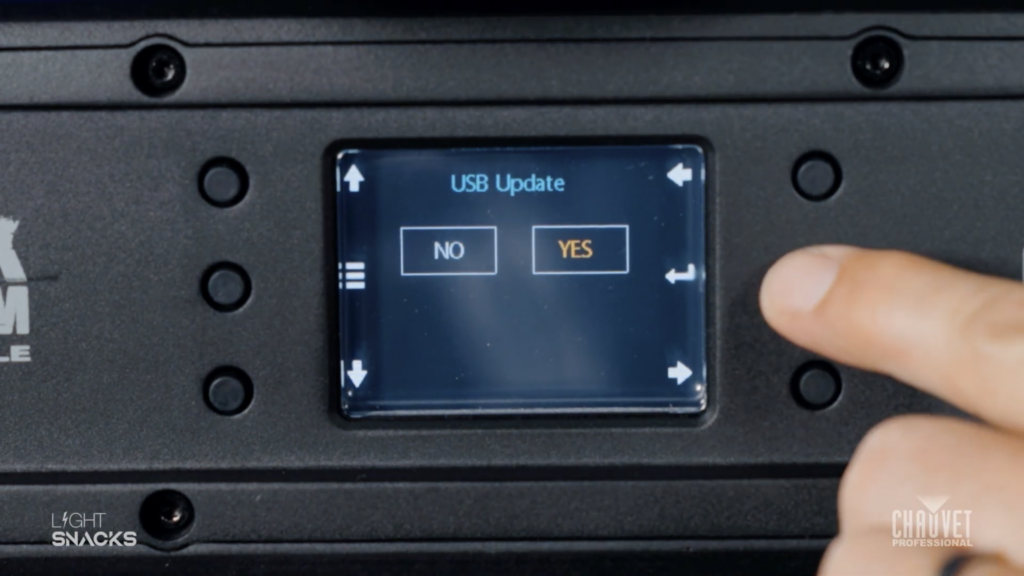
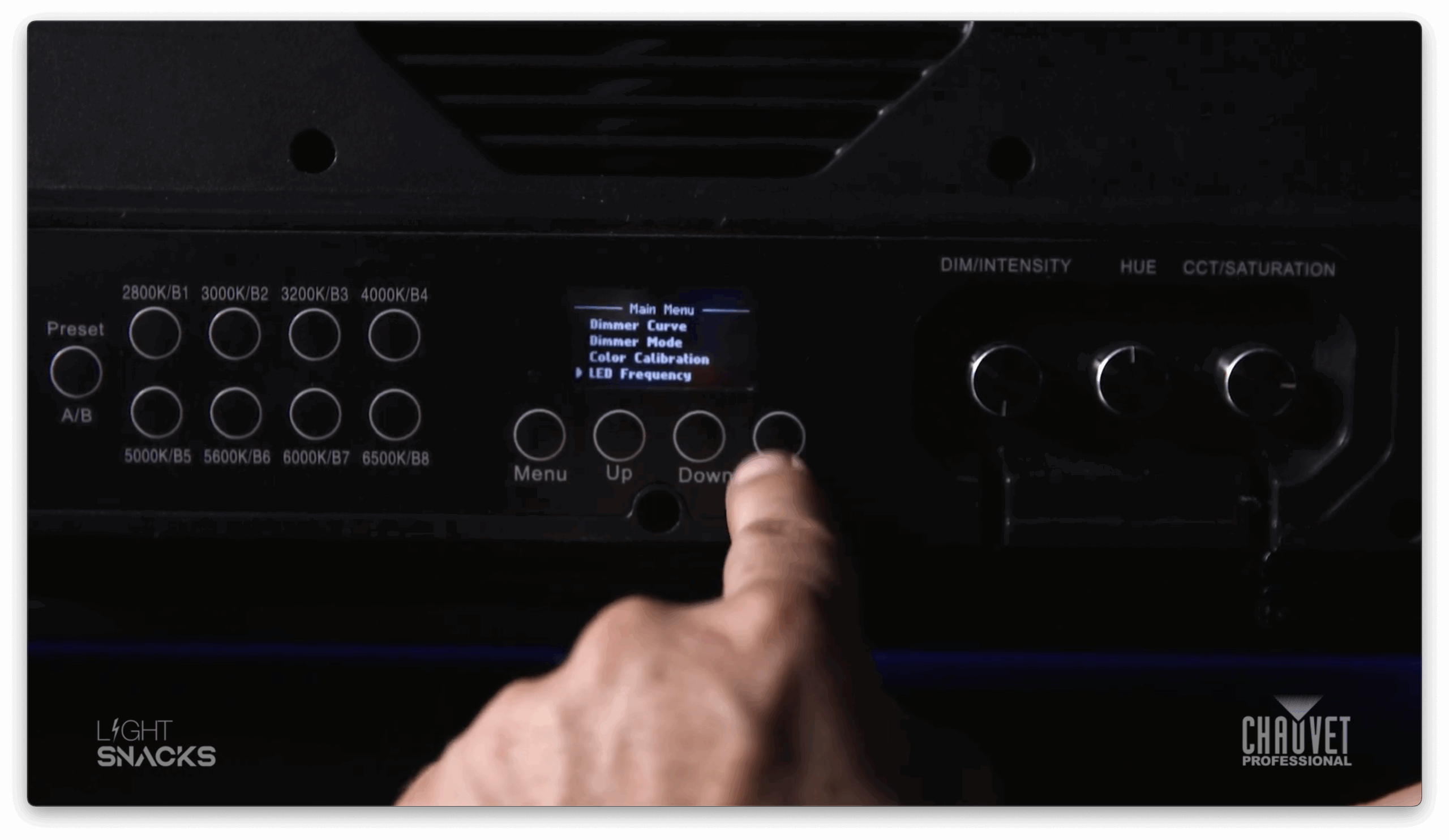
As soon as you put your USB stick into the fixture the LED display will prompt you to confirm the USB update. Say “YES.” The fixture will select the right software – and then confirm the update again. “YES.” The screen will go blank with a message at the bottom showing “Update in progress. Please wait.”

DO NOT TURN THE FIXTURE OFF.

Once the update is complete the LED display will show you the USB update screen and you can remove the USB stick. The LED screen will confirm the USB has been disconnected. Go back to your Main Menu screen.
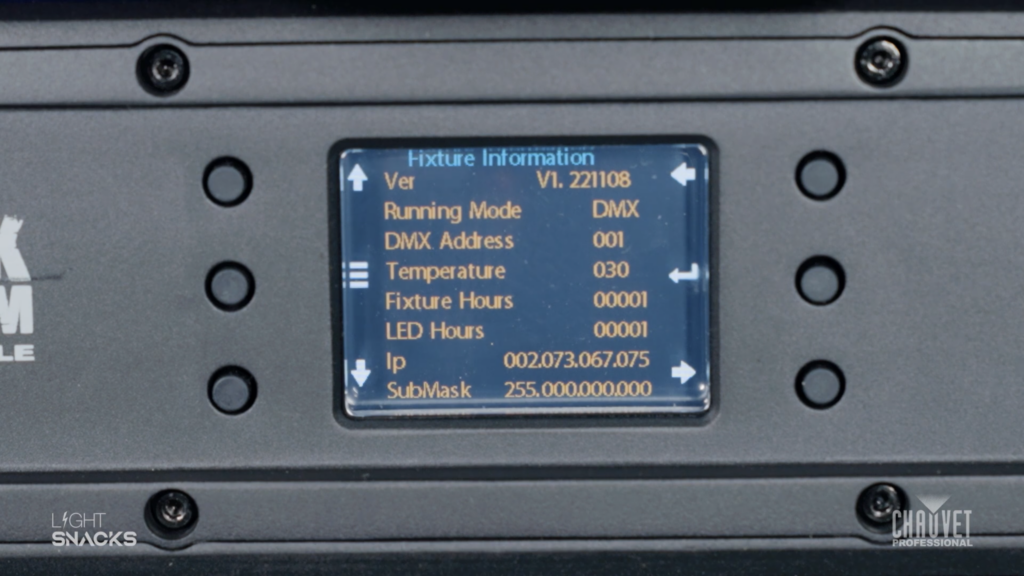
If you want to confirm that the correct software has been updated you can navigate menu options to check the version number of the software. If it matches the software version for your intended update, you’re good to go.

You can always find our latest firmware at our GitHub portal: https://github.com/Chauvet-Pro

15-17 January • Hall 1
Booth 1.521 • Rotterdam Ahoy

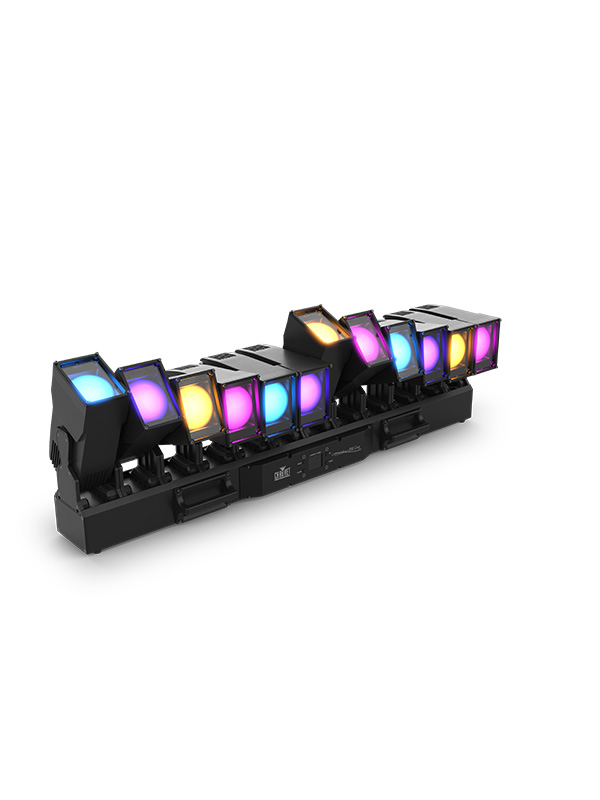
Take IP65 versatility and individual
tilt and zoom to the power of twelve

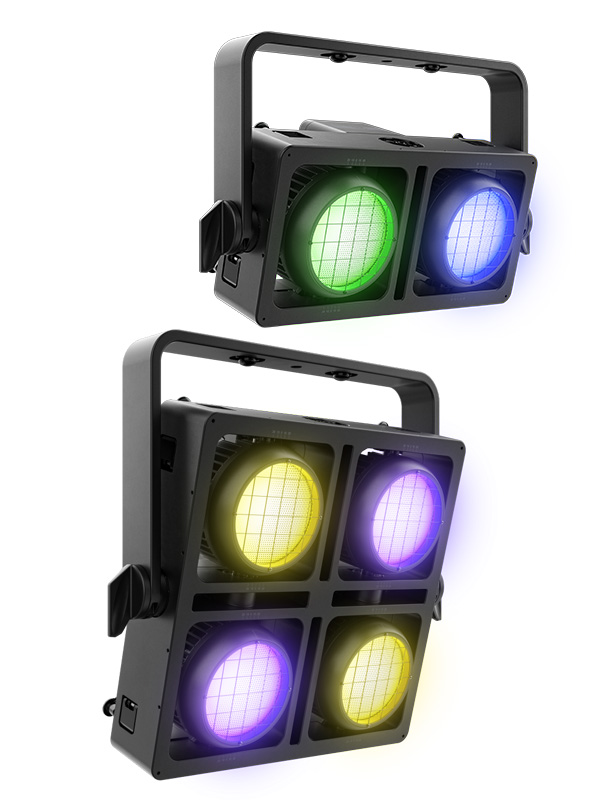
Modern full color LED blinders
with classic tungsten Red Shift

Instantly shift from intense strobe
to smooth color block eye candy

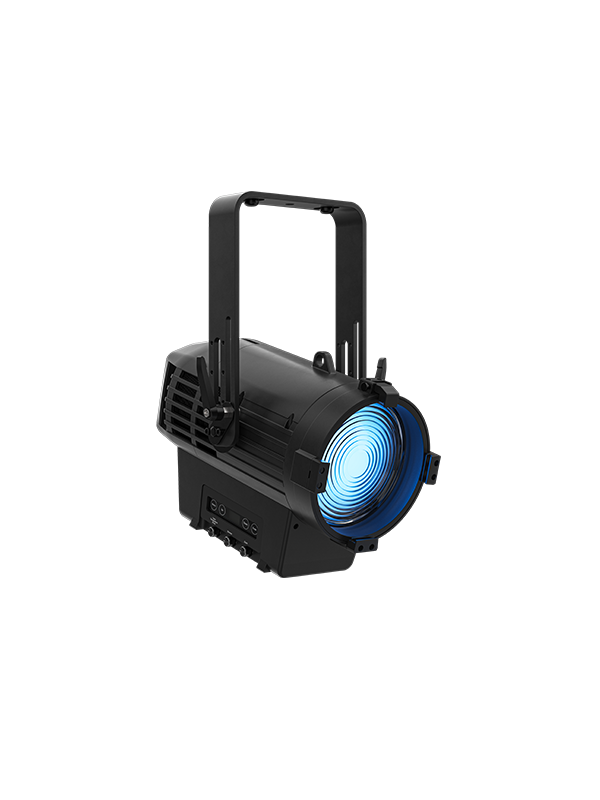
All of our Ovation Rêve advancements
in an all-weather motorized fresnel

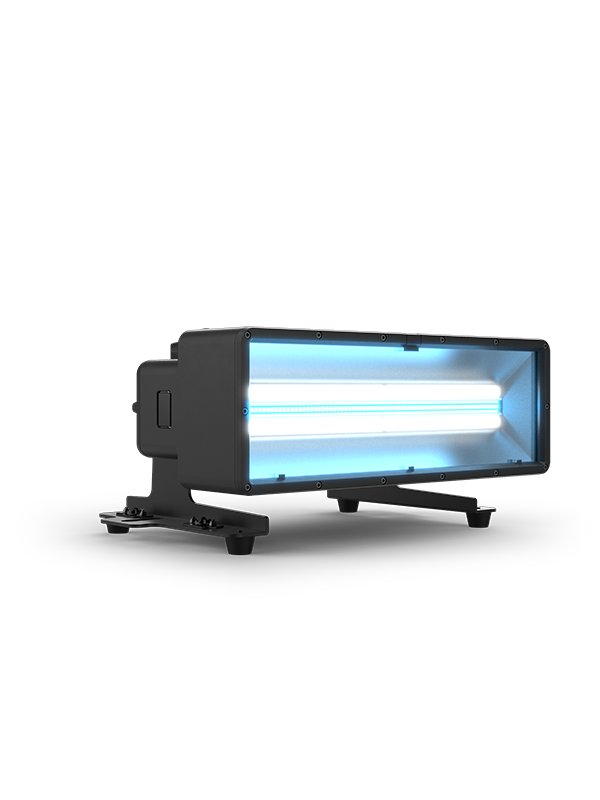
The new formula for pure color shaped to blend with the FORCE Family

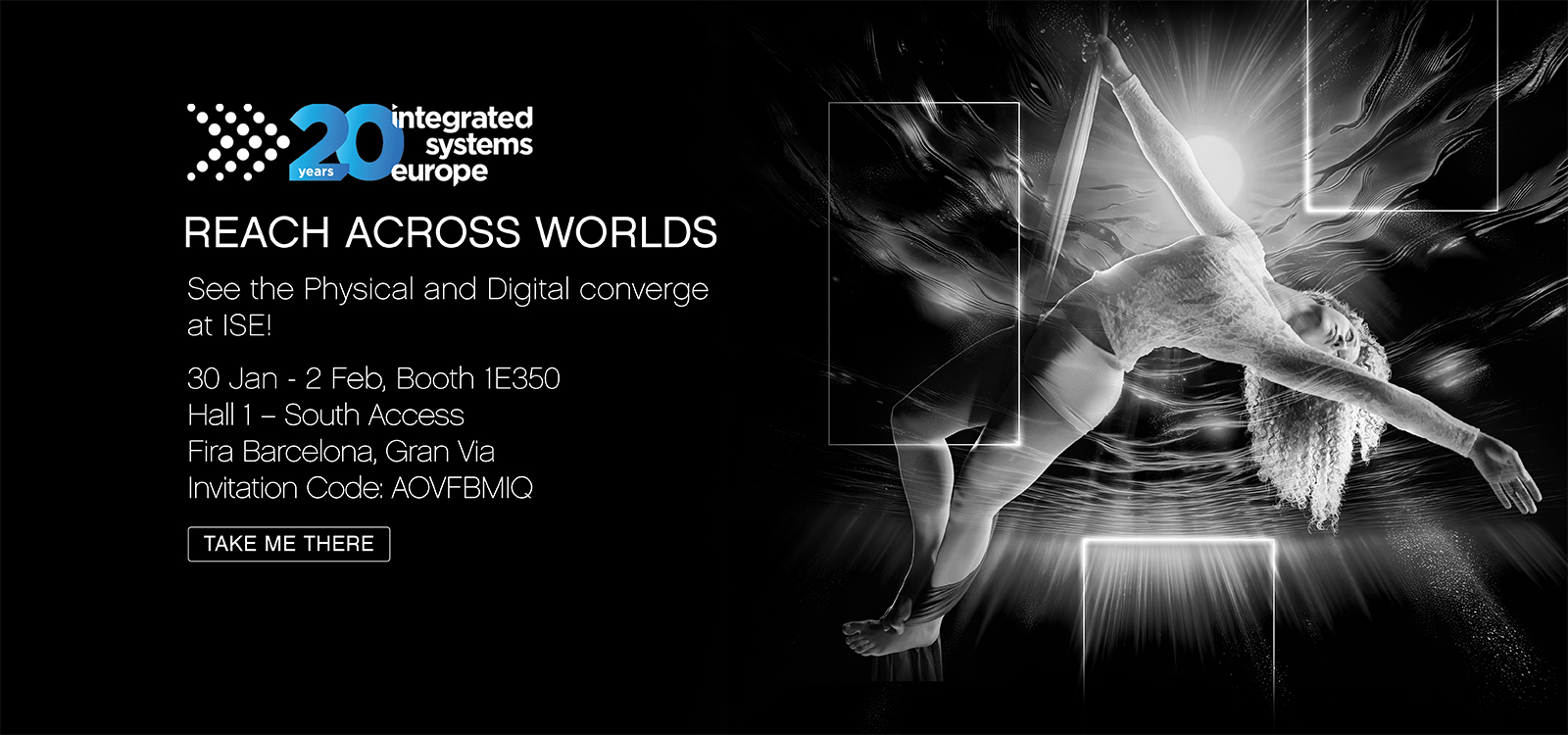
30 Jan – 2 Feb • Hall 1
Booth 1E350• Fira Barcelona
Invitation Code: AOVFBMIQ

Take IP65 versatility and individual
tilt and zoom to the power of twelve

Modern full color LED blinders
with classic tungsten Red Shift

Instantly shift from intense strobe
to smooth color block eye candy

All of our Ovation Rêve advancements
in an all-weather motorized fresnel

Next-level performance and
compelling on-camera realism

Our UK Roadshow returns in February 2024 featuring the latest releases from CHAUVET Professional and our sister brands ChamSys and Iluminarc.
Join us to demo our two newest outdoor-rated Ovation models – Rêve F-3IP Fresnel and Rêve P-3IP Par – that incorporate our popular Rêve light engine in IP65 designs that handle it all. See our new REM high-fidelity video panels with integrated convex and concave curving, labour-saving tool-free locking, and wide gamut colour. Our lightweight Maverick Force and Stadium-power Maverick Storm moving heads will be there, along with the promise of new Color coming soon to our STRIKE range of stackable blinders.
Bristol • Camberley • Birmingham • Nottingham • Cardiff • Plymouth • Manchester • Wakefield • Newcastle • Edinburgh • London

This compact 2.4 GHz transceiver box can be set up to transmit or receive 1 universe of W-DMX, CRMX and RDM signals in order to operate a fixture or rig wirelessly. With a range of 650 ft. (200m) and adaptive frequency hopping, this small device offers a robust solution for wirelessly controlling both W-DMX and CRMX enabled fixtures.
Designed to be used directly with any Maverick fixture, linking the Micro T-1 TRX G6 is a straightforward operation. We have created a two-part Light Snacks series to help walk you through the process, so be sure to check out those videos. Now let’s jump into the steps and important notes to keep in mind when configuring the box and linking fixtures.
If you’ve used previous versions of the Micro T-1, one of the first things you’ll notice is the new WIFI indicator on the front panel. This new added feature is only for set-up. With WIFI on, you can access the box through the W-DMX Configurator app (downloadable for iOS and Android). With this app, you can assign which version of W-DMX or CRMX that you want to use. We recommend that you leave the box in its preconfigured G4S mode, as this allows you to operate both CRMX and W-DMX enabled fixtures, which means you can operate your CHAUVET Professional fixtures without needing to change this setting.

Our first important note: Wireless DMX communication during operation requires that WIFI mode be OFF, as the same antenna is used to transmit WIFI and W-DMX data (the steps for turning WIFI on and off are detailed in the manual).
To begin the process of linking the W-DMX Micro T-1 TRX G6 to a Maverick fixture, first power on the box using the on/off switch on the side of the device. This can be done when operating with battery power or when connected to mains power. Once powered on, you will see the signal indicator illuminate. Make sure that you are in TX (transmit) mode. Then plug in the DMX cable from your DMX source.
For the next steps, we will configure the Maverick fixture before coming back to complete configuration of the box. On your Maverick fixture:
And now for our second important note: If there is no DMX signal coming into the box, it will not connect to the fixture, so be sure the DMX cable connected to the box is receiving from a DMX source.
Returning to the box, check again that you are in TX mode, then press the Red button for one second to activate the LINK function (confirmed by a blinking LINK indicator). As soon as the link is successful, you will see the fixture react.
Please note our third important point: Holding the Red button for longer than a second will unlink the fixtures. Here is the process for linking and unlinking:
To unlink the box from the fixture, hold the Red button down for 3-4 seconds, and you will see the display on the fixture revert to a white wireless signal icon with a question mark. Holding the red button again for one second will re-link and the fixture display will again show a green wireless signal icon.
Now that you’ve been introduced to the basics of this versatile new box, be sure to refer to its product page and user manual for more in-depth information:
https://chauvetprofessional.com/products/w-dmx-micro-t-1-trx-g6/

Notes on TX (Transmit) and RX (Receive) modes:
The male DMX connector on the box is set up for Transmit mode. When using Receive mode, a gender conversion adapter will be needed (easily found in the marketplace).
To change from TX (Transmit) mode to RX (Receive) mode:
Notes on LINK indicator behavior:
When linking fixtures:
When unlinking fixtures:
Whatever the weather brings, PowerStream 4 IP has got you covered, safely distributing available power wherever and whenever you need it.
The original PowerStream 4 provided a practical powerCON-compatible solution for using your circuit power more efficiently on your rigs. With the arrival of PowerStream 4 IP, you now have all the benefits of power-splitting plus an IP65-rated design that takes advantage of the complete interchangeability of PowerKon and TRUE1 style IP65 connectors.
As we know, these 20A locking mains connectors are designed with breaking capacity, in order to connect under load or live. Hot plugging into PowerStream 4 IP is no problem and gives you safe and immediate access to power in the rig.

Let’s do a quick run through the other benefits of this useful device:
Rigging: The main benefit of deploying PowerStream 4 IP in the main power feed is that it helps reduce the need for additional cables, but its design also makes rigging a breeze. PowerStream 4 IP was designed with production rental houses in mind and comes with multiple rigging options for hanging in your rig. Easily clamp mount to truss with its M12 threaded insert and safely secure by attaching safety cable to its built-in rail.

Managing cable runs regardless of fixture design: Incredibly enough, not all fixtures come with both an IN and OUT power connection. When you have fixtures in your rig that don’t have power-linking, PowerStream 4 IP is a must for keeping cable runs neat and clean.
Weather-proof reliability: It may only weigh three pounds, but PowerStream 4 IP is built to last and housed in a compact aluminum die-cast body built to go anywhere.

One thing you’ll need to remember: if you’re not using a connection on PowerStream 4 IP, be sure to close its cover in order to maintain its IP65 characteristics. And the one thing to never forget: Always do the math. Make sure to allow some overhead when calculating the total power draw from your fixtures so that you don’t exceed rated amperages. Keep that in mind and this ingenious IP65-rated power distribution box will keep you covered when it comes to keeping your cable runs efficient and your gear safely rigged and powered.
Watch a live presentation of PowerStream 4 IP by a CHAUVET Professional product manager in our episode of Light Snacks that serves up useful tips about IP POWER CABLE MANAGEMENT.
SUNRISE, FL– Versatility is a virtue! The new IP65 rated COLORado PXL Bar 16 and COLORado PXL Bar 8 from CHAUVET Professional demonstrate that in convincing fashion, delivering a wide range of performance features, such as seamless pixel pitch between fixtures and fast, smooth motorized tilts up to 200ﹾ whether used indoors or out.

“We developed this fixture in response to customers who wanted a motorized IP65 rated batten that could be used outdoors at remote broadcast sites, festivals, and amphitheaters, as well as at indoor applications,” said Albert Chauvet, CEO of Chauvet. “This versatility translates into a faster ROI for our customers.”
Regardless of where it’s used, the COLORado PXL Bar16 is loaded with features that will greatly expand creative possibilities for lighting designers, such as its 60ﹾ, 180ﹾ, and 200ﹾ motorized tilt range options. Other examples are the 5.8ﹾ to 48.8ﹾ zoom range of its 16 45-watt RGBW LEDs, and its two zones of control for pulsing effects.
The COLORado PXL Bar 8 also maintains pixel pitch between fixtures and has the same zoom range as its larger cousin. However, it has fewer pixels and only one zone of control due to its smaller size. Both fixtures also have an impressive 8,875K color temperature (at full).
Adding even greater versatility to these fully pixel mappable fixtures are their built-in effects, including virtual gobo and movement macros with separate foreground and background color control. Slotted Omega brackets make it quick and easy to hang the fixtures on truss. They can also be positioned on the ground to provide a variety of different light angles.
The latest in CHAUVET Professional’s series of IP65 rated products, COLORado PXL Bar fixtures can be controlled via DMX, sACN, Art-Net, and Kling-Net; and are also RDM compatible for remote accessing and troubleshooting.
Constructed with a magnesium-aluminum alloy, die cast aluminum and high impact polymer, the new fixtures are rugged and lightweight (The COLORado PXL Bar 16 weighs 45.6 lbs./20.7 kgs.) The fixture’s body, as well as its power and data connections, software ports, 5-pin DMX input, and TCP IP input are all IP65 rated to ensure unparalleled performance regardless of the weather.