    STRIKE Array Ultra: Visual Effects Modifiers and Custom Configurations

     As with all members of the STRIKE Array family, STRIKE Array Ultra is designed to be stackable, scalable and packed with versatile rigging options that allow you to easily create unique interconnected strobe/blinder configurations together with STRIKE Bolt 1C and STRIKE Array fixtures.

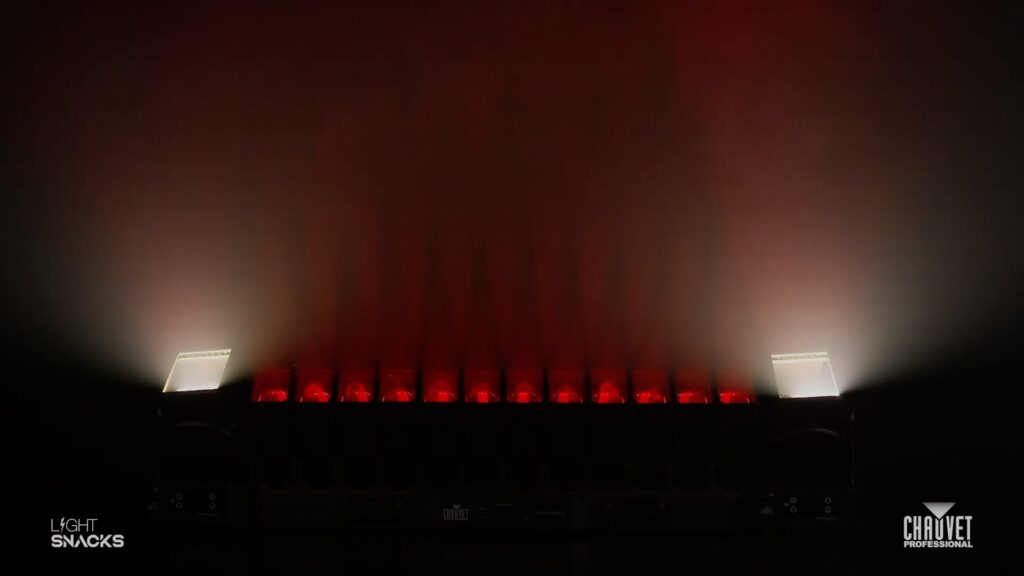
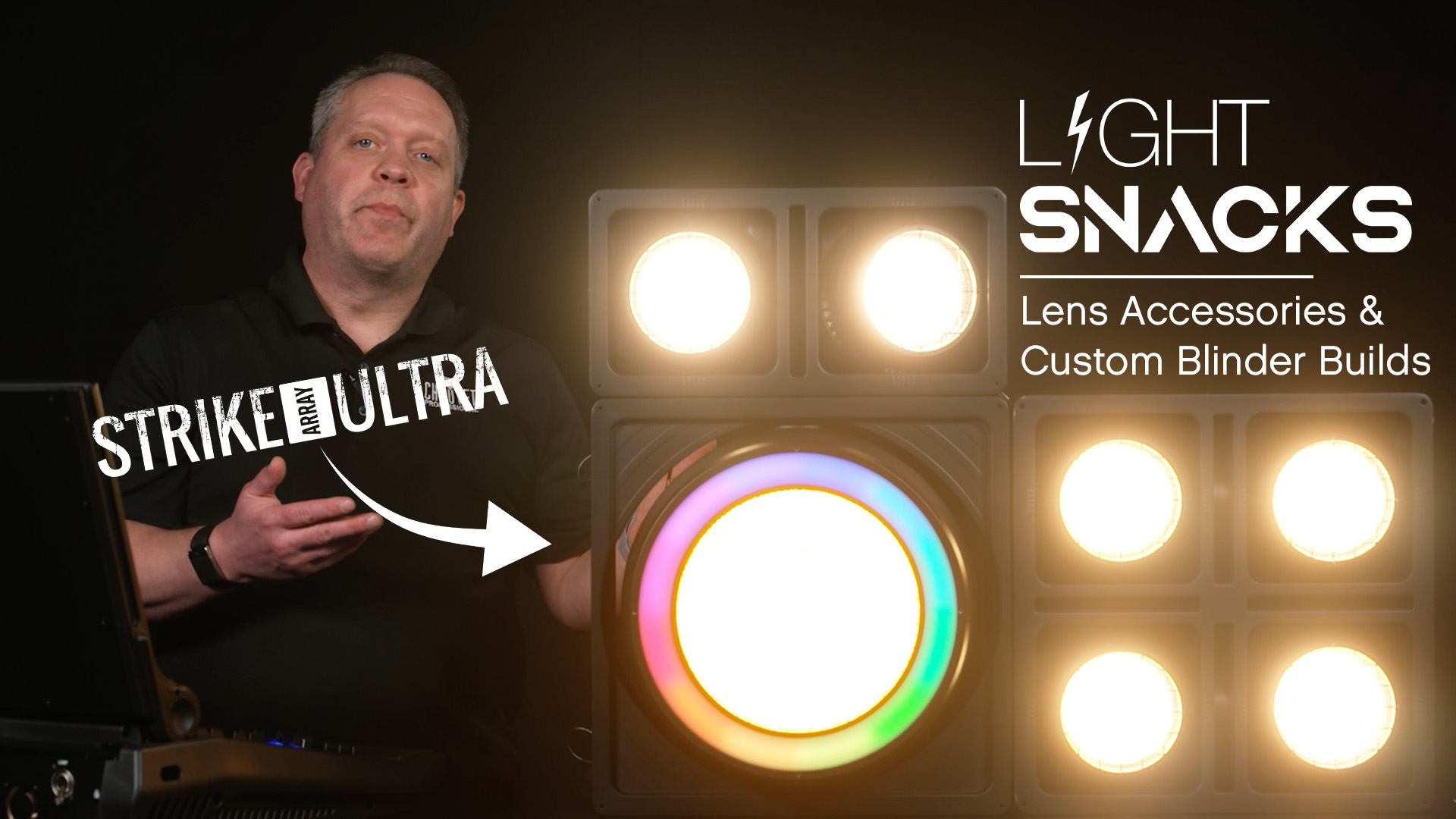
    In this episode of Light Snacks, Senior Product Development Manager Brad Haynes demonstrates how to build custom blinders as well as accessorize STRIKE Array Ultra.
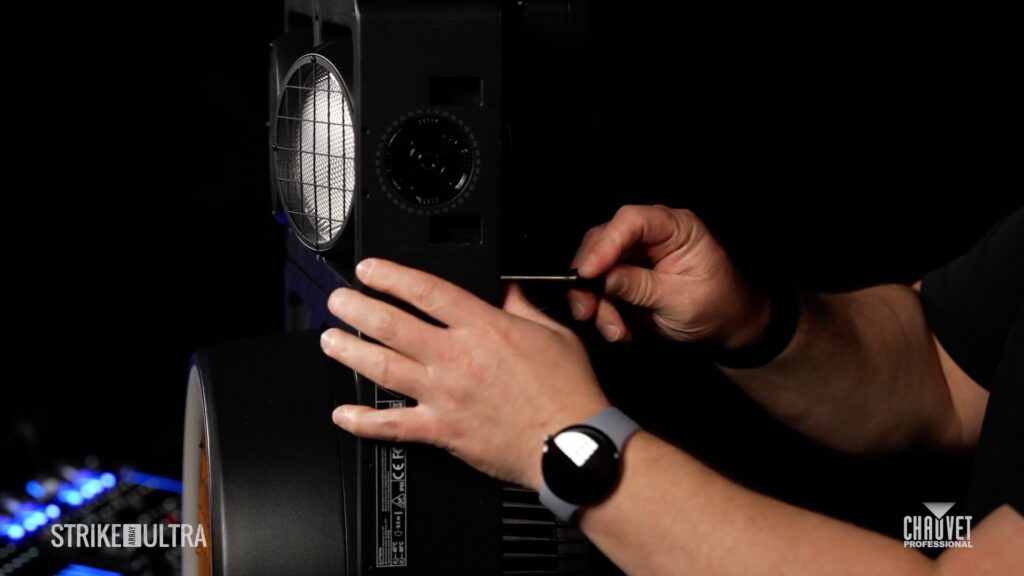
    “I’m going to take the new STRIKE Array Ultra and show you how I mount it with the STRIKE Array 2C. I just pull out the pins, clips snap up, and then I can easily place the Array 2C into the same mounting holes, put the pin back in, and then my mounting from the top stays the same, whether I want to use an Omega bracket with the yoke or continue stacking. I could expand vertically, as well as horizontally, to build whatever custom blinder configuration I’m looking for.”
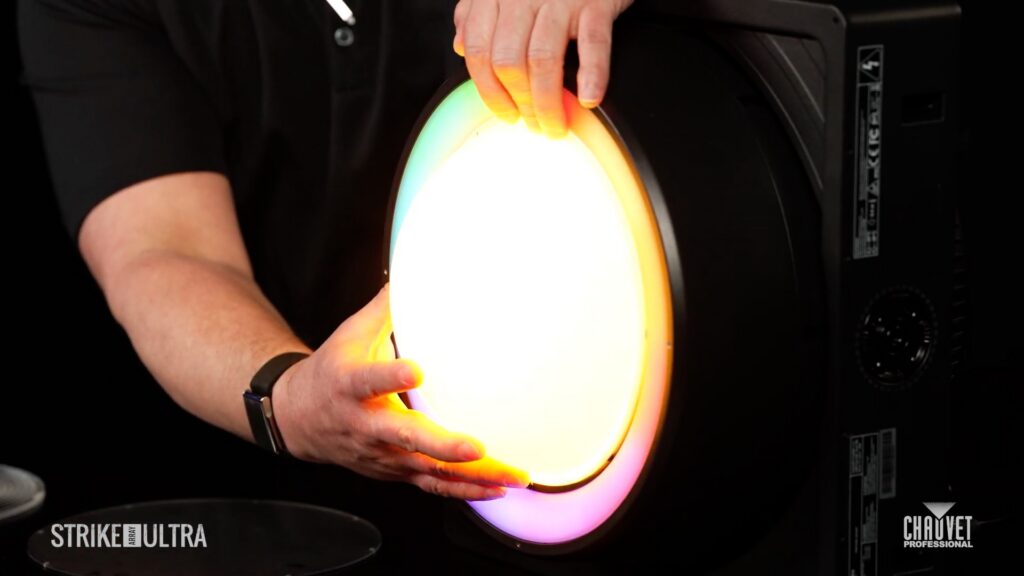
    Visual effect modifiers in the form of optional accessory lenses are another way to customize your STRIKE Array Ultra, enabling a variety of different on-camera looks, from a Fauxnel lens for direct-view fresnel emulation to a full hemispheric Translucent Dome for eye candy applications.

    Explore more STRIKE Array Ultra features and the full STRIKE family to see what makes each one a showstopper: https://www.chauvetprofessional.com/strike/

    MEET THE GEAR:
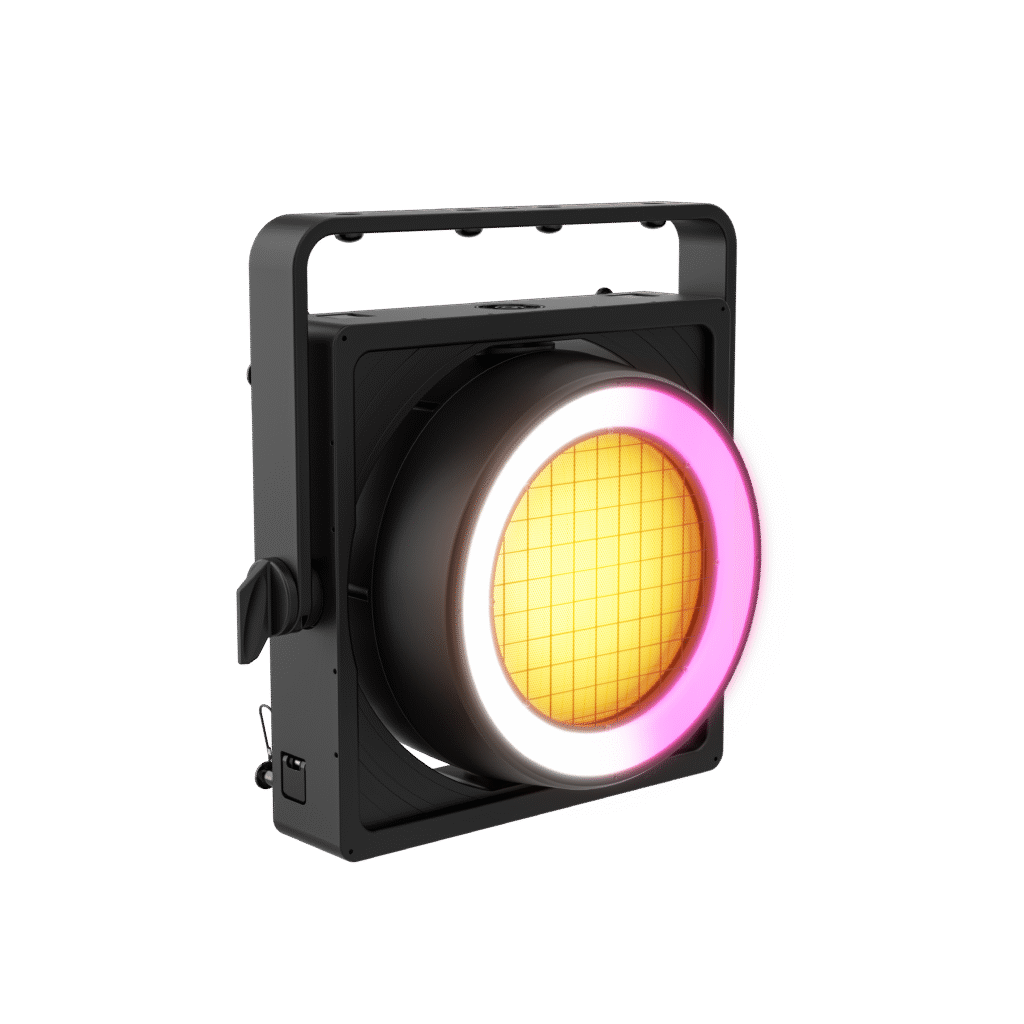
    STRIKE Array Ultra is a next-generation IP65 audience blinder that pairs a powerful RGBA-WW engine with a distinctive RGB halo ring for bold, camera-ready looks. Its high-CRI calibrated whites and filter option deliver natural skin tones and rich color on camera, while a single motorized movement axis that functions as pan or tilt, along with broadcast-optimized dimming, transforms classic blinder punch into a flexible, dynamic effects platform. Built to integrate seamlessly with other STRIKE Array and STRIKE Bolt fixtures, it scales effortlessly from clubs to full festival and broadcast rigs.
    COLORado PXL Curve 1 + 12 = Seamless Pairing in Your Rig

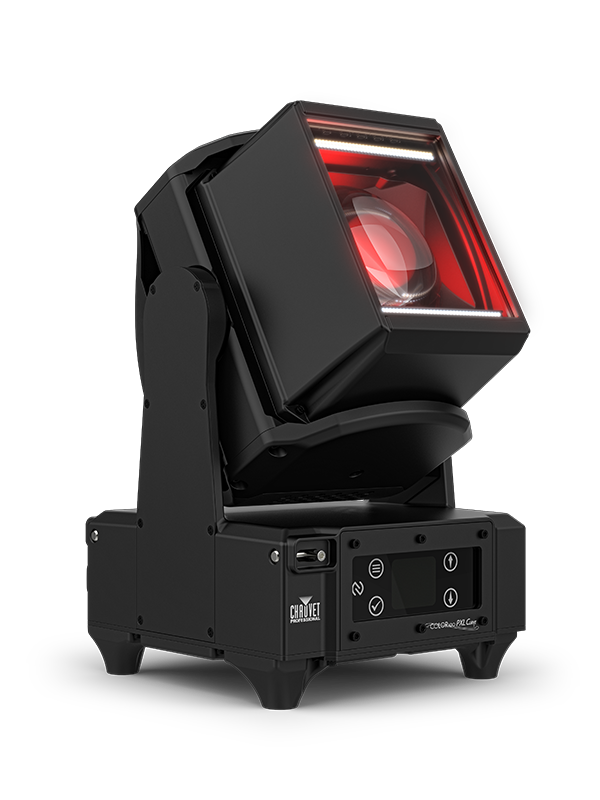
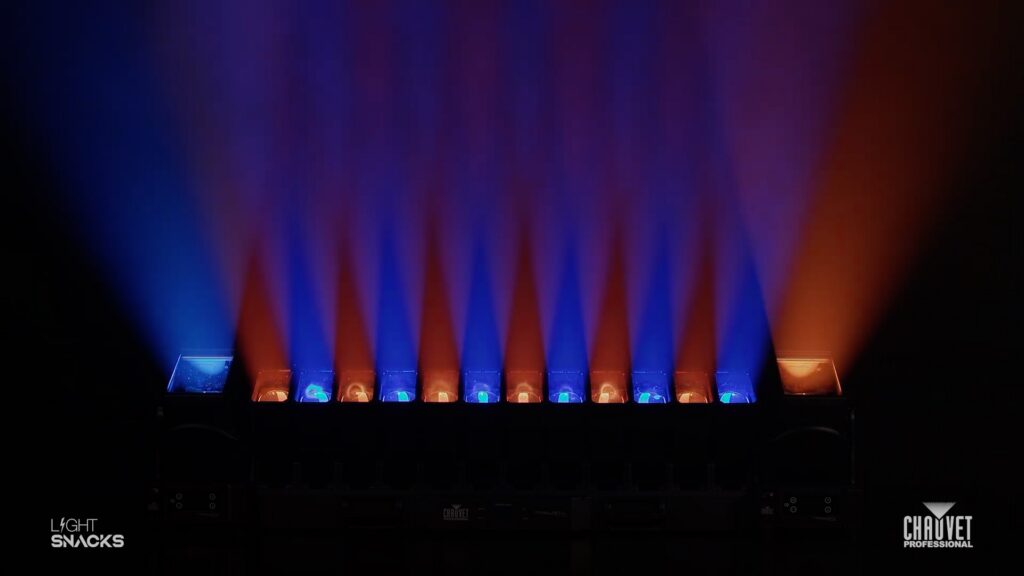
    In this episode of Light Snacks, Senior Product Manager Michael Graham explores how the new COLORado PXL Curve 1 pairs seamlessly with the popular COLORado PXL Curve 12.

    Designed with matching RGBW color engines across the PXL Curve family, these fixtures deliver consistent color output even though PXL Curve 1 features a brighter LED and larger face. That consistency makes it easy to build effects that flow smoothly across both fixtures without visual breaks.

    Adding tilt across both PXL Curve fixtures is equally smooth. Panning the COLORado PXL Curve 1 adds new looks to your PXL Curve combinations in the rig.

    For peak moments, punch up the PXL Curve 1’s warm and cool white strobe cells to build spectacular effects.

    MEET THE GEAR:

    COLORado PXL Curve 1 features motorized pan, tilt and zoom in a compact IP65-rated RGBW LED beam and wash fixture that brings the added punch of dual linear cool and warm white LED strobe cells. Designed for seamless pixel mapping with multiple fixtures, alignment pins maintain pixel pitch while its color blending and rectangular head perfectly match other COLORado PXL models in the rig. Flexible DMX, sACN, and Art-Net control along with RDM and NFC support round out this versatile addition to the COLORado PXL family.

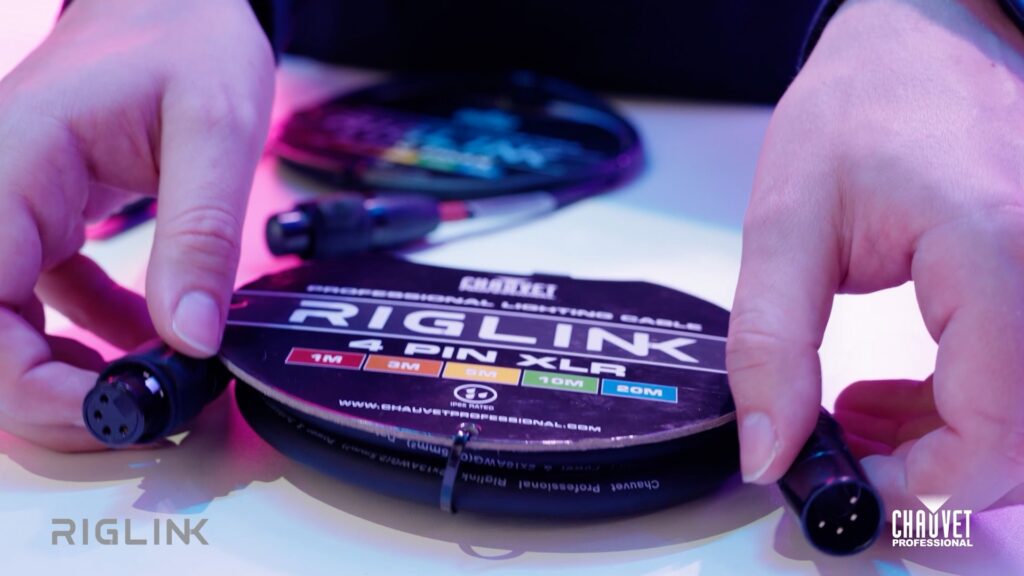
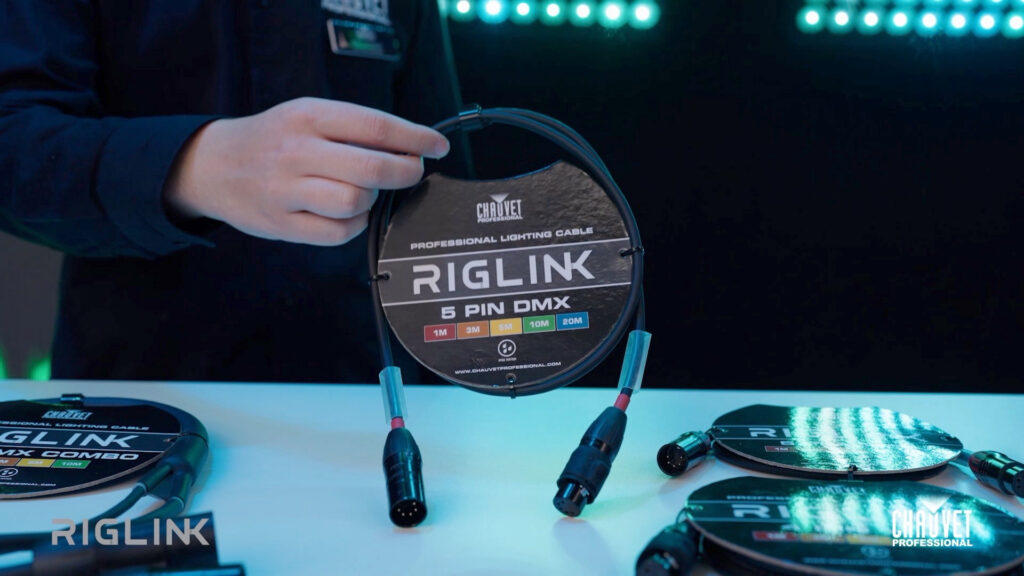
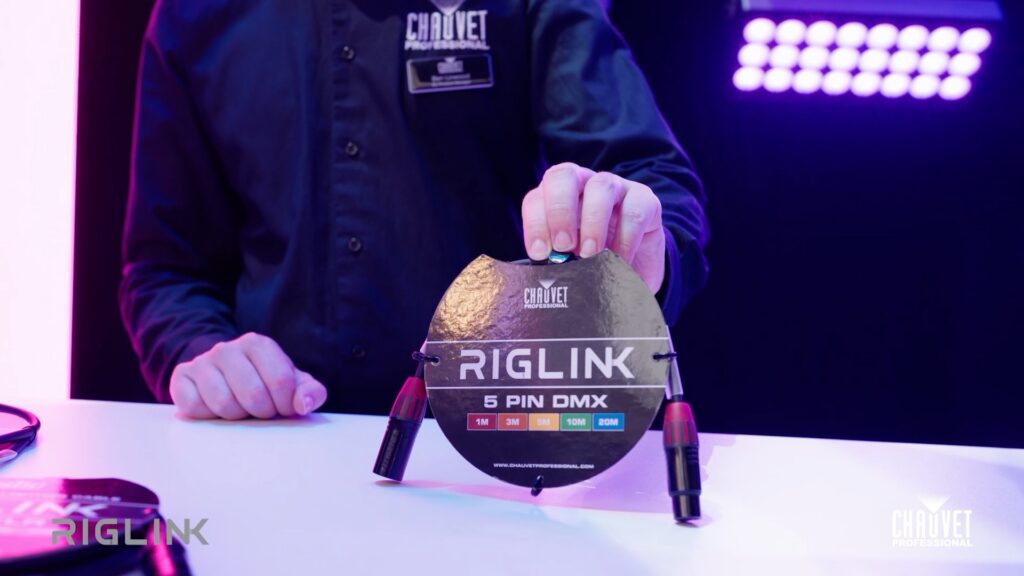
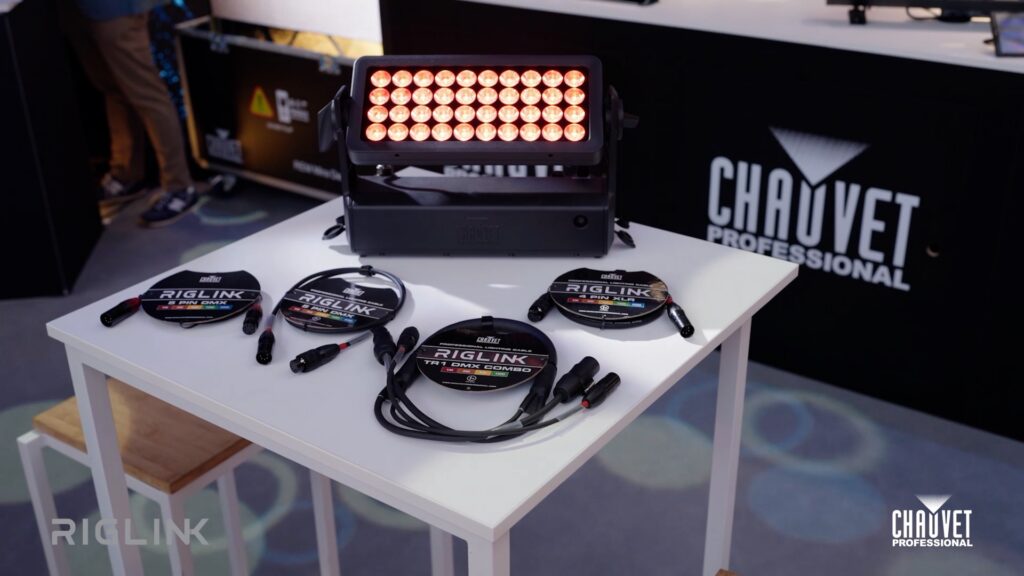
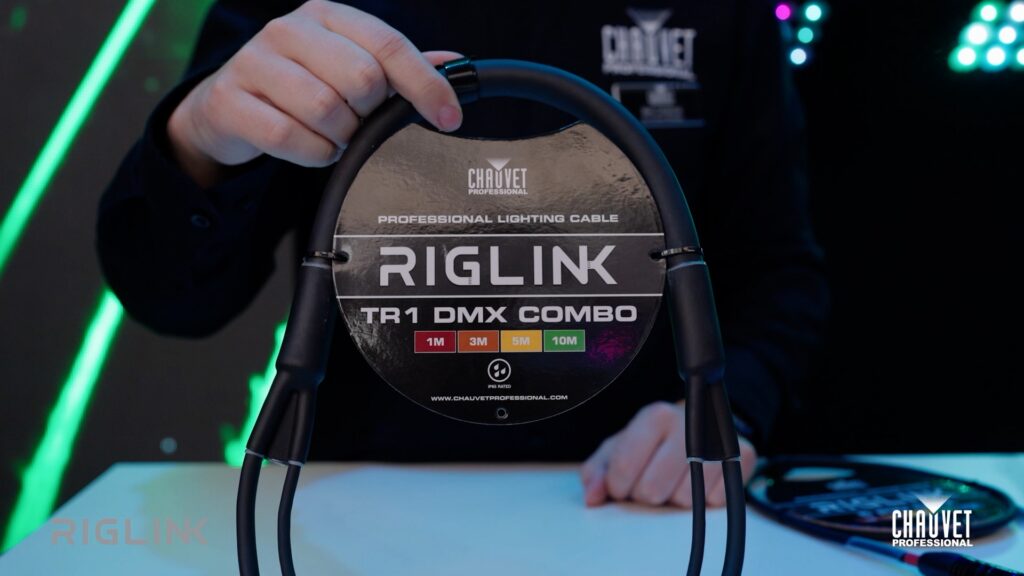
    Meet the RIGLINK line of DMX, IP65, Powerkon, TR1, and 4-pin cables.

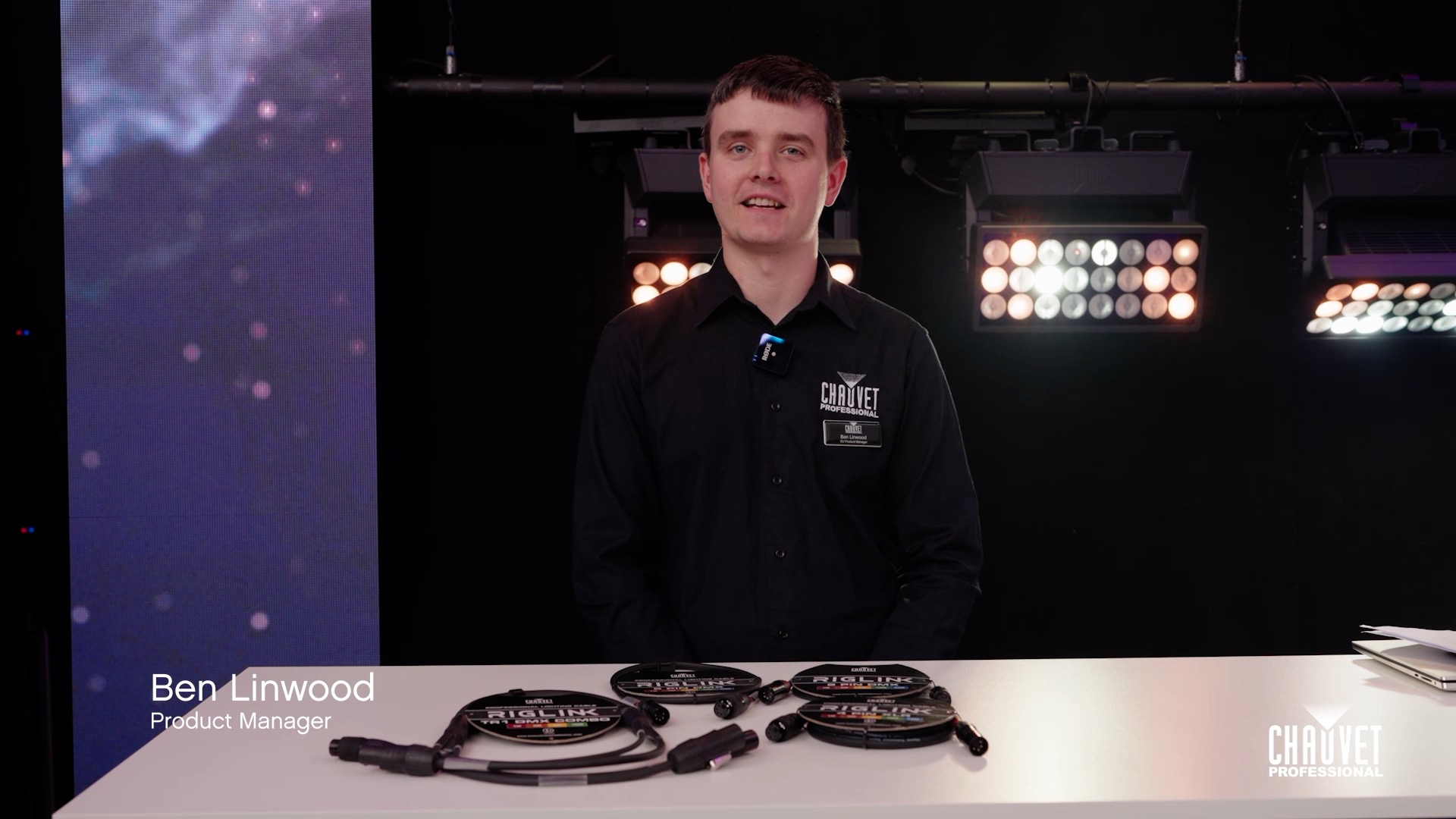
    No matter what part of the world you’re working in, RIGLINK has a cable that works for you. Product Manager Ben Linwood introduces this new family of power and data cables available in both meters and feet.

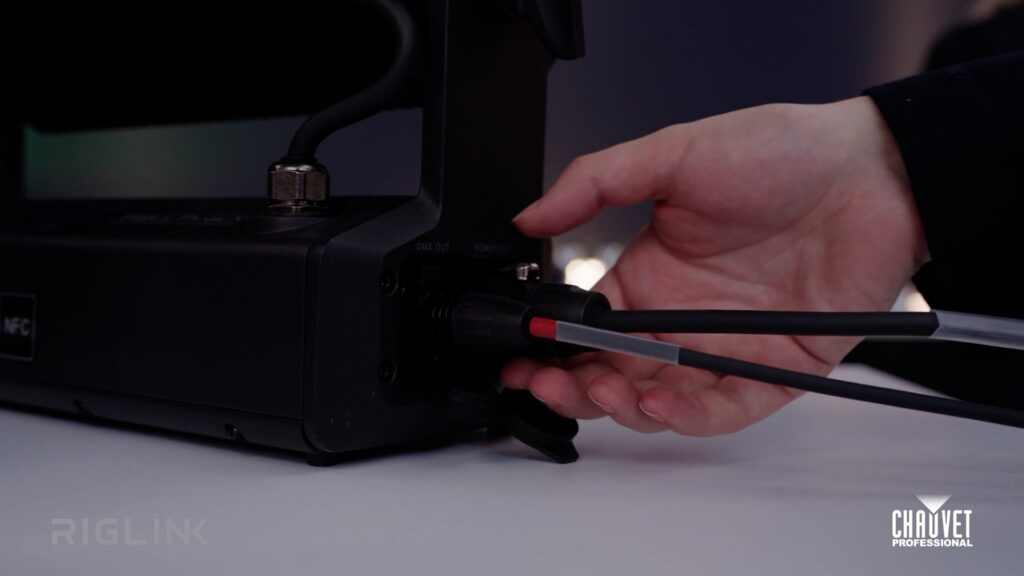
    IP65-rated Combo cables work with all standard DMX fixtures. IP65-rated 4-pin cables work with fixtures such as ÉPIX and the STRIKE Array 1. Both offer tidier cable runs by combining power and data.

    Riglink offers DMX cable in both IP65 and indoor versions, with both versions equally compatible with standard industry fixtures.

    Our TR1 power cables offer IP65-rated construction. Both TR1 as well as our Powerkon cables are copper-stranded and UL-certified. All Riglink cables feature production-grade Seetronic® connectors.

    What you get with RIGLINK:

    • Cable lengths available in both meters and feet
    • Color-coded connectors eliminate cable length guesswork
    • Certified components meet worldwide safety standards
    • Built rugged for live performance and life on the road
    • Reliable transmission and robust connection systems
    • Seetronic® professional production grade connectors

    Explore the complete RIGLINK family

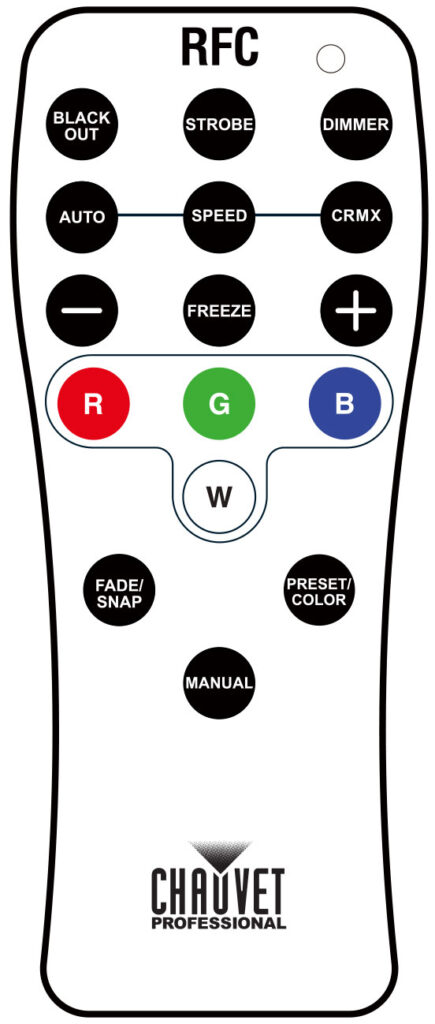
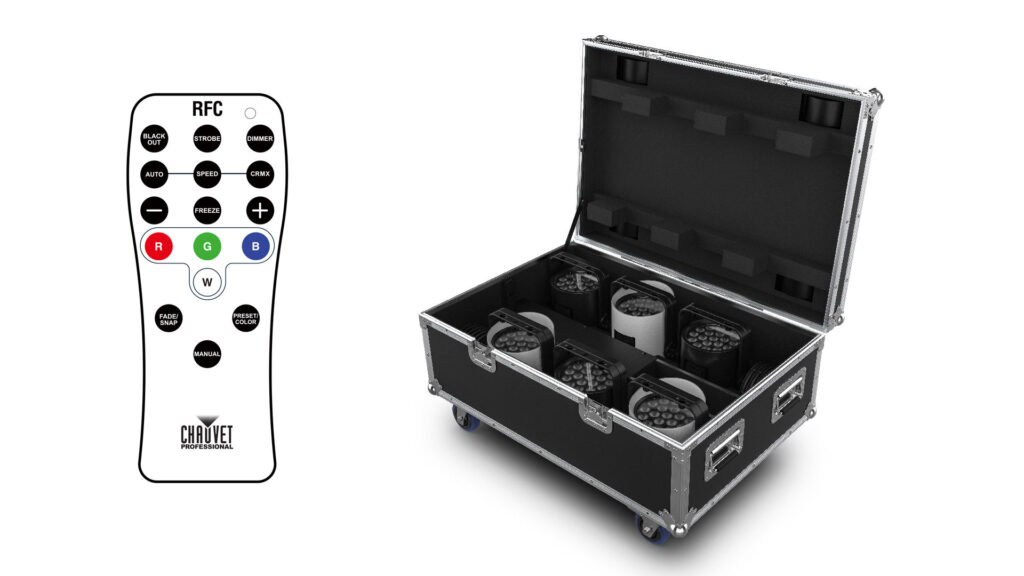
    How (and why) to use the CRMX button on your RFC remote

    Why is there a CRMX button on your RFC remote?

    CRMX is the technology that enables lighting pros to wirelessly communicate between a DMX console and the WELL CONNECT wireless transceiver without DMX cables.

    “One of the things we were asked for during the development of the new WELL series was to add in the ability to disconnect and open the fixtures for pairing for CRMX functionality.”

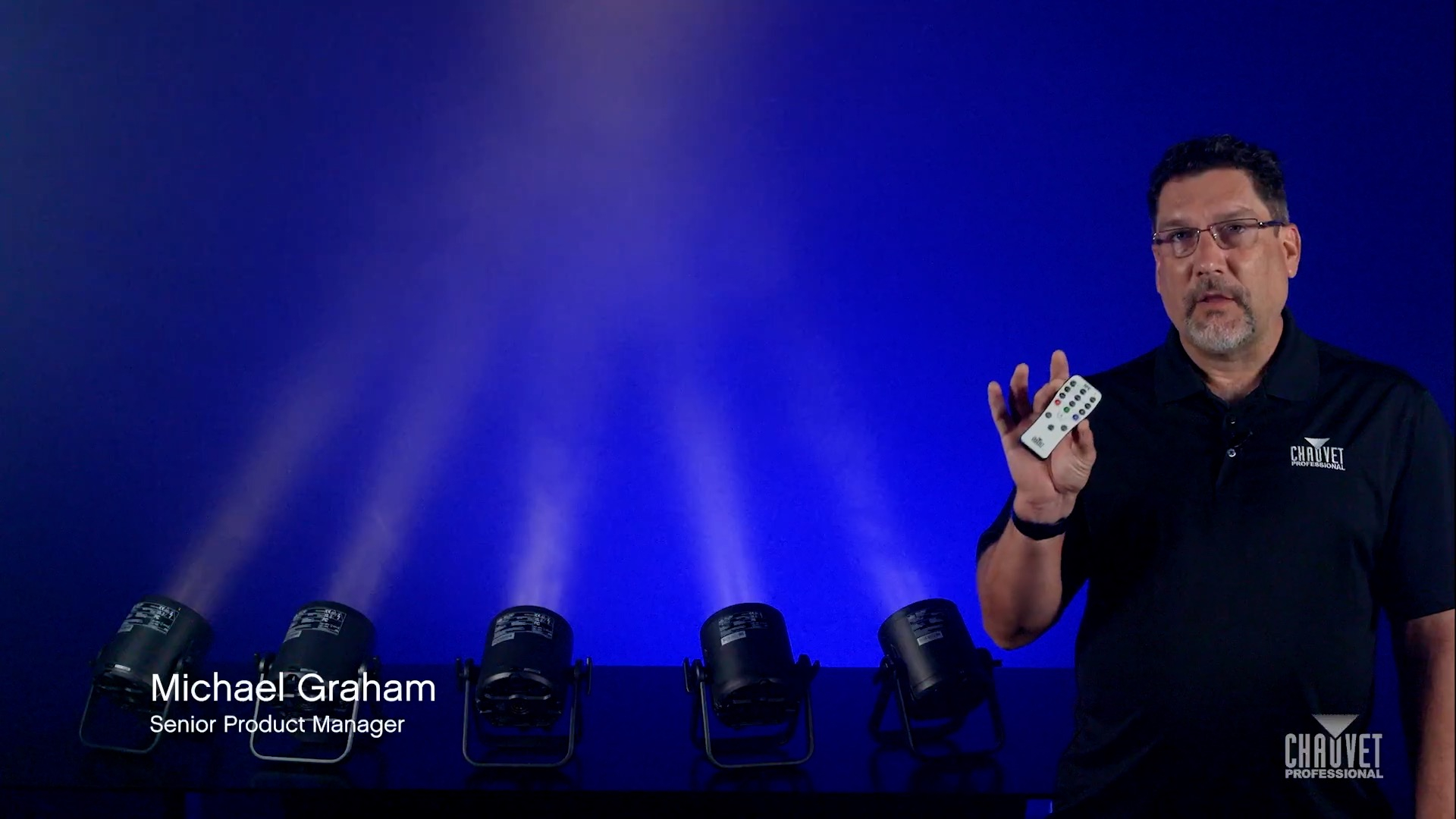
    In this episode of Light Snacks, Senior Product Manager Mike Graham demonstrates this cool new function of the RFC remote that will come in handy when using the WELL series with CRMX and WELL CONNECT.

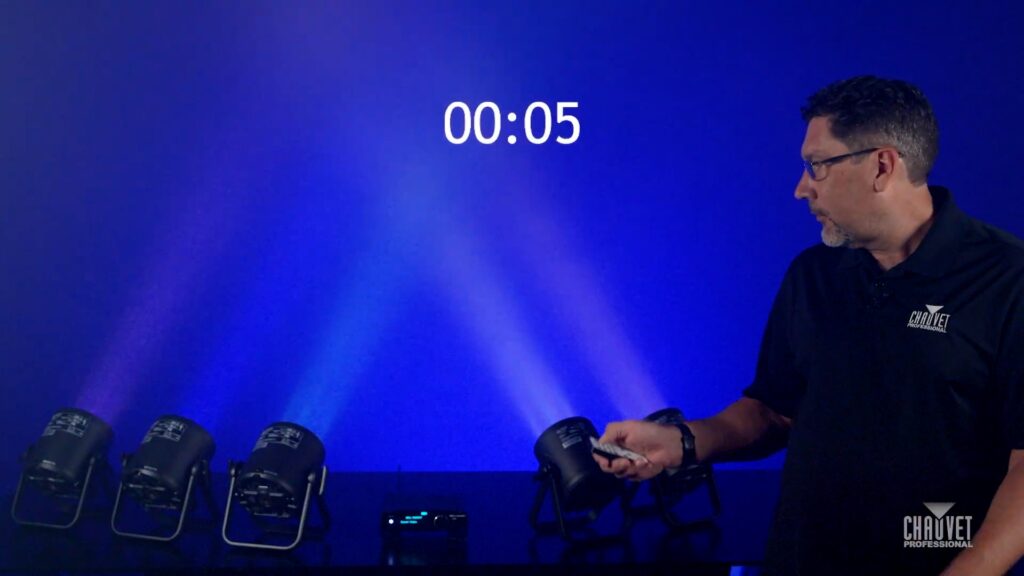
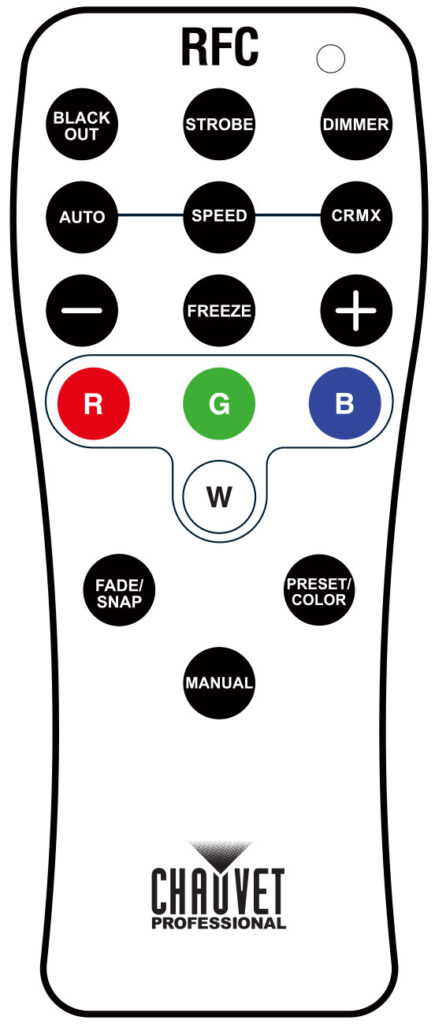
    Hold down the CRMX button for five seconds to disconnect the WELL fixtures.

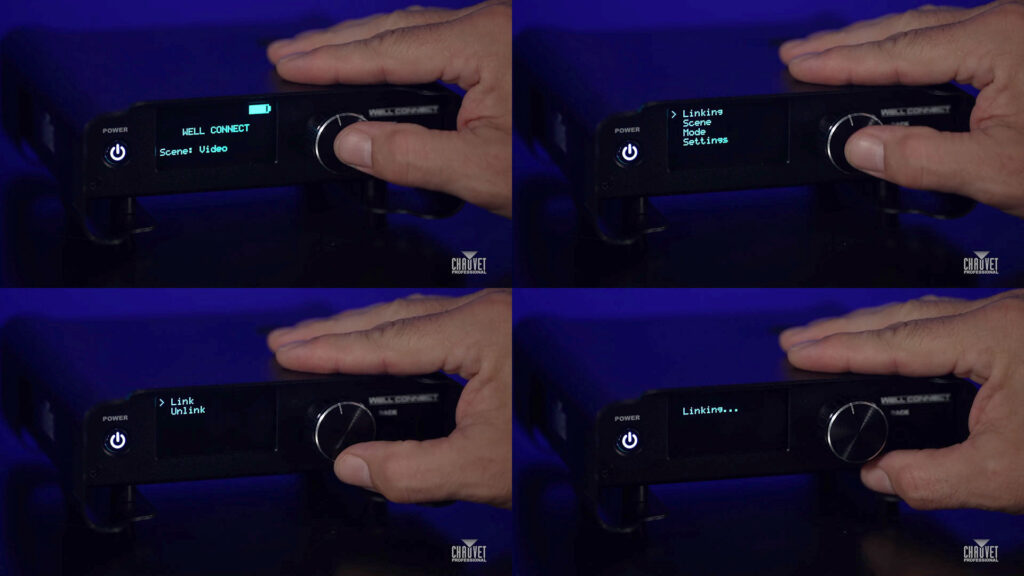
    From the WELL CONNECT menu, follow a few intuitive steps to relink the fixtures and continue your show under CRMX control.

    Meet the gear:

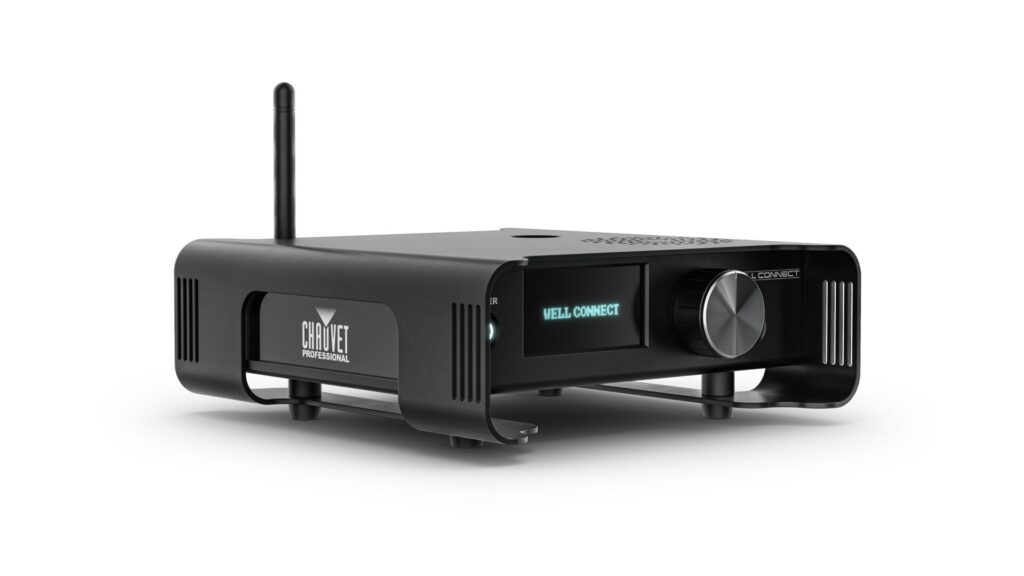
    WELL CONNECT

    Reliable W-DMX/CRMX transmission and direct playback in a rugged, professional-grade package. Designed to work seamlessly with wireless DMX as well as the ConnectFX app and RFC remote, the compact battery-powered WELL CONNECT wireless transceiver enables robust data transmission and app-driven flexibility. Whether paired with WELL fixtures or making an entire lighting system wireless, WELL CONNECT offers unmatched portability, versatility, and ease of use for event professionals and system integrators.

    Using Blackout with the RFC remote and WELL

    Using Blackout with the RFC remote and WELL

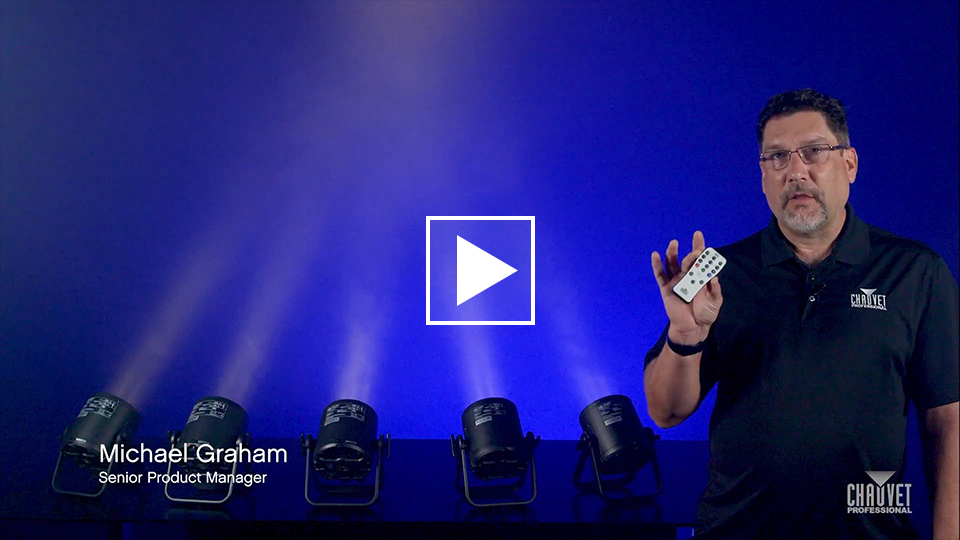
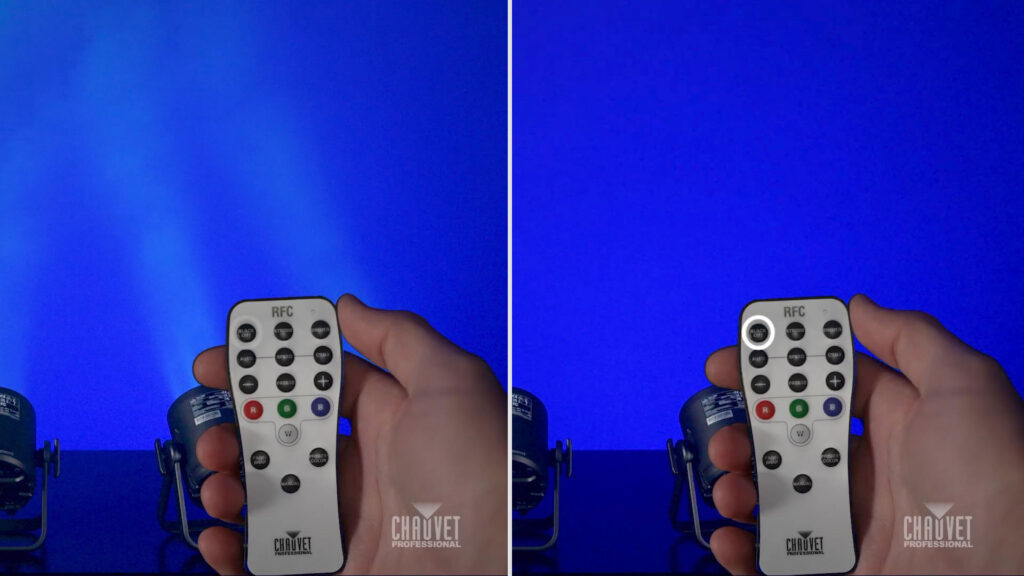
    Avoid the chaos of blackout loops by watching Senior Product Manager Michael Graham demonstrate how to effectively use the blackout feature on our handheld RFC remote control:

    Press the BLACK OUT button

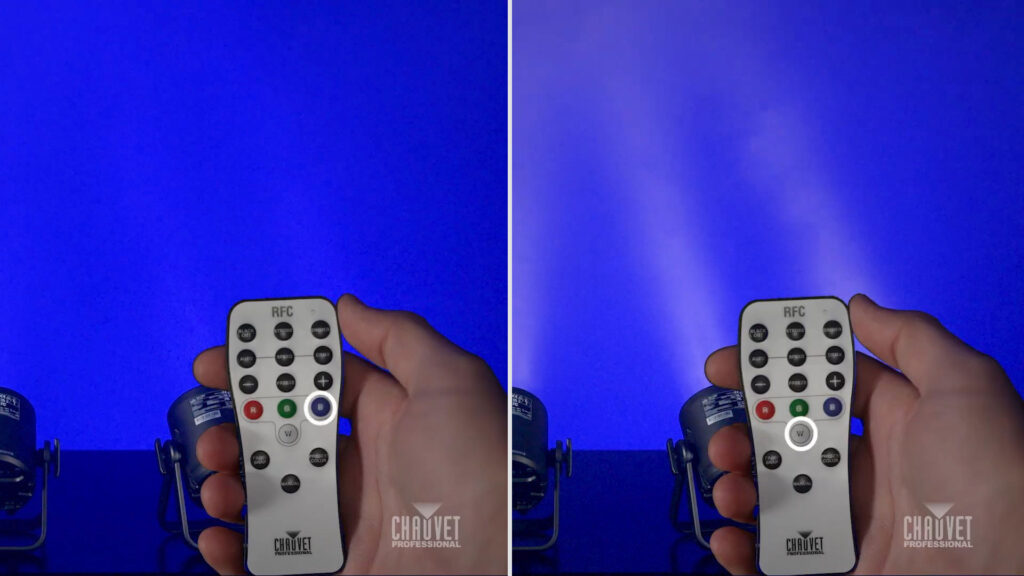
    Press a color button to restore output and select colors

    Featured in this Light Snack: WELL POD 2

    WELL POD 2 is a compact addition to any rental package, delivering great output, fantastic color rendering, and the flexibility of a PAR fixture design with a removable split yoke ideal for both truss and floor mounting. Up to 18 hours of battery life from a wash light engineered to meet the needs of lighting professionals working in environments where quick setup and flexibility are crucial. Roll into any production, indoors or out, with a road-worthy six-unit kit with built-in charging capability.

    Book a WELL POD 2 demo:

    https://www.chauvetprofessional.com/products/well-pod-2/

    Explore the WELL ecosystem of wireless, battery-operated, IP65-rated, must-have event lighting:

    https://www.chauvetprofessional.com/products/?family=well

    Maverick Force X: Engineered for the fastest sensors, cameras and displays

    Maverick Force X fixtures are compact, high-output tools built for professionals who need speed, flexibility, and broadcast-ready reliability.

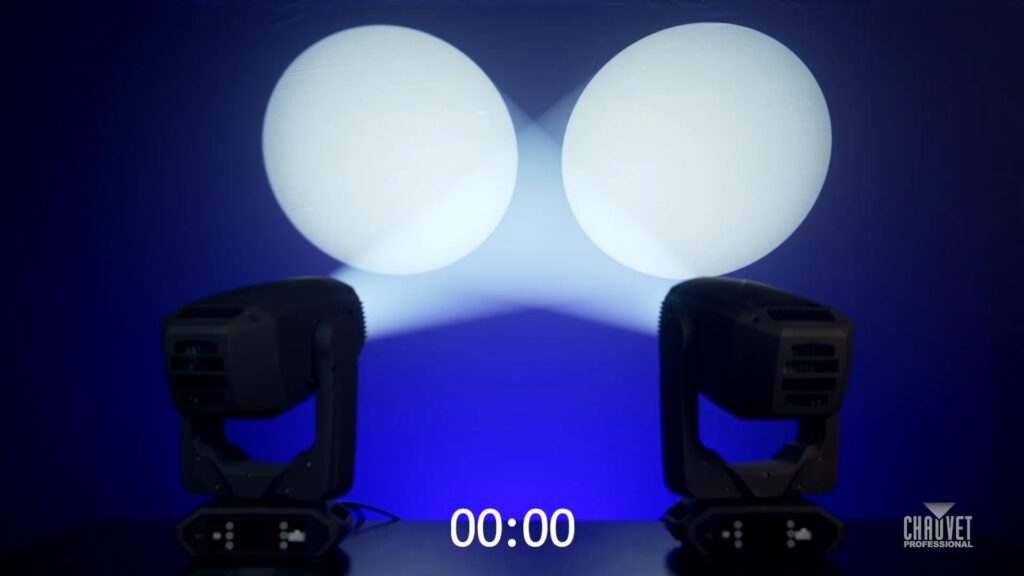
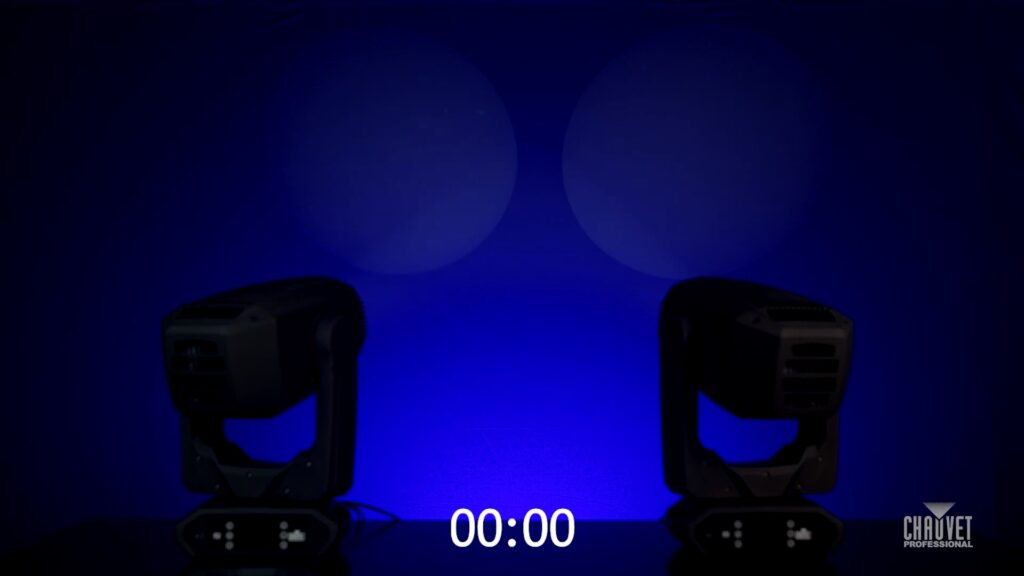
    65kHz Pulse Width Modulation frequency settings come standard on both Maverick Force X Spot and Force X Profile. Typically, with previous technologies, such a high PWM frequency would result in steppy dimming on the low end.

    In this episode of Light Snacks, Senior Product Manager Michael Graham demos the 65kHz PWM dimming that enables Force X to deliver flicker-free performance with nearly any camera, including those with the fastest frame rates, while still maintaining fantastic dimming.

    WATCH our series of Maverick Force X dimming tests for yourself, as the fixtures fade evenly to black from full output over ten seconds and then come back up just as evenly to full over five seconds.

    In the final demonstration of critical bottom-end dimming performance, Force X dims from 10% to 0% output over ten seconds to land on a flawless fadeout.

    Get the full Maverick Force X specs:
    https://chauvetprofessional.com/products/maverick-force-x-spot/
    https://chauvetprofessional.com/products/maverick-force-x-profile/

    Maverick Force X Spot & Force X Profile: Precision Color and Effects at Every Angle

    Senior Product Manager Michael Graham: “Our Force X CMY wheels reduce tear when color mixing and gives a much nicer look when doing pastels and intense colors.”

    In the first half of this episode, Mike demos the capabilities of the Force X color system:

    • Even transitions from Cyan, Magenta to Yellow
    • Smooth mixing of Amber, Blues, Light Blues and Greens
    • Independent color wheel with Red, Orange, Magenta, light CTO, heavy CTO, CTB and CRI filters

    Followed by a walk through the dynamic morphing effects and flawless focus the Force X optical system delivers at narrow, mid and wide zoom settings.
    Then GET THE FULL SPECS

    https://chauvetprofessional.com/products/maverick-force-x-profile/

    https://chauvetprofessional.com/products/maverick-force-x-spot/

    Maverick Storm 3 Profile: Crisp effects at every angle, flawless dimming at 65kHz

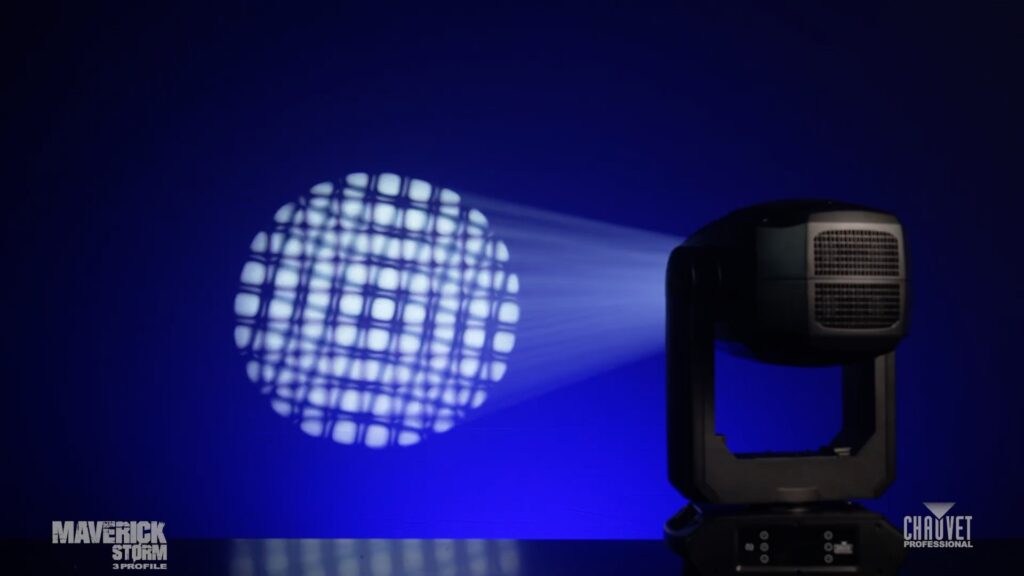
    Maverick Storm 3 Profile has a massive zoom range. Beyond offering an expansive zoom, it also delivers the ability to focus on effects at every beam angle within that zoom range.

    Dropping in a stacked gobo effect (rotating gobo + static gobo) demonstrates how choosing to focus on the static gobo vs rotating gobo results in different looks.
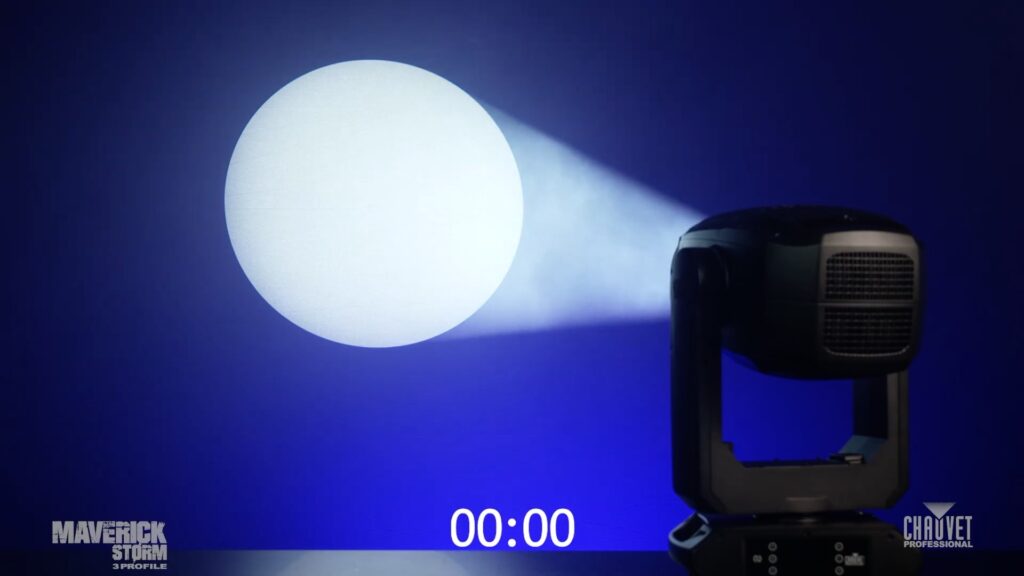
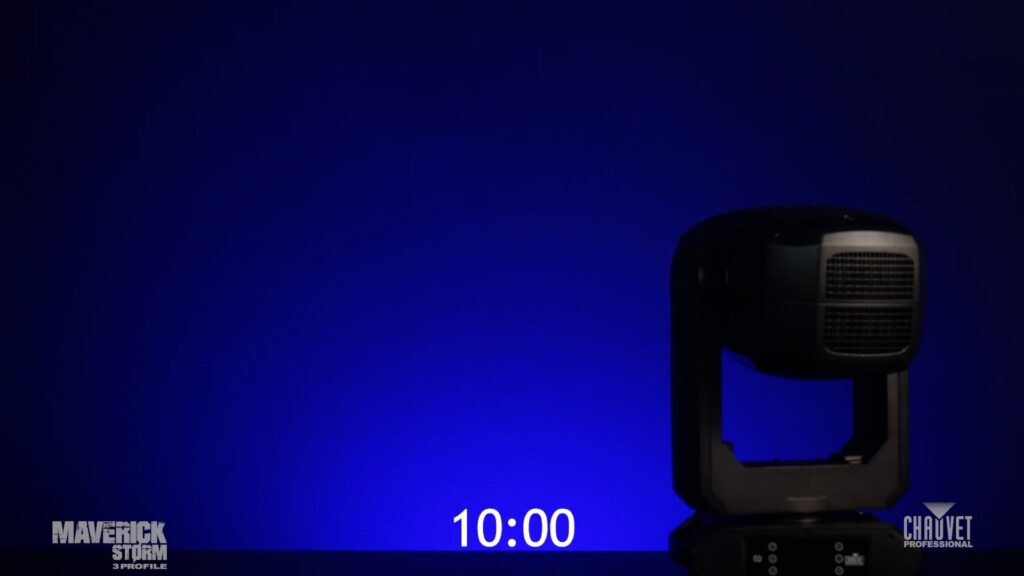
    The standard Pulse Width Modulation frequency setting on Maverick Storm 3 Profile is 65kHz. Typically, with previous technologies, such a high PWM frequency would result in choppy low-end dimming. Not now. New PWM tech achieves lossless dimming while delivering frequencies up to 65kHz to suit the requirements of even the fastest sensors, cameras and displays.
    WATCH Maverick Storm 3 Profile dimming performance for yourself, as it dims on camera from 10% to 0% output over 10 seconds with zero flickering.

    Get the full Maverick Storm 3 Profile specs:

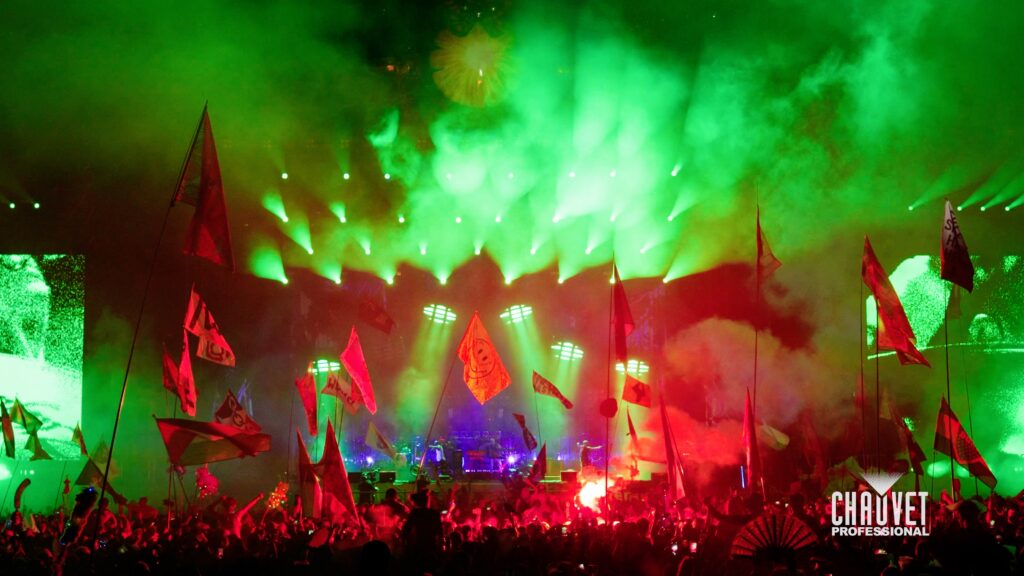
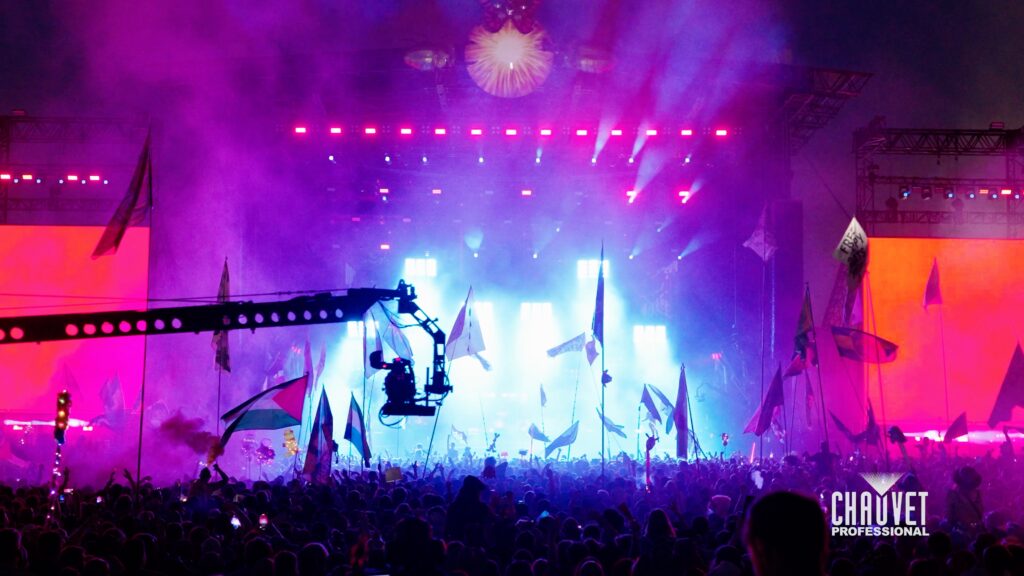
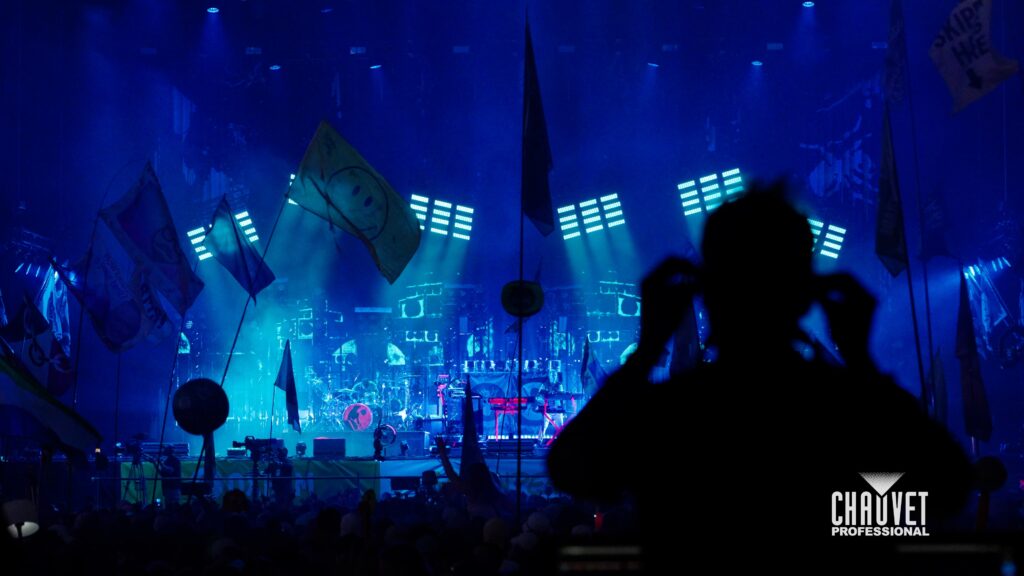
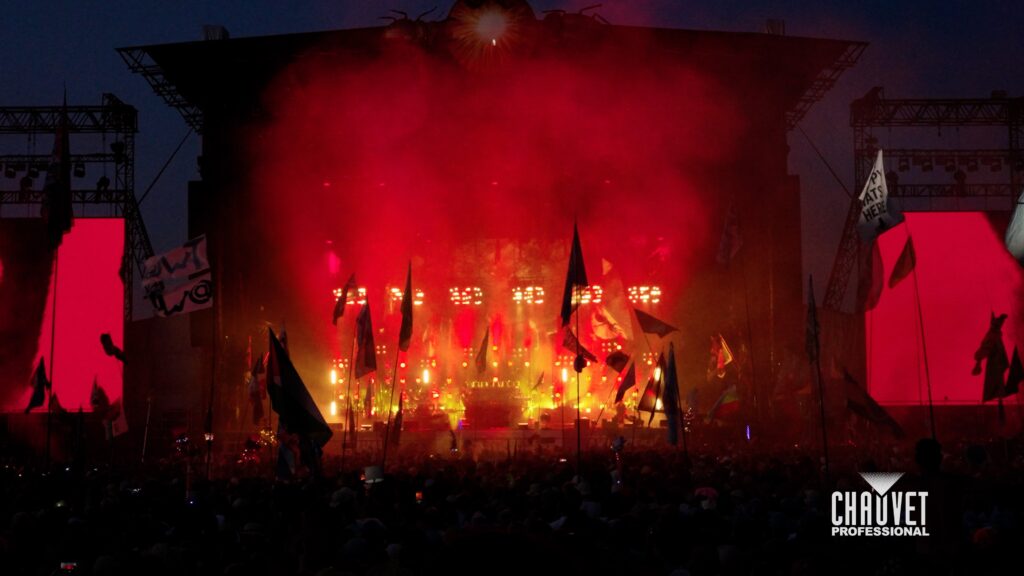
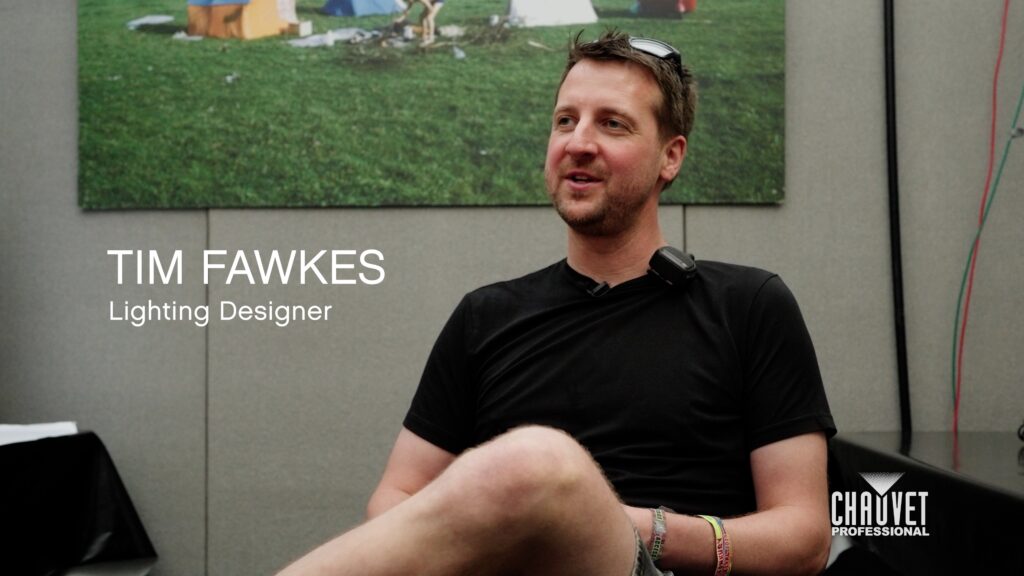
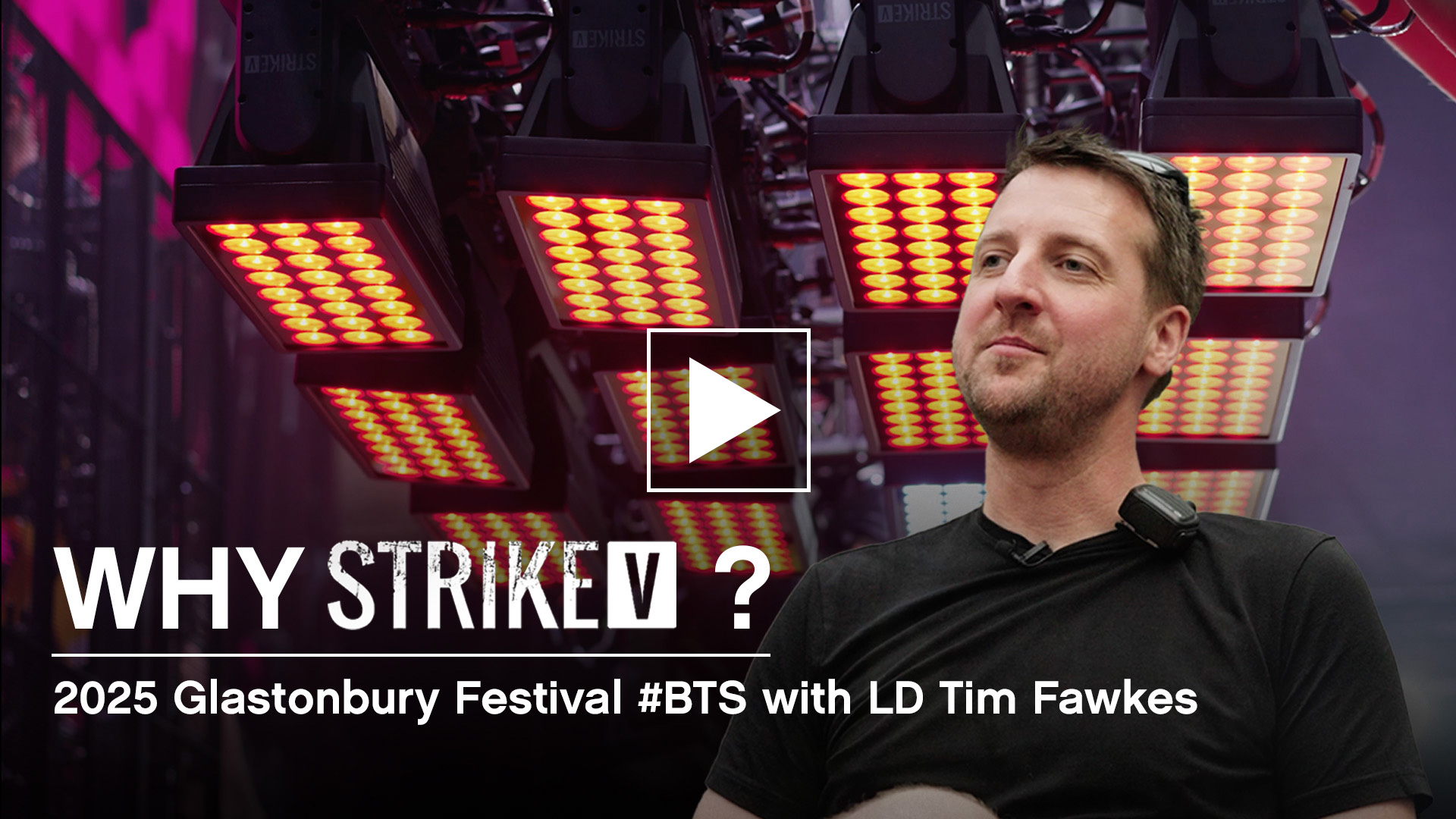
    Why STRIKE V? 2025 Glastonbury Festival BTS with LD Tim Fawkes

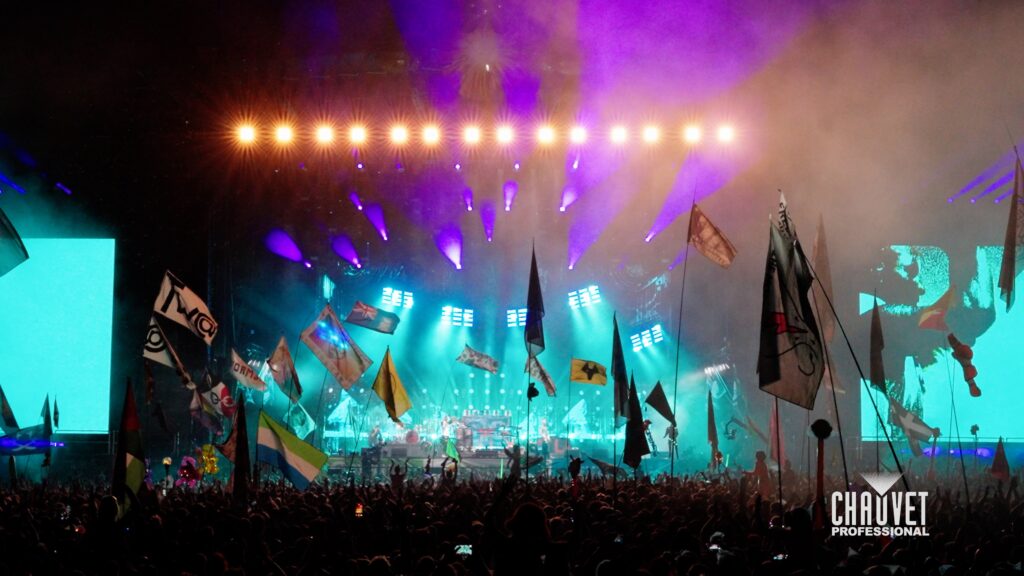
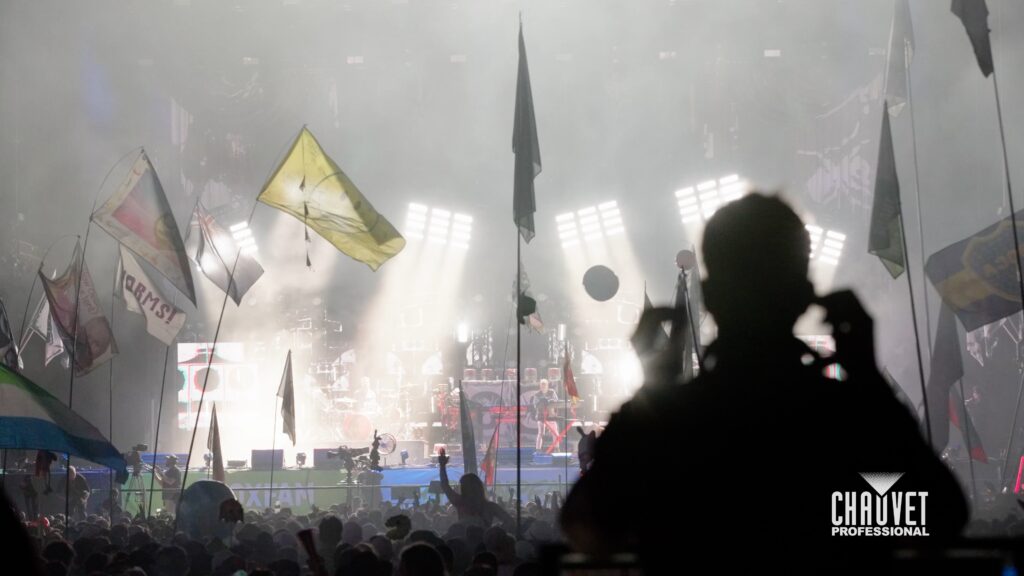
    Lighting Designer Tim Fawkes shares how STRIKE V delivered the punch to match The Prodigy’s energy on stage, whilst striking the right balance between the live festival experience and the demands of the camera.

    “My first gig with The Prodigy was in 2012. I was teching back then and have been designing for them since 2017.”

    “The Prodigy songs always lend themselves to creating big, dramatic moves in the intros and outros and breakdowns.”

    “One of the challenges of bringing The Prodigy to Glastonbury is finding a good balance between what the live audience sees and what the audience at home sees. The intensity of the live experience demands an equal response from the dynamic in the lighting, which is not always great for TV.”

    “STRIKE V was a great choice for this show because, with the electrofrosting, it has the intensity and the dispersion of a Color STRIKE M color strobe, but the native narrow beam of STRIKE V means that you can focus all of that intensity in a controlled way which looks great on camera.”

    “The LED dot also adds a secondary gear to that for those moments when you need background fill without the intensity of the main cells.”

    “Their powerful beam nature and multi-layer effect was something I quite enjoyed. To have an extra layer on a fixture gives you an extra gear of rhythm that you can create out of one light.”

    STRIKE V Light Snacks:

    Optimizing STRIKE V strobe effects for the camera

    Learn how to build offset strobe looks using the cells and dots on STRIKE V. From dialing in the frost for camera-friendly diffusion to adjusting flash rates independently.

    STRIKE V pixel mapping tips and tricks

    Whether you’re a lighting designer, programmer, or just getting started, this quick tutorial will help you learn how simple it is to pixel map STRIKE V.

    • Apply RGB pixel effects in seconds
    • Adjust frost levels for better visibility
    • Layer multiple effects for dynamic looks
    • Add movement and part control to break up effects

    Explore the full STRIKE family

    See what makes each one a showstopper.

    Bring the Clouds, Rain or Shine: Meet the Upgraded Cloud 9X IP

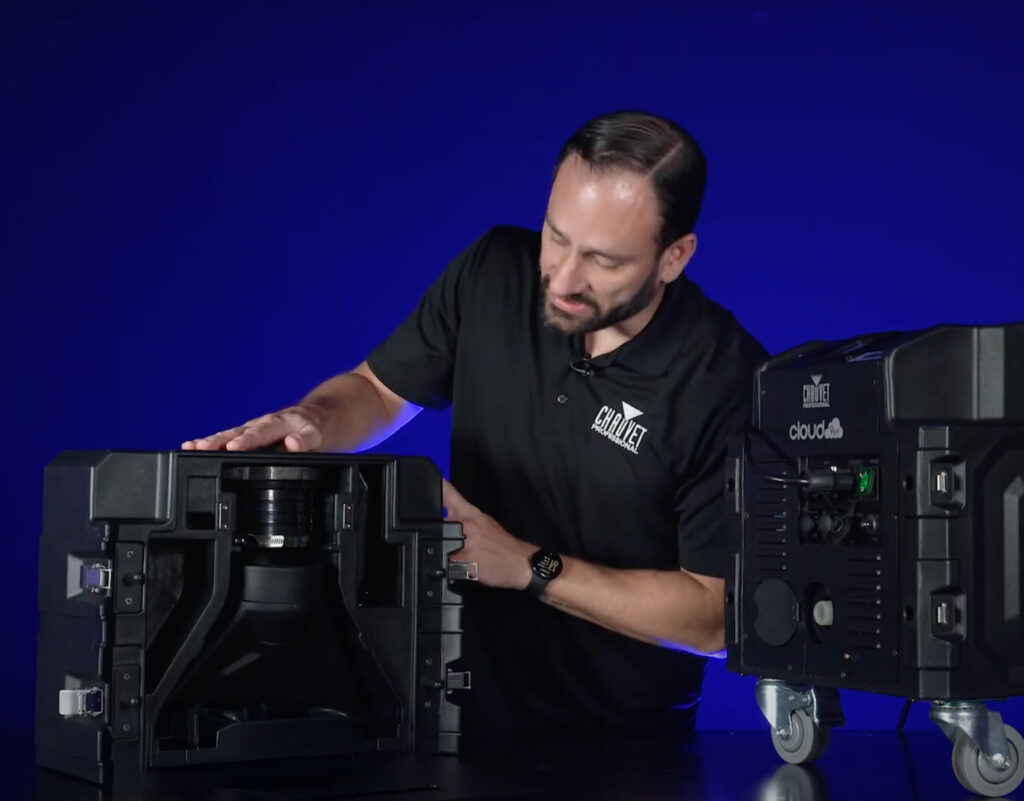
    The original Cloud 9 helped redefine low-lying fog on major stages and productions worldwide. Now, Cloud 9X IP takes everything you loved and levels it up with smarter features, a lighter footprint, and a more weather-ready build, all in a single streamlined powerhouse.

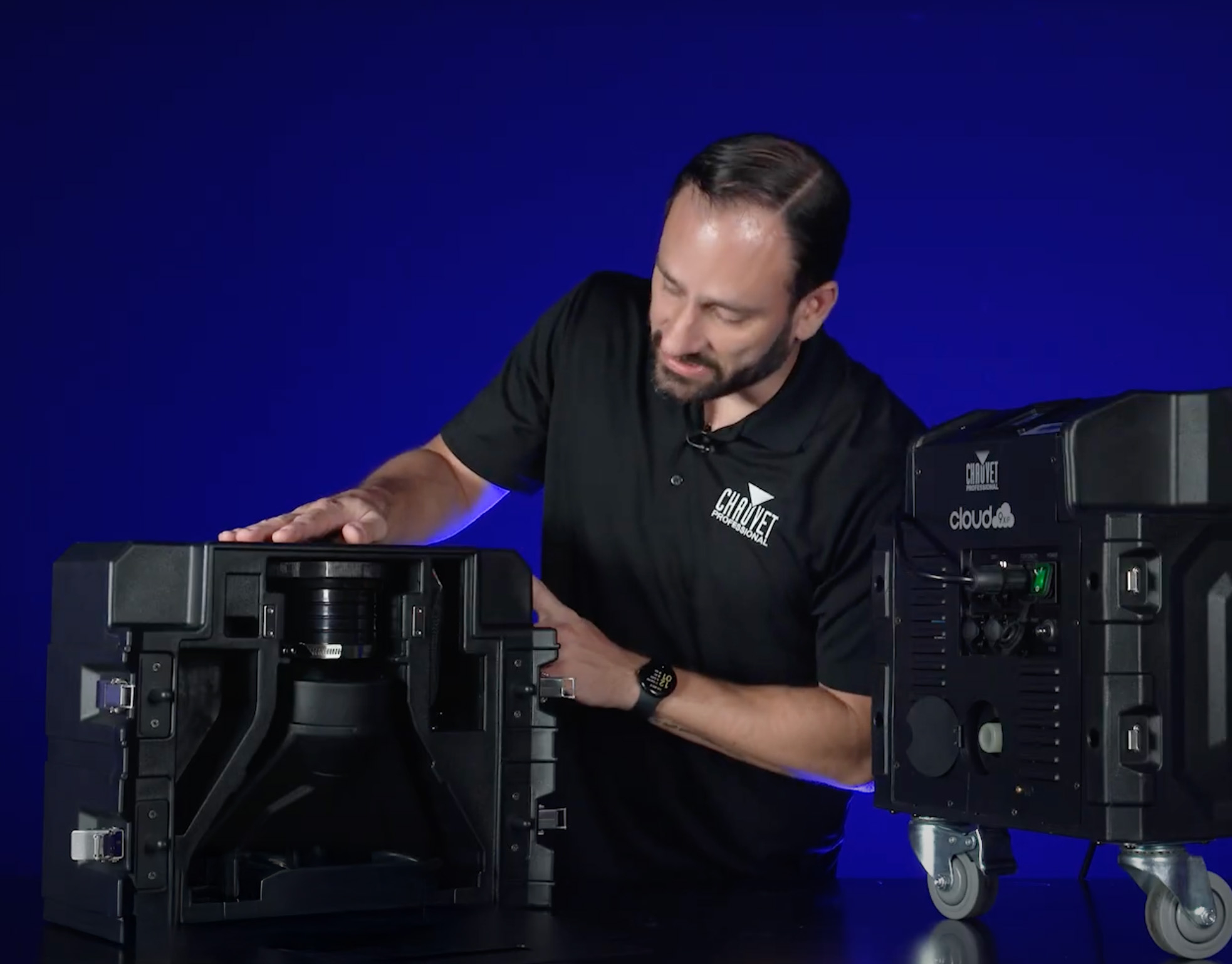
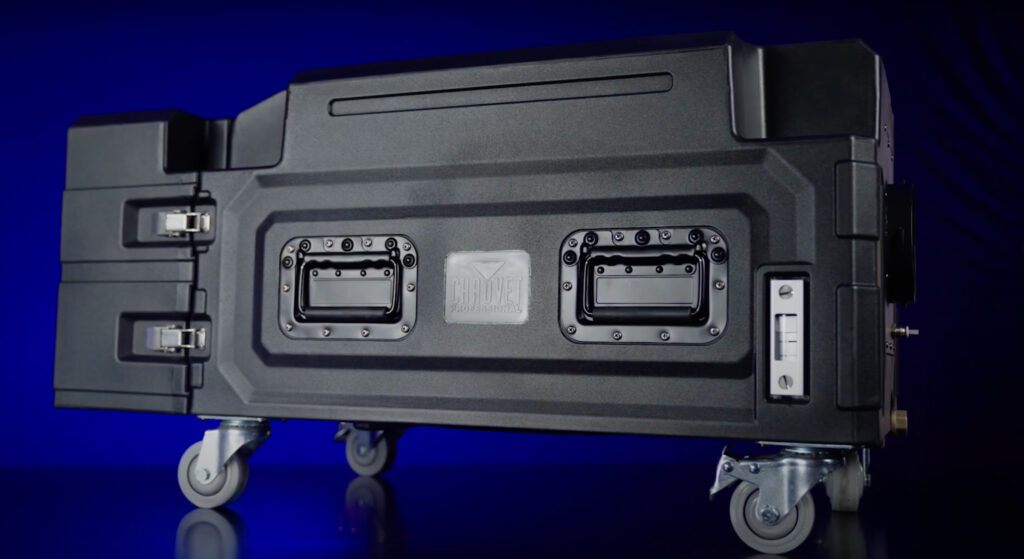
    One of the most immediate upgrades? Weight. The Cloud 9X IP has been trimmed down to around 75 lbs, compared to over 120 lbs on the previous model, making it far easier to transport, rig, and reposition in the field.

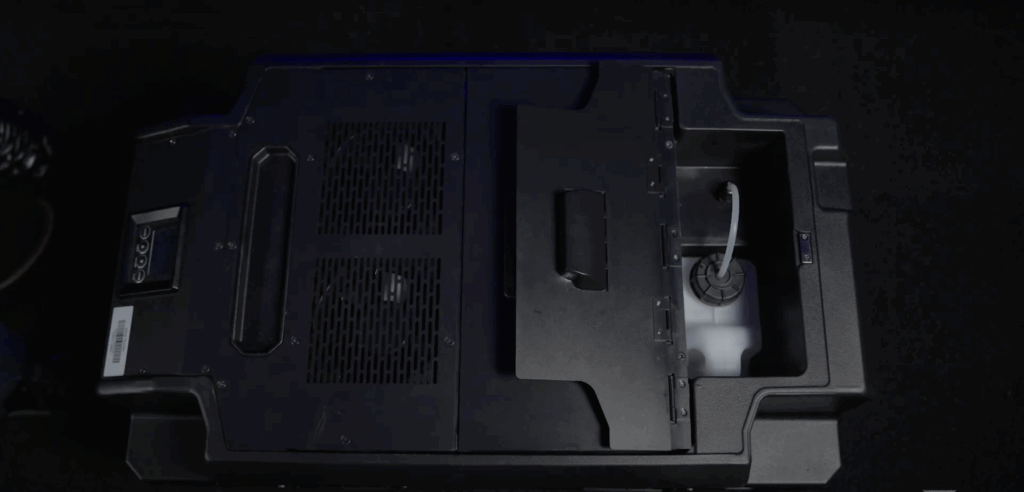
    The housing has been completely redesigned with built-in reservoirs for both water and fog fluid, as well as a clever storage compartment that houses the hose and all your essential accessories. You’ll spend less time digging through cases.

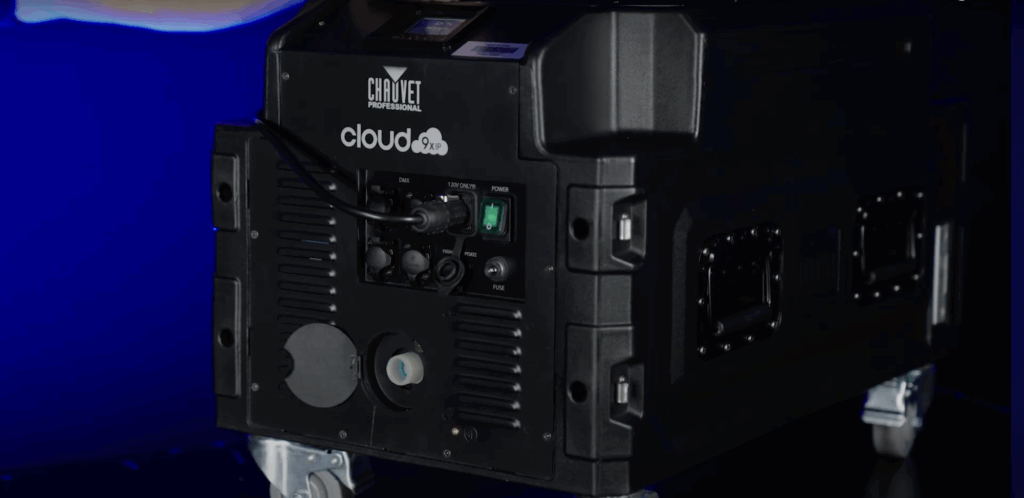
    With its IP-rated housing, Cloud 9X IP doesn’t flinch at outdoor events, damp environments, or high-traffic stages. A new garden hose input means continuous refilling is as simple as turning on the tap, no manual top-offs necessary. Just set it to auto-sense mode, and it’ll maintain fluid levels on its own.

    In the past, powering a low fogger meant dual cables and careful planning. The Cloud 9X IP runs everything through a single, efficient power cable, reducing complexity and setup time.

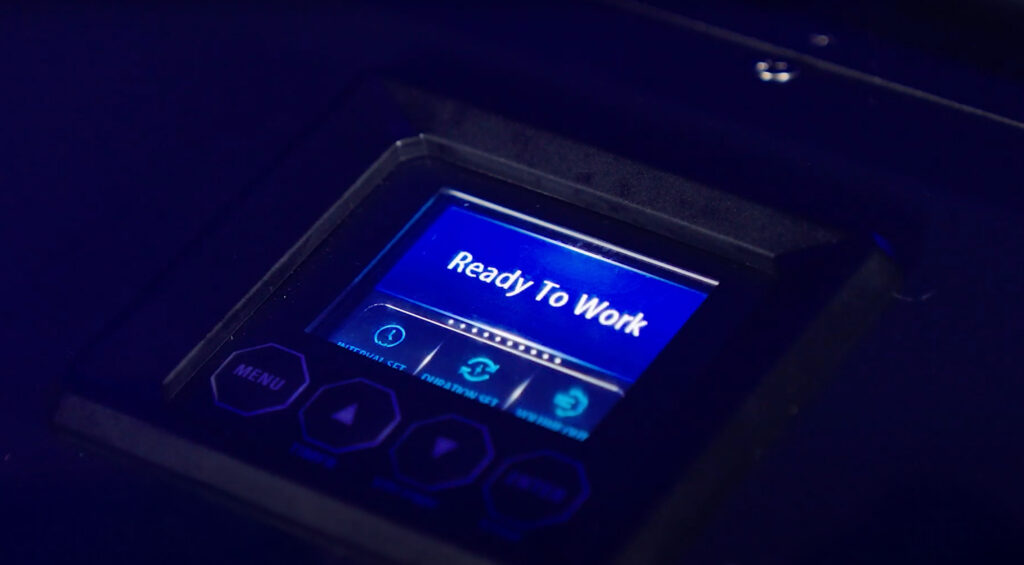
    You’ll also find an upgraded full-color display, both 3-pin and 5-pin DMX, and a USB-C port for quick firmware updates.

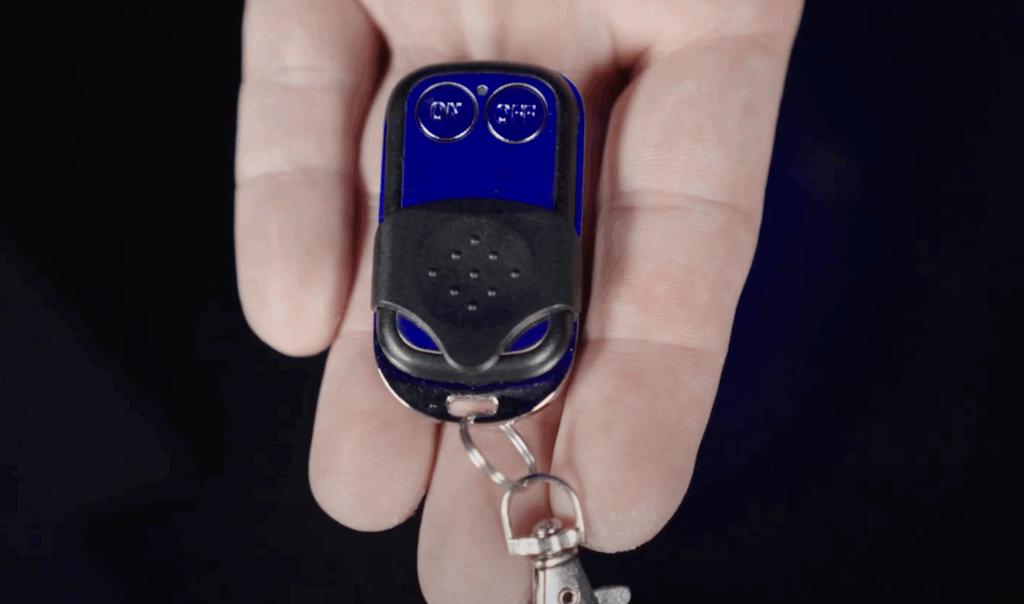
    And for simple shows, quick cues, or rentals, the addition of a dedicated RF remote brings a brand-new layer of flexibility, no console or timer required. Trigger fog effects on demand with just a button press.

    “This is going to be really great for single rentals where you don’t want to set up a controller or timer,” says Senior Product Manager Anthony Chiappone.


    Watch the full Light Snacks episode below: