    Blog Series: Lighting Education

    Get the Right Color Temperature with Rogue R2X Wash VW 

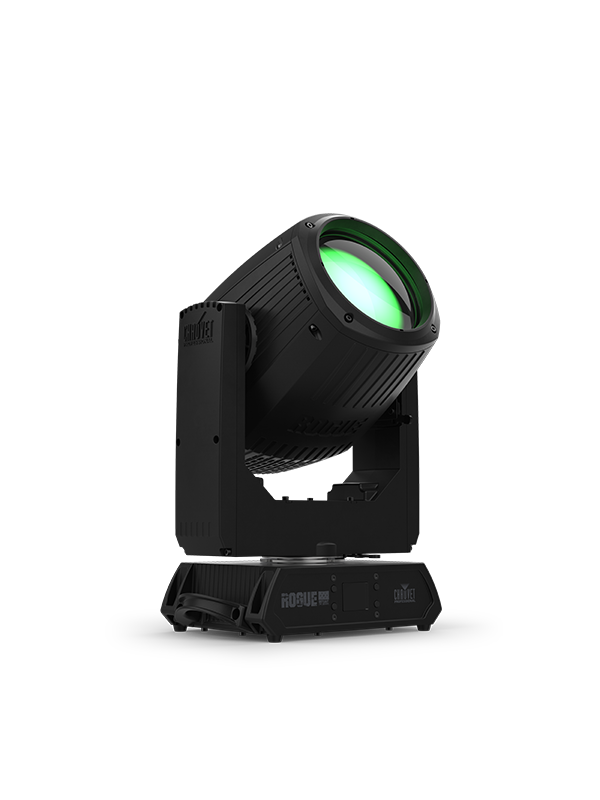
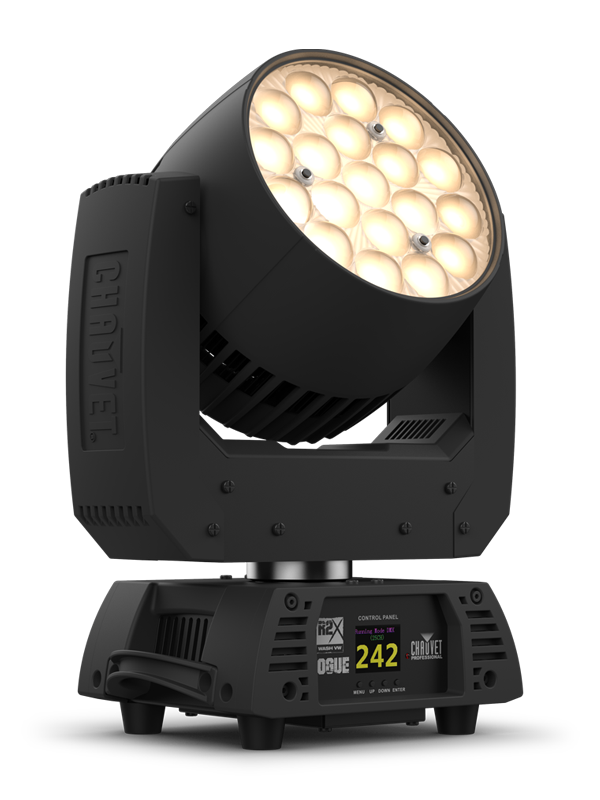
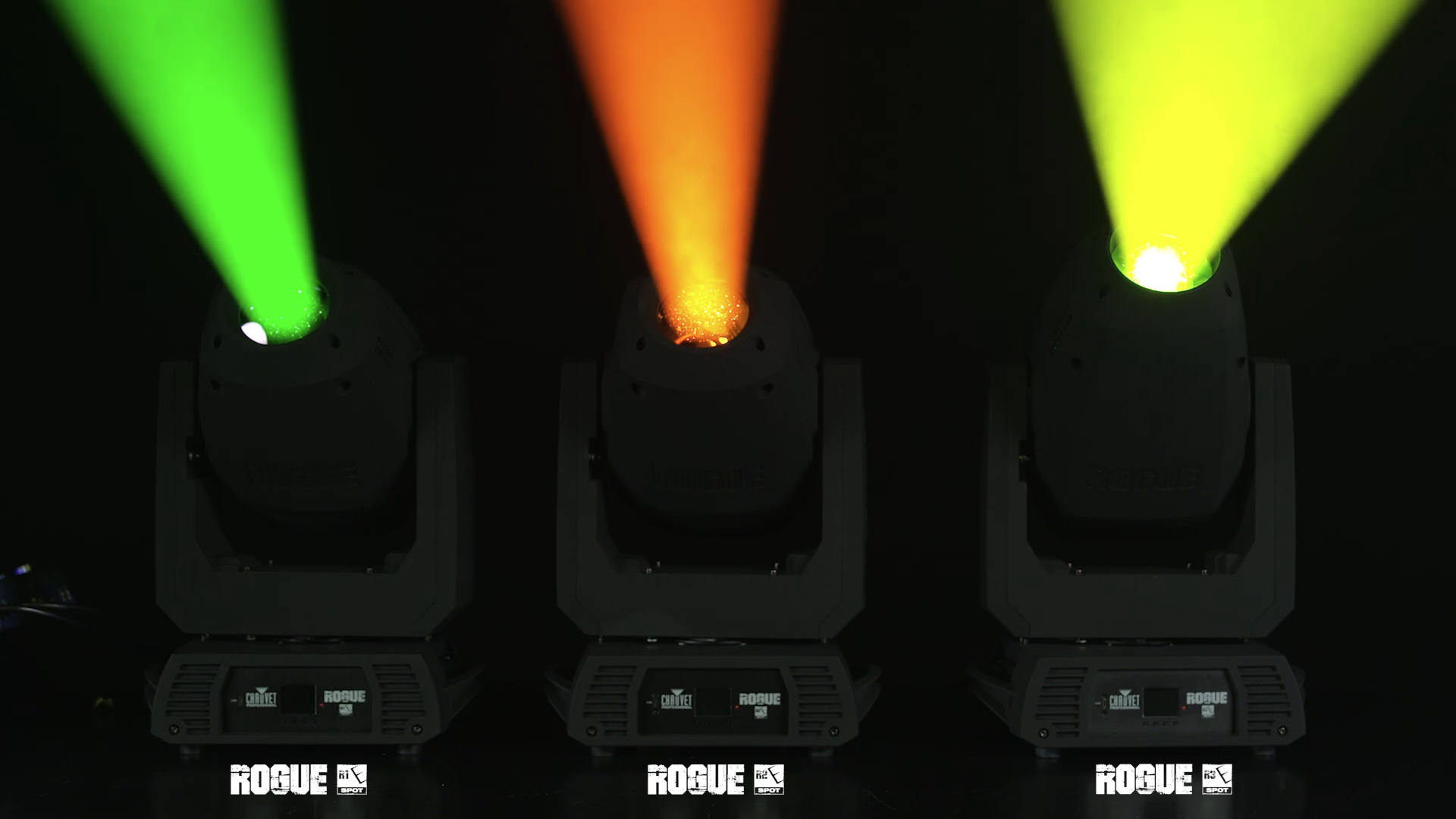
    Go from a warm 2800K white to a cool 6000K white and everything in-between with Rogue R2X Wash VW, featuring full output at 4000K and quality of light that make it perfect for key lighting.  

    “The ideal light for picking up those shots where you just need to have the right color temperature for a video shoot.” 

    Senior Product Manager Michael Graham explains why this variable white LED wash is ideal for your production filming needs in this episode of Light Snacks.

    WATCH NOW

    Read the full specs:

    Rogue R2X Wash VW 
    https://chauvetprofessional.com/products/rogue-r2x-wash-vw/

    Learn How to Find and Use GDTF files

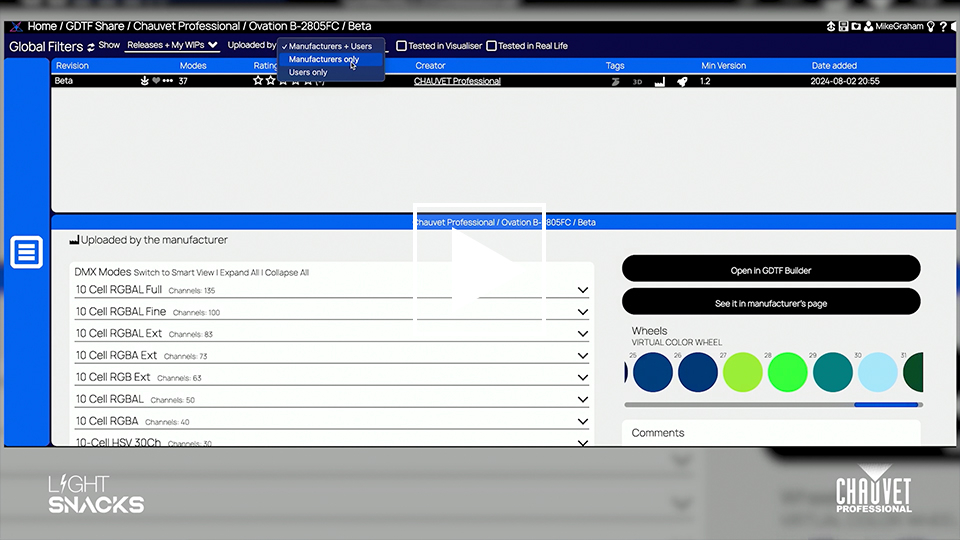
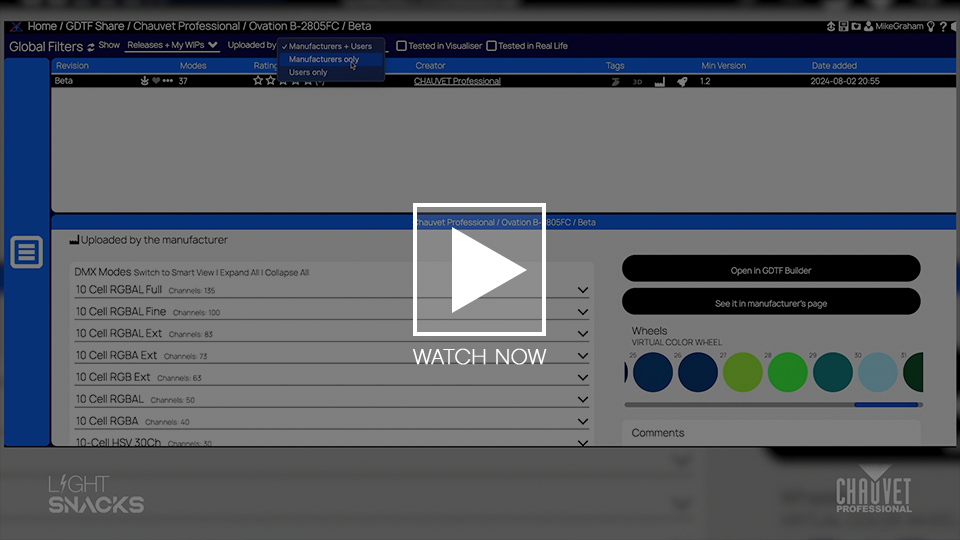
    In this episode of Light Snacks, Senior Product Manager Mike Graham walks through the essentials of GDTF (General Device Type Format) files — what they are, how to find them, and how to use them for your lighting console.

    Whether you’re working with ChamSys, GrandMA3, or the Martin P3 system, GDTF files make it easier to integrate fixtures and consoles.

    • What is GDTF? A universal file format that allows console and fixture manufacturers to share device profiles seamlessly.
    • Where to get GDTF files? Navigate to https://gdtf-share.com/ to find and download fixture profiles from leading manufacturers, including CHAUVET Professional.
    • How to download and use GDTF files? Get step-by-step instructions on downloading, exporting, and loading GDTF files onto your console.

    Pro Tip: For best results, select “Manufacturer Only” files when downloading GDTF files to ensure you’re using profiles tested and approved by the fixture manufacturer.

    Learn how to speed up your workflow, reduce programming headaches, and ensure your fixtures perform exactly as expected.

    WATCH NOW

    SoloWash: Understanding the different looks Maverick Force and Storm SoloWash fixtures deliver

    YouTube link: https://youtu.be/Dp1ovz9eCHc

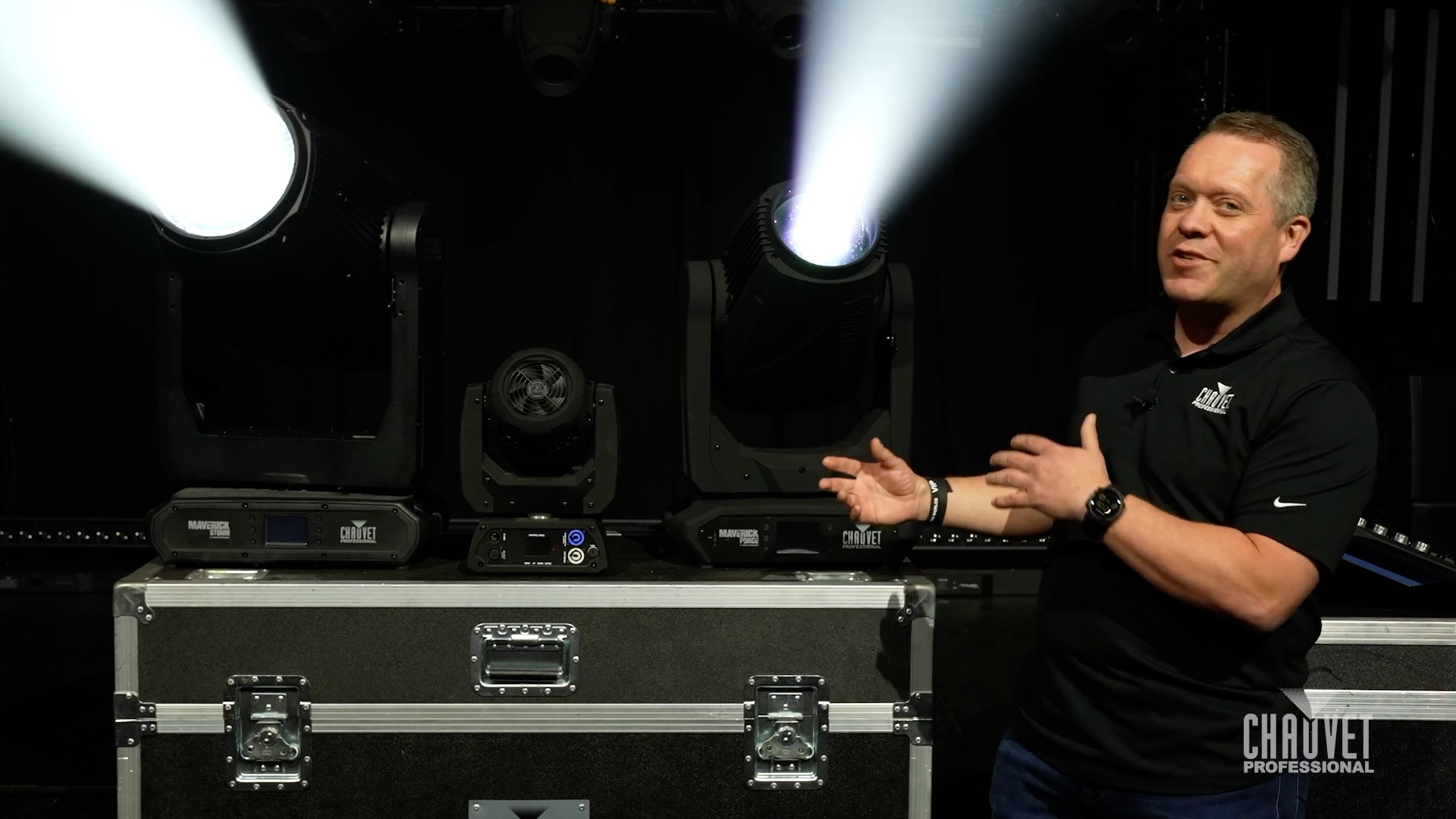
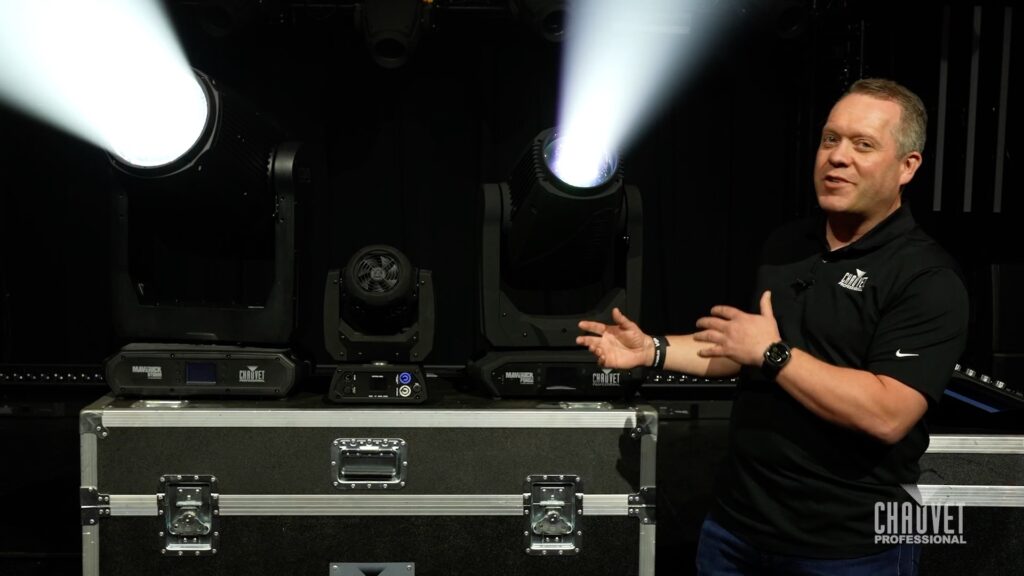
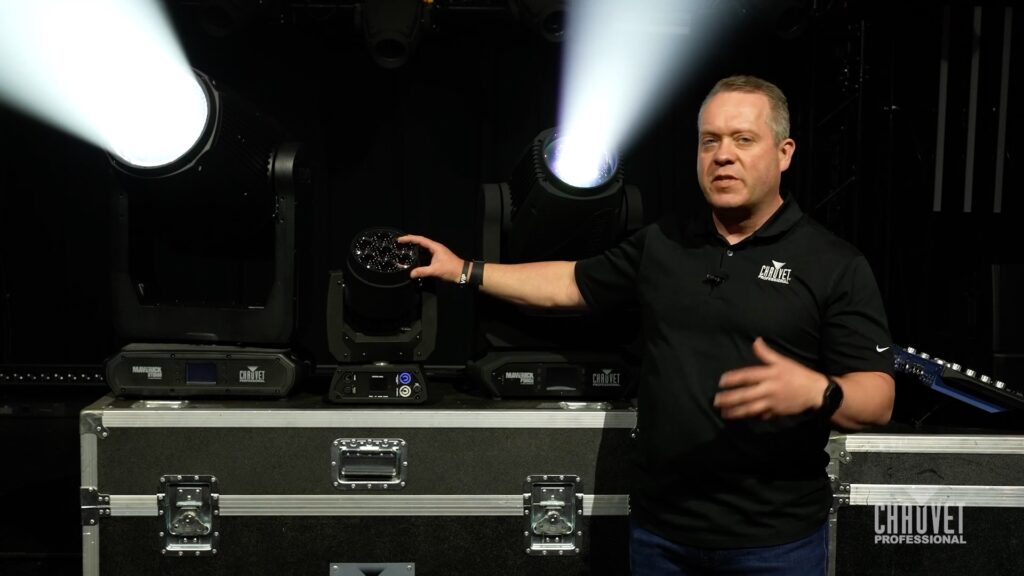
    WATCH Senior Product Development Manager Brad Haynes demonstrate the difference that Maverick Force 2 SoloWash and Maverick Storm 4 SoloWash bring to your lighting looks.

    Read on to learn:  What is a SoloWash?  And what makes them different?

    Multi-source BeamWash fixtures come in different shapes and sizes, such as Maverick Force 2 BeamWash or Maverick Storm 3 BeamWash, and their individual lenses create the possibility for dynamic pixel-mapped eye candy for stunning live and on-camera looks.    

    While multi-source fixtures have certainly established their place in many applications, for lighting designs that call for a classic theatrical wash look, a different approach is required.

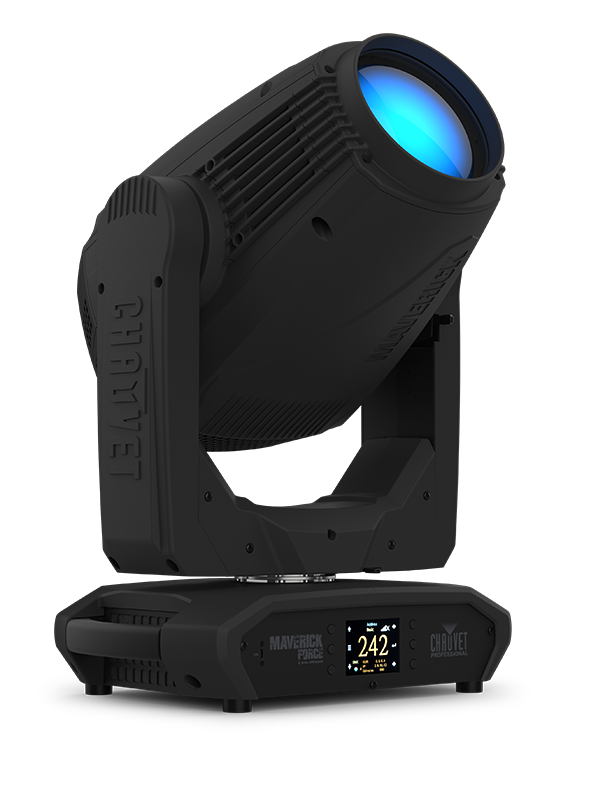
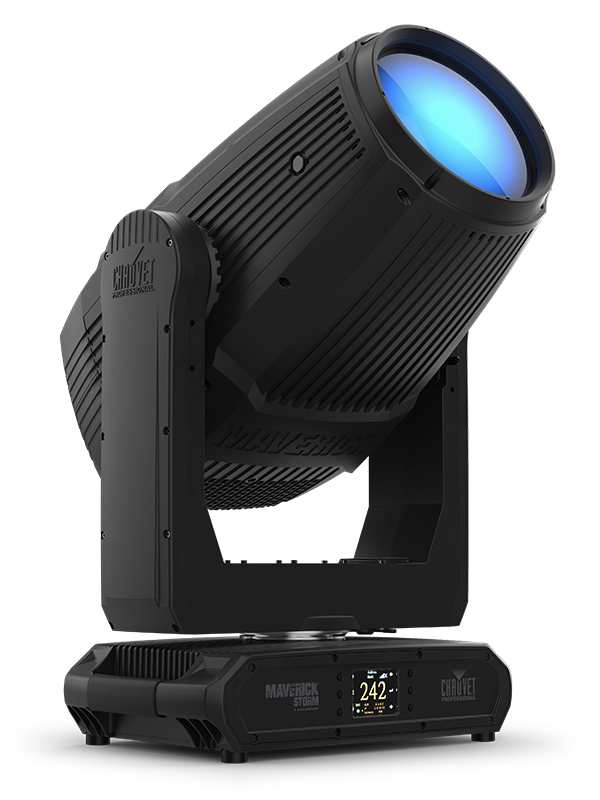
    Maverick Force and Maverick Storm SoloWash fixtures are specifically designed to deliver that difference, using single-source LED optics to achieve a classic look, while also bringing an effects wheelhouse full of modern features.

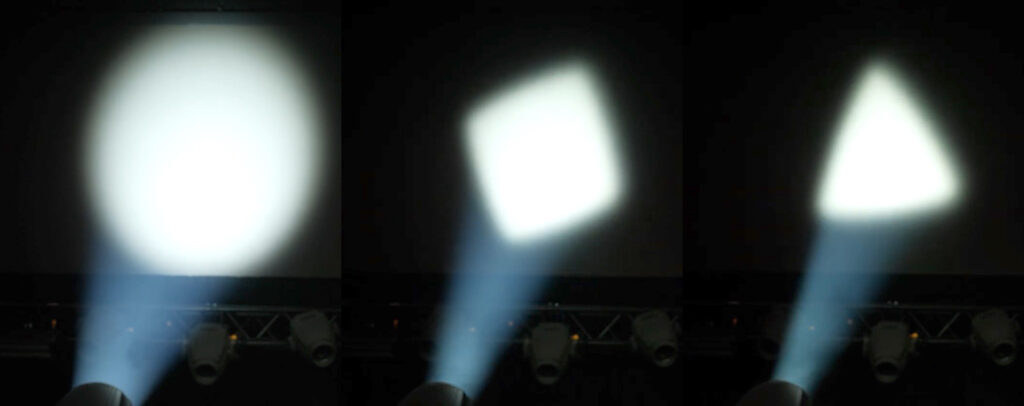
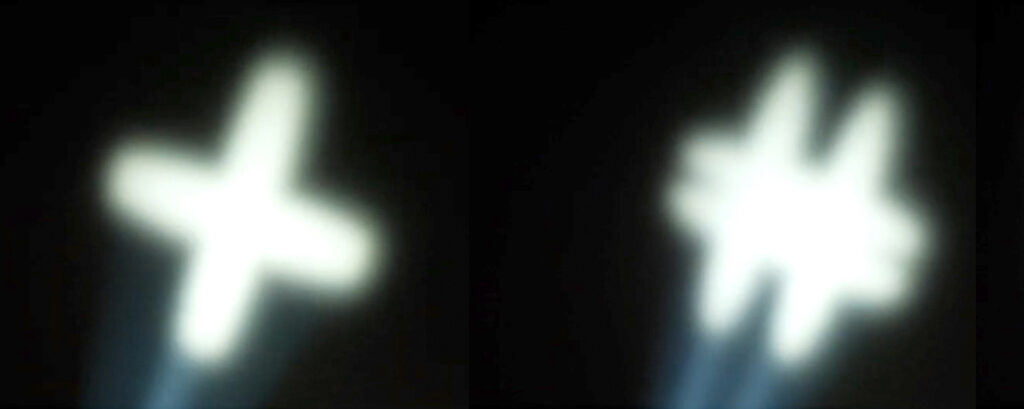
    Included in that modern arsenal of SoloWash effects is a rotating gobo wheel that enables these wash fixtures to bring heightened dynamics that are beyond the capabilities of a traditional wash.

    On one hand, the selection of rotatable geometric gobos on the wheel offers the ability to strategically highlight stage scenery.

    On the other half of the wheel are gobos designed to produce dynamic aerial effects. 

    Maverick Storm 4 SoloWash, in addition to shaping light coverage and creating aerials with its rotating gobos, also brings an animation wheel for even more possibilities.

    Be sure to watch Brad’s demo to see that animation wheel and all of these SoloWash effects in action, then visit their product pages for all the details:

    Meet the gear:

    Maverick Force 2 SoloWash
    A powerful single source 480W LED wash engineered to meet lighting designer demand for classic stage wash looks with the modern features LDs expect: CMY + CTO color mixing system offering a wide color palette, independent color wheel with CRI and CTB filters, expansive 8:1 zoom, rotating gobo wheel with interchangeable geometric gobos, linear 5-facet prism, and frost. Housed in a compact and lightweight design and calibrated to match the colors of other Force fixtures in the rig.

    Maverick Storm 4 SoloWash
    An outdoor-ready IP65-rated single source 1250W LED wash engineered to meet demand for classic wash looks with the modern features LDs expect and bright enough for stadium level long throws: CMY + CTO color mixing system offering a wide color palette, independent color wheel with CRI and CTB filters, expansive 9.5:1 zoom, rotating gobo wheel with interchangeable geometric gobos, framing shutters, animation wheel, frost and iris.  Built with the durability and versatility to perform in any venue, indoors or out, and calibrated to match the colors of other Storm fixtures in the rig.

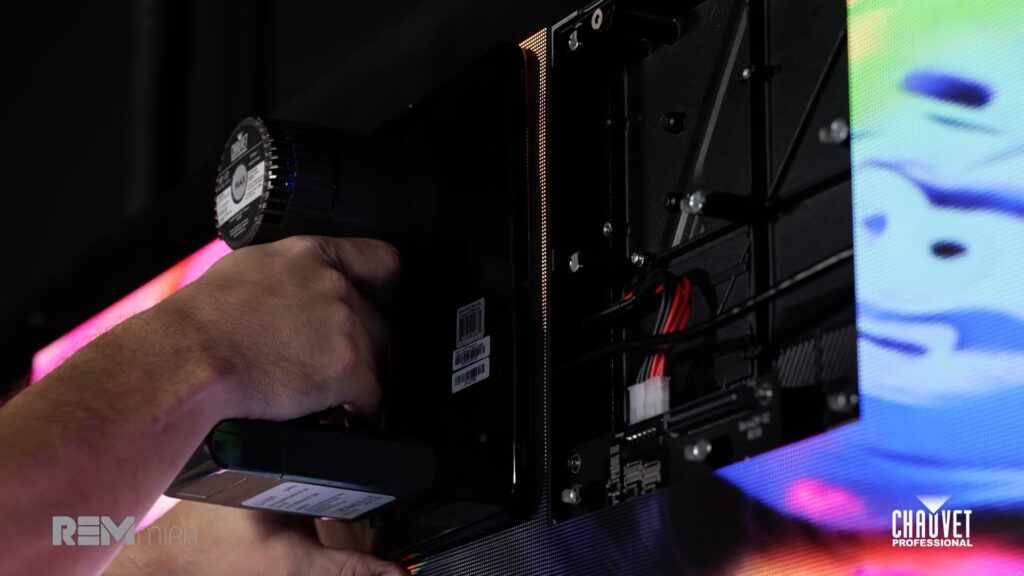
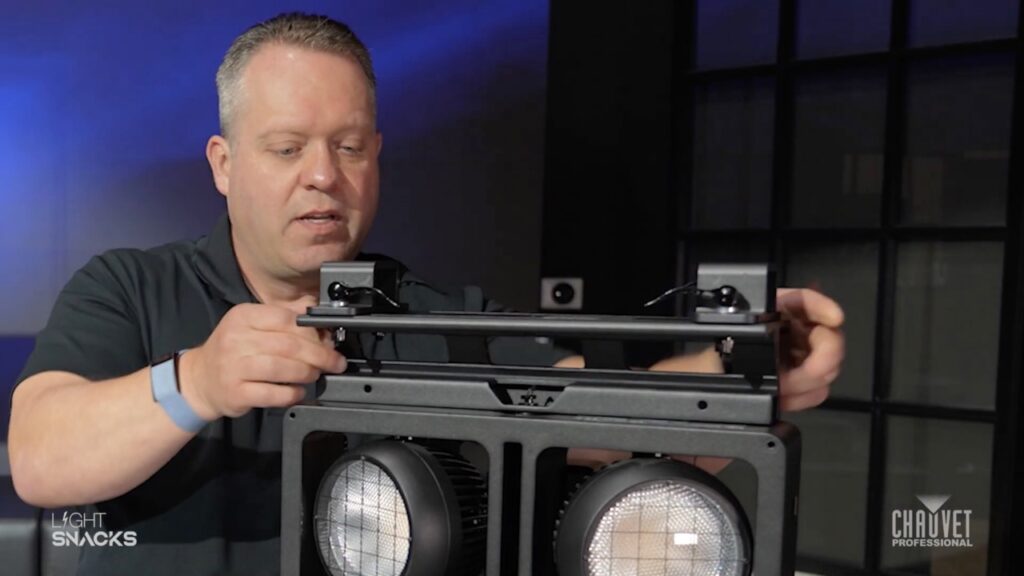
    Attaching and positioning the STRIKE Array Flush Bracket

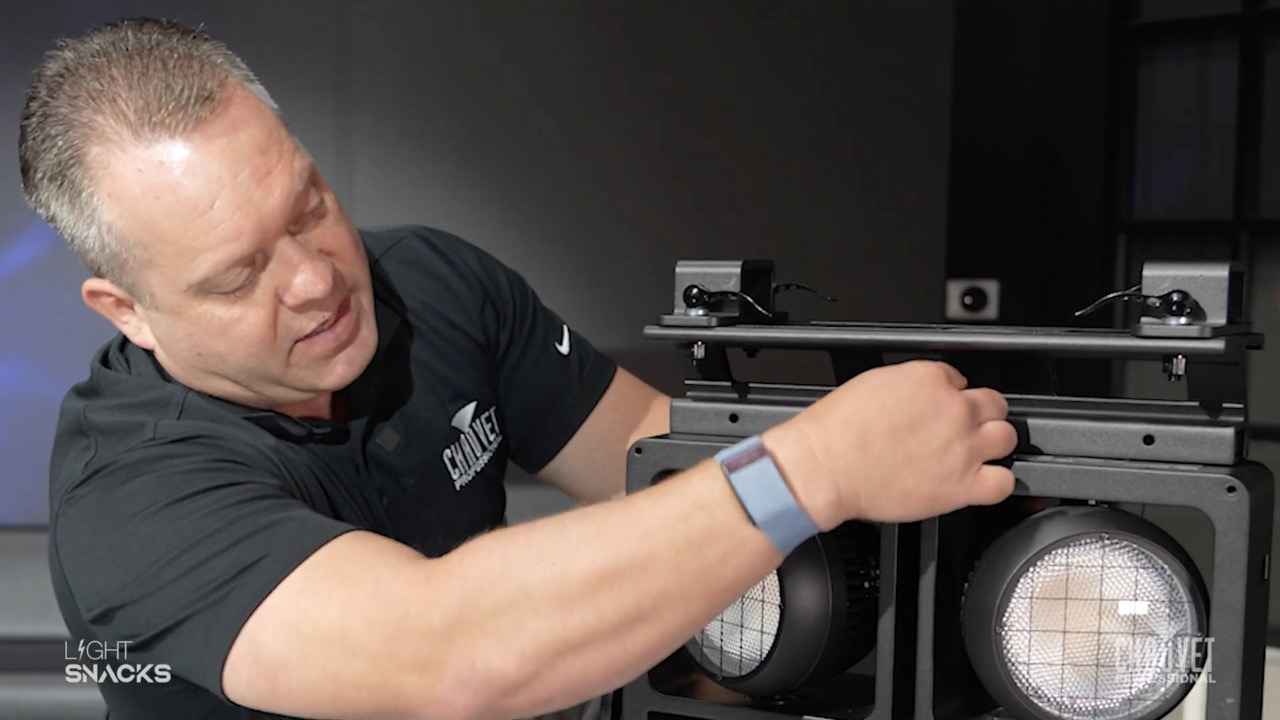
    Bracket is a useful new accessory for our STRIKE Array family of audience blinders.

    Easy to install and control with clamps that can be positioned to give extra flexibility with hanging STRIKE Array fixtures in your lighting design.

    Most importantly, it allows you to manipulate the fixture while hanging, without the yoke.

    WATCH our live demo of how to install and adjust bracket position on this handy new rigging tool. 

    Product description:
    Mounting bracket for STRIKE Array fixtures that eliminates the need for the yoke, resulting in a cleaner, easier-to-hang array in certain situations and applications. Lightweight IP65-rated aluminum diecast construction in black finish with a total load capacity of (16) cells in any combination of STRIKE Array 2 and/or STRIKE Array 4 cells.

    Full specs:
    https://chauvetprofessional.com/products/strike-array-flush-bracket/

    See the complete STRIKE range and the full Array family at:
    https://chauvetprofessional.com/products/category/strike/

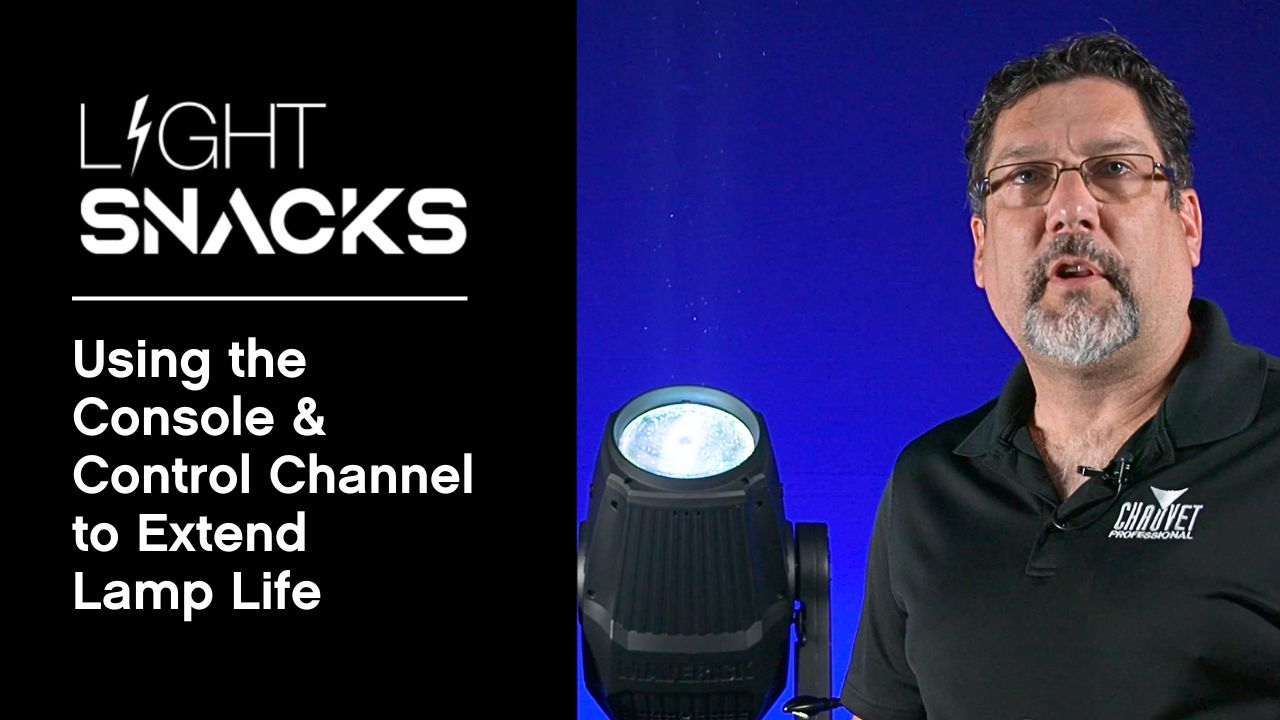
    Using the Console & Control Channel to Extend Lamp Life

    Join Senior Product Manager Michael Graham to learn how to use console and channel controls to lamp CHAUVET Professional fixtures on and off for optimal performance and longevity.

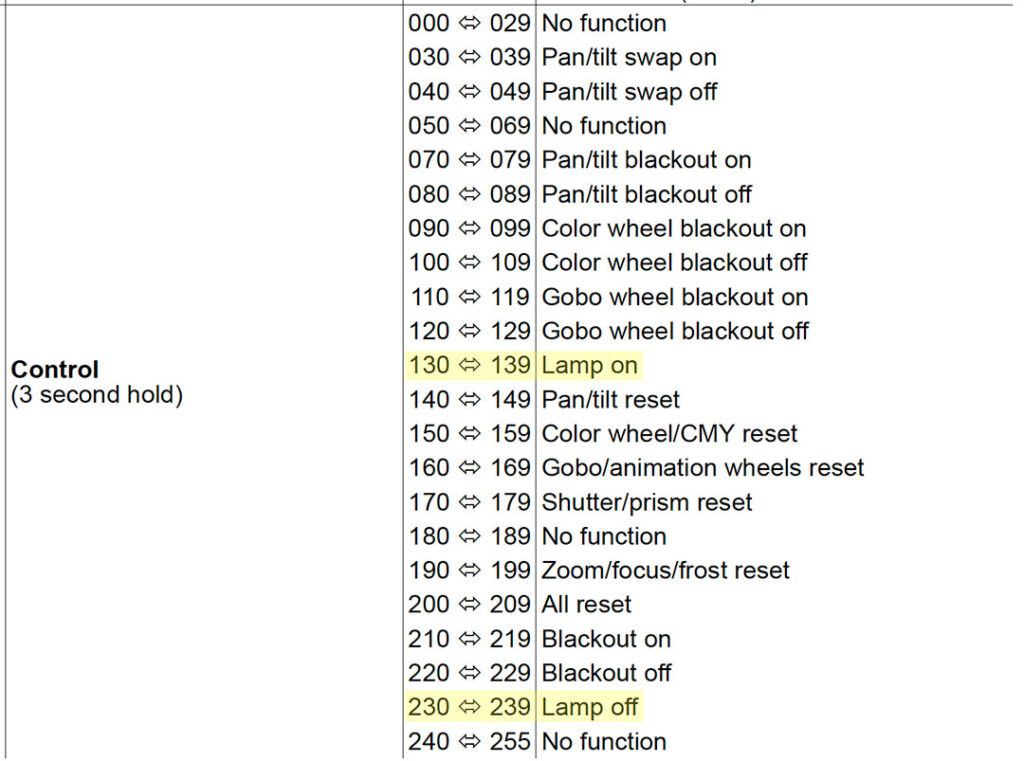
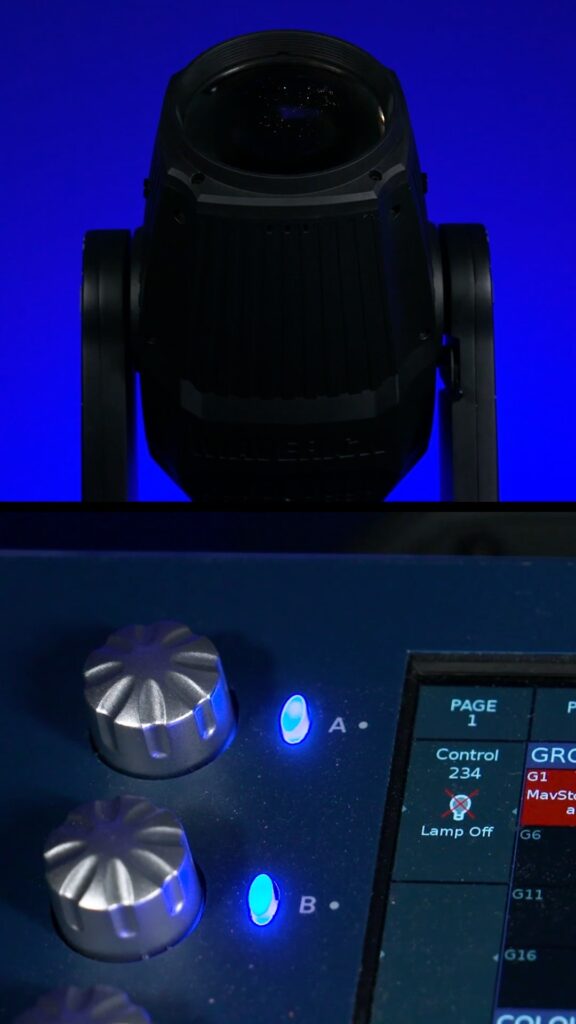
    There are many parameter settings in the control channel.  In this episode of Light Snacks, the focus is on the functions available for powering lamps on and off from the console.

    Allowing the lamps to cool down with the help of the fixture’s internal fans is a technique that will extend your lamp life.

    WATCH NOW for a demonstration of putting this useful advice to good use with CHAUVET Professional lamped fixtures.

    The Whys and Hows of IP-rated Fixture Lens Cleaning

    Especially with IP65 fixtures, you want to make sure to follow a regular schedule of external lens maintenance.

    Two weeks is the recommended cleaning interval, subject to adjustment depending on the realities of where it’s being used.  

    Ideally, a quick clean would be performed every time gear comes back from an event.

    Lack of cleaning will lead to reduced light output, and in some cases increase internal heat build-up during operation.

    The Do’s and Dont’s of Lens Cleaning:

    • Do NOT apply cleaning solution directly to the lens

    • Do NOT clean while fixture is hot from use or cold from transportation

    • Do wipe the lens with a soft microfiber type towel moistened with cleaner

    Following a regular lens cleaning regimen will improve output and efficiency while reducing accumulated heat inside your fixtures. 

    TUNE IN to see a Light Snacks demo of how to clean an Ovation Rêve E-3 IP ellipsoidal.

    COLORado Solo Bar Rigging Options

    “We wanted the rigging options for this fixture to be very versatile.”

    • Feet that slide wherever you need them and help you get around truss braces

    • Lock down positions that are clearly marked for quick and easy rigging reference

    • Standard T-rail design that allows for easily adding custom fabricated mounts

    • Fully pivoting 180 degrees of tilt with ratcheted tightening for solid attachment

    • A shorter foot mount accesory that offers a lower profile installation option

    “Let’s talk about keeping things neat and tidy, especially on camera.”

    • Use the foot’s prestamped holes to remount the cam hardware in a vertical orientation to hide the edges of the feet from view

    • Use the purpose-built integrated clips at the back of each end of the fixture to hide your cable runs 

    • Use the removable glare shield to manage light spill when it’s needed (and keep it conveniently stowed away on the fixture when it’s not)

    • Use the pop-out pins for perfect end-to-end alignment and straight fixture lines 

    A couple Light Snacks for the full rigging run-through:

    COLORado Solo Bar Rigging Options, Part 1: https://youtu.be/69TLedzk0tI

    COLORado Solo Bar Rigging Options, Part 2: https://youtu.be/FcVKtghFKGg

    Meet the gear:

    COLORado Solo Bar 1 
    COLORado Solo Bar 1 is a 4-cell IP65-rated RGBwWL LED batten that produces a full range of color and perfect whites from a fixture offering LDs the flexibility to easily create beautiful whites with RGBwW or take control of all five colors in the full RGBwWL array.

    COLORado Solo Bar 4:
    COLORado Solo Bar 4 is a 16-cell IP65-rated RGBwWL LED batten that produces a full range of color and perfect whites from a fixture offering LDs the flexibility to easily create beautiful whites with RGBwW or take control of all five colors in the full RGBwWL array.

    COLORado Solo Bar 6:
    COLORado Solo Bar 6 is a 24-cell IP65-rated RGBwWL LED batten that produces a full range of color and perfect whites from a fixture offering LDs the flexibility to easily create beautiful whites with RGBwW or take control of all five colors in the full RGBwWL array.

    How to Link the Dual Zooms of Maverick Storm 3 BeamWash

    Maverick Storm 3 BeamWash is a feature-rich fixture that includes the ability to independently control its inner (main) and outer (ring) zooms.

    WATCH NOW to learn how the Control channel can be used to link dual zooms into a single zoom so that they operate in unison. This can be particularly useful in a cloning situation when it may be preferable to override the dual zoom functionality.

    Enabling linking to run both zooms as one:

    Control channel values between 030~034 Combine main and ring

    Note the 5-second interval as this feature activates

    Beyond linking dual zooms, the Control channel gives us options for changing fan settings, PWM settings, selecting dimming curves, choosing pan/tilt behavior, and more. Understanding how Control channel options can help you control your rig better is a great way to come into a show.

    How to Set Up Lamp Settings for Optimal Fixture Performance

    Join Senior Product Manager Michael Graham as he walks through each setting, from on/off states and DMX controls to ignition delay and low power modes.  

    WATCH NOW to discover practical tips to protect your equipment, reduce heat, and save power, all while extending lamp life.

    Selected function highlights in the Lamp Setting menu:

    State/Power on
    Set the behavior of the lamp when the fixture is turned on.

    Off Via DMX
    Enable or disable the ability to control the lamp from the console

    On if DMX On
    Lamp turns on when a DMX signal is detected.

    Off if DMX Off
    If the DMX signal is lost, the lamp will turn off.

    Ignition Delay
    Offsets the lamp strike commmand by the number of seconds selected.
    Useful for avoiding tripping circuit breakers when striking large quantities of fixtures.

    Low Power Delay
    Sets the delay time for entering low power mode after shutters are closed.
    Useful for saving power and reducing the heat generated behind mechanical flags.

    WATCH NOW for the full walkthrough of the CHAUVET Professional Lamp Setting menu.