Blog Series: Light Snacks

    Meet the Amhaze Stadium 2X IP
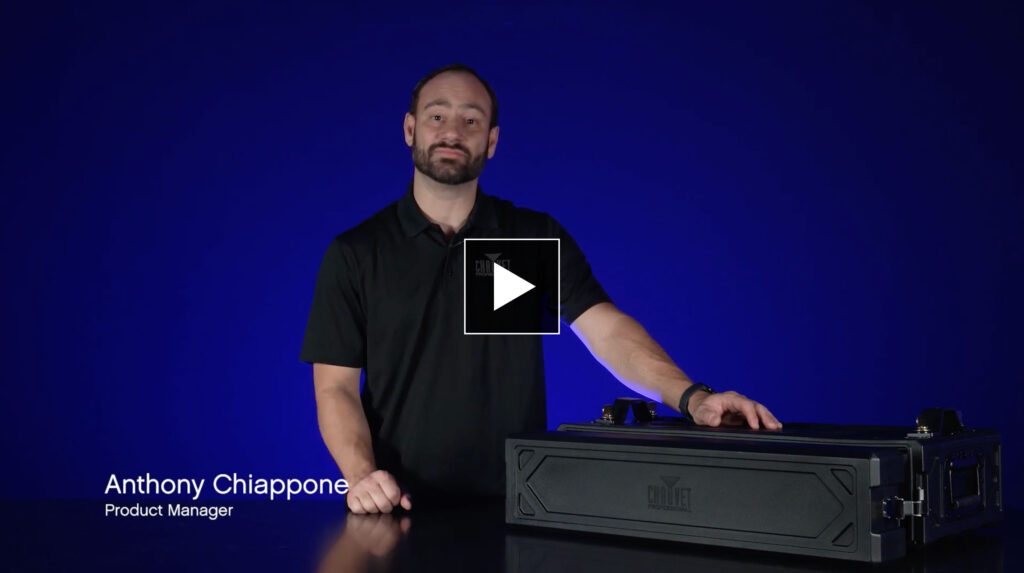
    When every minute of load-in counts, you need a hazer that’s fast, reliable, and powerful. Product Manager Anthony Chiappone shows how the Amhaze Stadium 2X IP rises to the occasion. This unit is built for real-world event conditions, with user-friendly hardware that makes setup, operation, and maintenance easy.
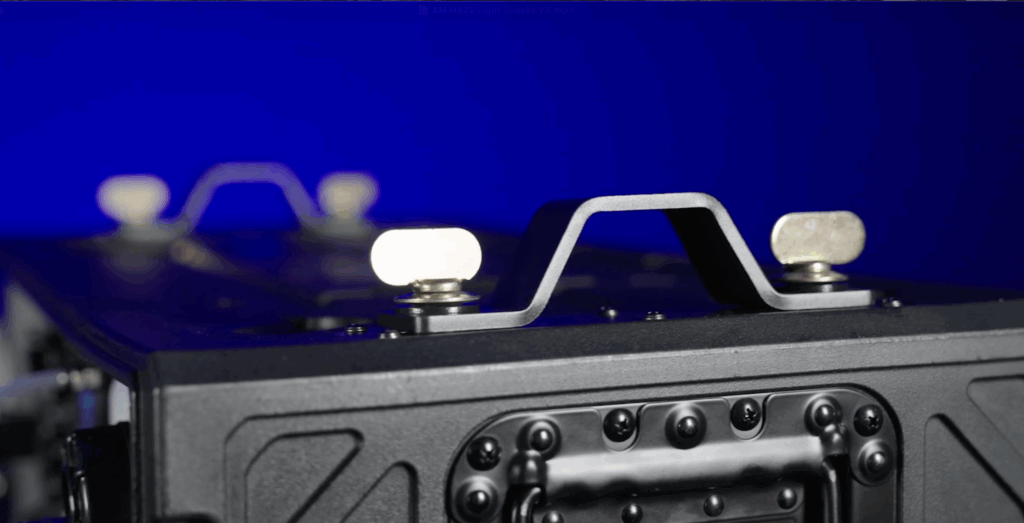
    Say goodbye to adapter headaches. The Amhaze Stadium 2X IP comes equipped with Chauvet’s standard 140D Omega mounting brackets, making it easy to integrate into your rig with the same hardware you already use for fixtures. Whether it’s clamped to a truss or sitting solidly on deck, this unit’s install is fast and secure.
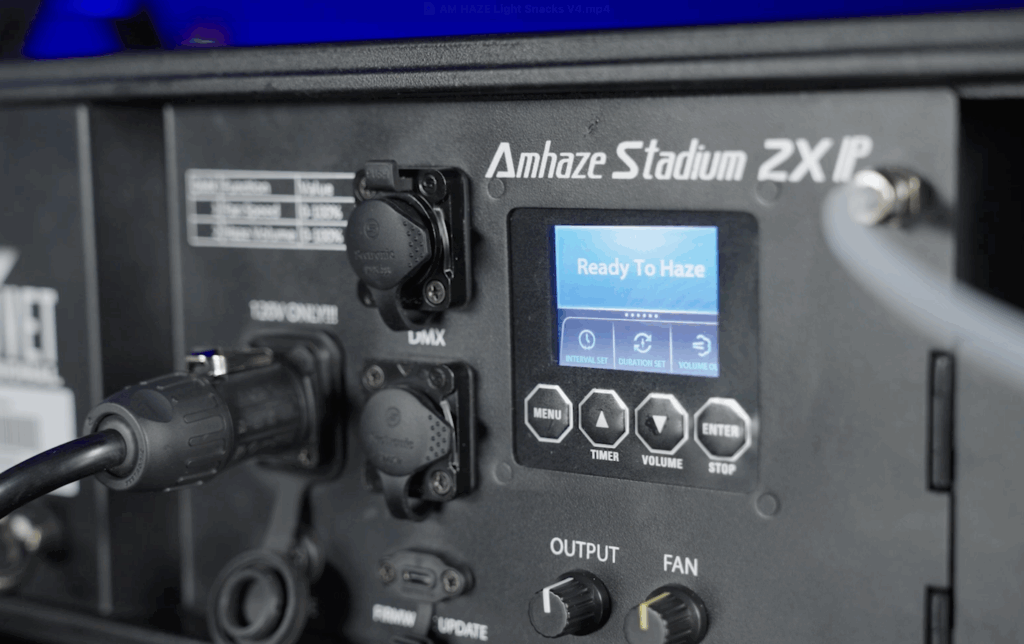
    The upgraded front panel is all about ease. A crisp full-color display and intuitive control knobs let you fine-tune haze output and blower speed right from the unit, no guesswork required. And with DMX + RDM onboard, it’s just as easy to program from your console. The USB-C port also makes in-field firmware updates fast and straightforward, ensuring your gear stays current with the latest enhancements.
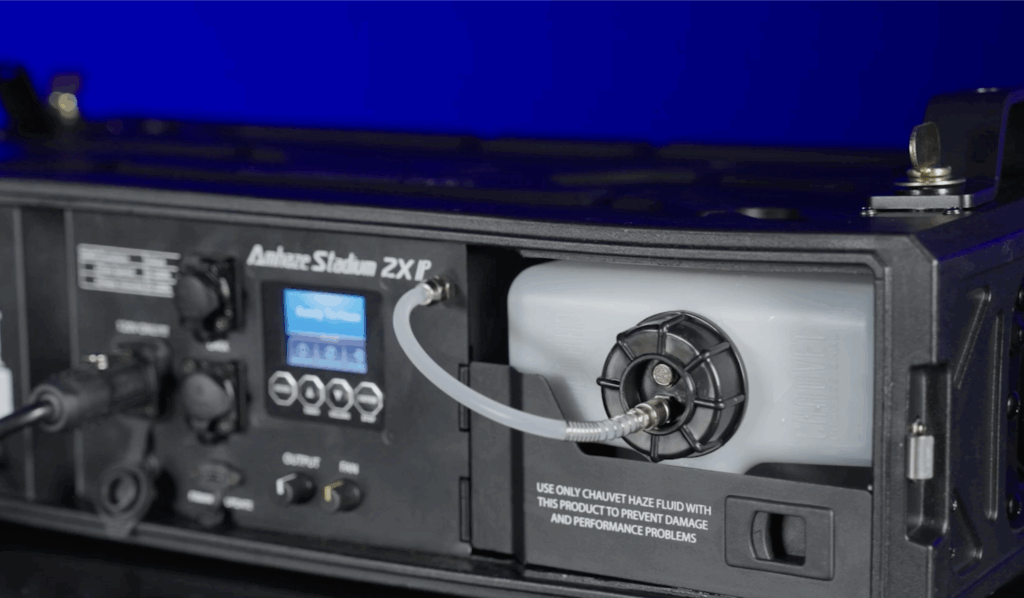
    Despite offering haze quality comparable to a 1500W unit, the Amhaze Stadium 2X IP only draws 500W. That power efficiency gives up to 8 hours of runtime on a single 1.32-gallon (5L) tank of fluid, keeping your show atmospheric without constant refills. You’ll spend less time refilling and more time focusing on the show.

    At the heart of the unit is a next-gen heater assembly that’s fully serviceable and designed for extended performance. The result is long-term reliability with fewer clogs, reduced downtime, and more consistent haze output. A peristaltic pump system ensures the fluid never touches the pump mechanism, protecting internal components from corrosion and minimizing maintenance over time.
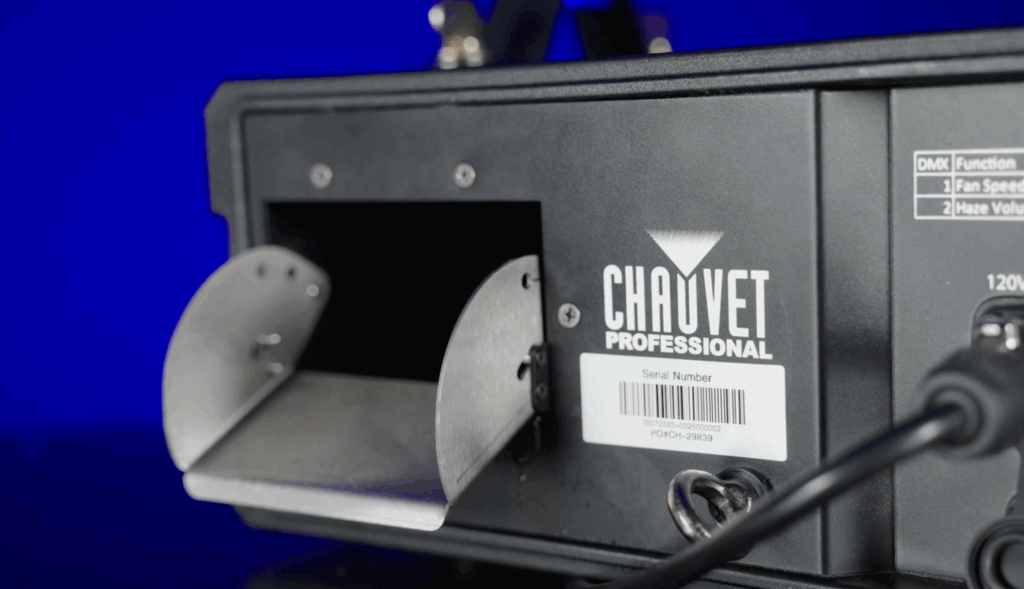
    Need your haze to drift high or hug the stage? The adjustable louvered nozzle gives you full control over haze direction. Whether you’re filling a stadium or setting a mood for a small theater, you can direct the effect exactly where it’s needed, with zero tools and total flexibility.


    Whether you’re working a rain-or-shine festival or need confidence in unpredictable venue conditions, the Amhaze Stadium 2X IP’s weather-resistant IP65 design is built for the job. Housed in a durable flight case with a removable front cover (which also stores accessories), this hazer is made for life on the road.

    Key Takeaways:

    • Omega mounting brackets = tool-free setup
    • Full-color screen + knobs for fast control
    • 5L tank with efficient fluid use
    • Directional nozzle for precision haze

    IP65 weather resistance and touring form factor

    All these tips are demonstrated in our latest Light Snacks:

    STRIKE V Pixel Mapping Tricks

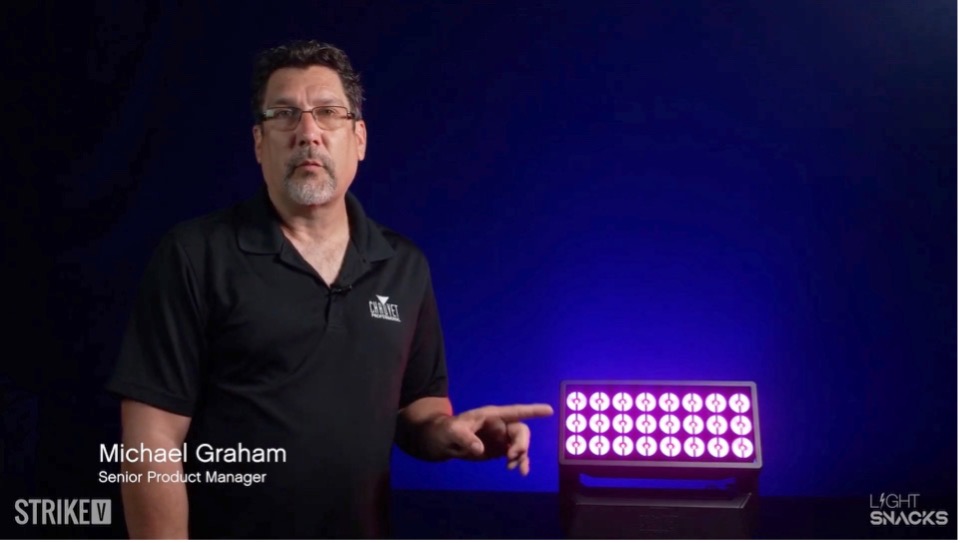
    Senior Product Manager Michael Graham shows us how easy it is to pixel map STRIKE V.

    All these tips are demonstrated live in our latest Light Snacks: Pixel Mapping Tricks with STRIKE V

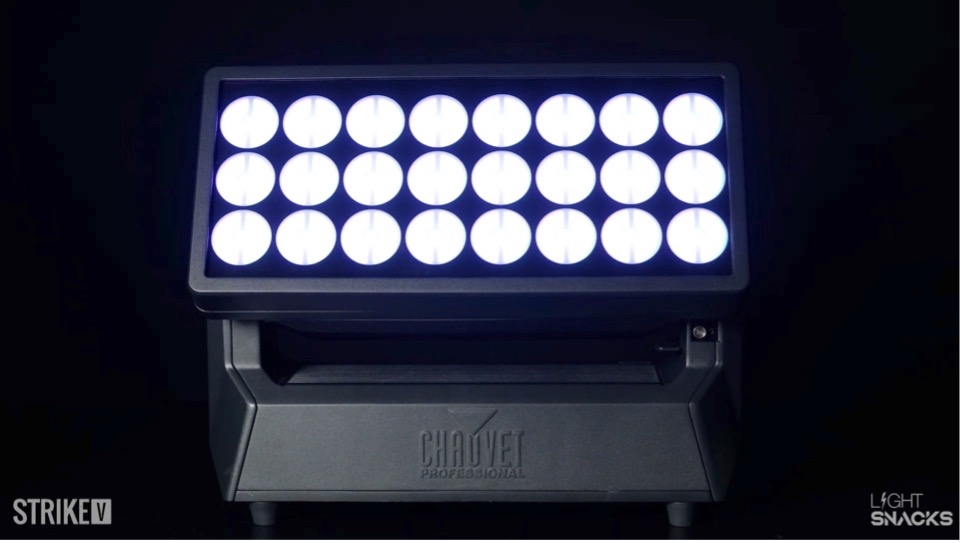
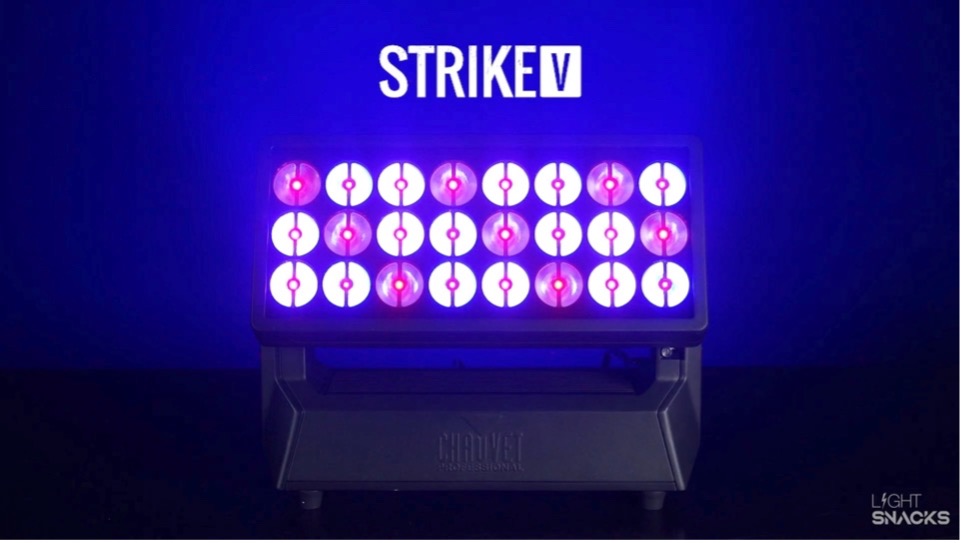
    STRIKE V features independently controlled LED diode plates and a smart variable frost that can be combined to produce dynamic multi-layer pixel effects. Follow our Light Snacks playlist for all our tips on programming STRIKE V’s layers of cells, dots and electrostatic frost. 

    Key takeaways from this episode:

    • Bring the frost up to fine-tune the best on-camera look.
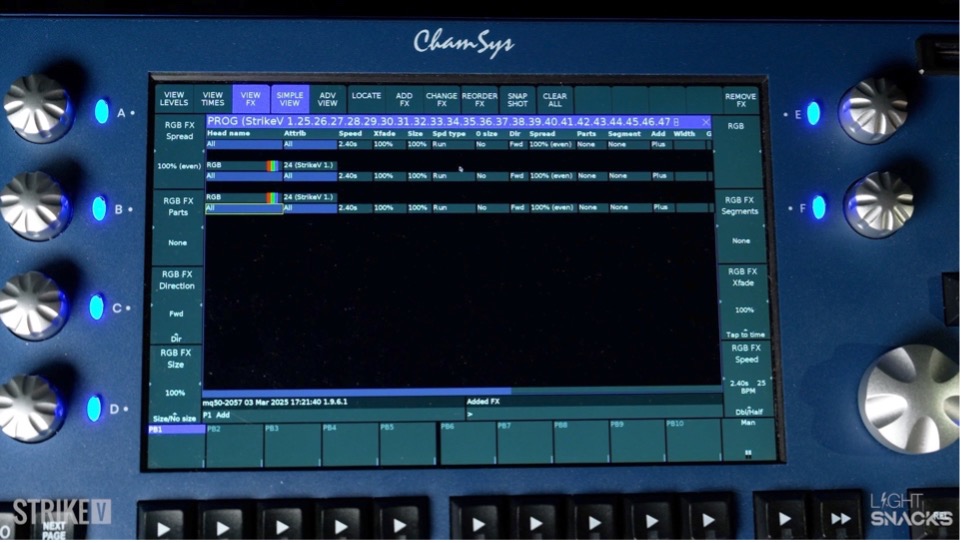
    • Program the dot layer by adding color and effects
    • Program the cell layer, also adding color and effects
    • Adjust the effect speed to land on the desired look and feel
    • Then, add movement to the effect to really bring the look alive (be sure to watch our live Light Snacks demo to appreciate the visual impact of this step) 

    Want more STRIKE V tips?  Watch and Learn:

    Learn how to build offset strobe looks using STRIKE V’s dual layers of cells and dots, adjust flash rates independently, and dial in its smart variable frost for fine-tuned on-camera looks.

    Want to hear from LDs who’ve programmed STRIKE V?

    Behind the Scenes with LD Joe Watrach & STRIKE V

    “The ability to layer and stack different looks is huge. One second, you’ve got tight, sharp beams and sparkling strobe effects, and the next, you drop in the smart electrostatic frost, and suddenly, the entire beam flattens out beautifully—without killing output. It’s a game-changer. Whether you’re doing arena-scale production, live broadcasts, or intimate performance lighting, this thing delivers.” – Joe Watrach

    Meet STRIKE V: 

    https://chauvetprofessional.com/products/strike-v/

    Welcome to our GitHub portal

    Keeping up-to-date with the latest firmware updates across our broad product range just got easier.

    Our GitHub portal is where all CHAUVET Professional customers and end users can now enjoy direct access to all our latest firmware (aka fixture software).

    Ready to get started?

    For a quick start overview of the simple steps to find and download fixture software from GitHub, Sr. Product Development Manager Michael Graham walks you through in this episode of Light Snacks:
    Light Snacks: How to Find Fixture Software on Github

    Where to find us on GitHub: https://github.com/Chauvet-pro

    For those new to GitHub, here’s a quick FAQ before clicking that link:

    What is GitHub?

    GitHub is a (free to you) code hosting service that stores and manages our firmware (fixture software) update versions. 

    Why GitHub?

    We are constantly improving our firmware to optimize fixture performance and features. Each tweak creates a new firmware version number. Making sure you are downloading the absolute latest greatest firmware version when multiple versions exist… can be a chore. GitHub makes it easy.

    How to use GitHub?

    As you read on, we will be showing you GitHub as it appears in a desktop browser window.  In addition to browsing and searching our firmware Repositories, GitHub also allows you to turn on Notifications in order to receive real time firmware updates, and provides a hub for you to Log an Issue so that we can address any suggestions or requests you might have for our developers to incorporate into future firmware versions.

    Do I need to be registered to use it?

    Our firmware files can be downloaded without the need for a GitHub account, but having an account means you can subscribe, follow products for updates, and take full advantage of the services the GitHub portal offers.

    MAIN WINDOW

    Once you click on https://github.com/Chauvet-pro you will find yourself looking at our MAIN WINDOW:Clicking on the Repositories button in the top banner menu takes you to the complete fixture list.

    Popular firmware downloads are listed in the Popular Repositories section.

    And below that, a search bar allows you to find firmware by Repository name. 

    Note: Repository names are always our complete Model Name without spaces.

    PRODUCT REPOSITORY WINDOW

    Clicking on a Repository link takes you to the PRODUCT REPOSITORY WINDOW.

    Here you can:

    • Click on the Firmware folder icon to access the firmware
    • For users with a GitHub account, you can choose to WATCH (follow) this product.
    • The WATCH menu allows you to set notification behavior for new releases
    • Those using the iOS or Android app, can also request push notifications

    FIRMWARE LIST

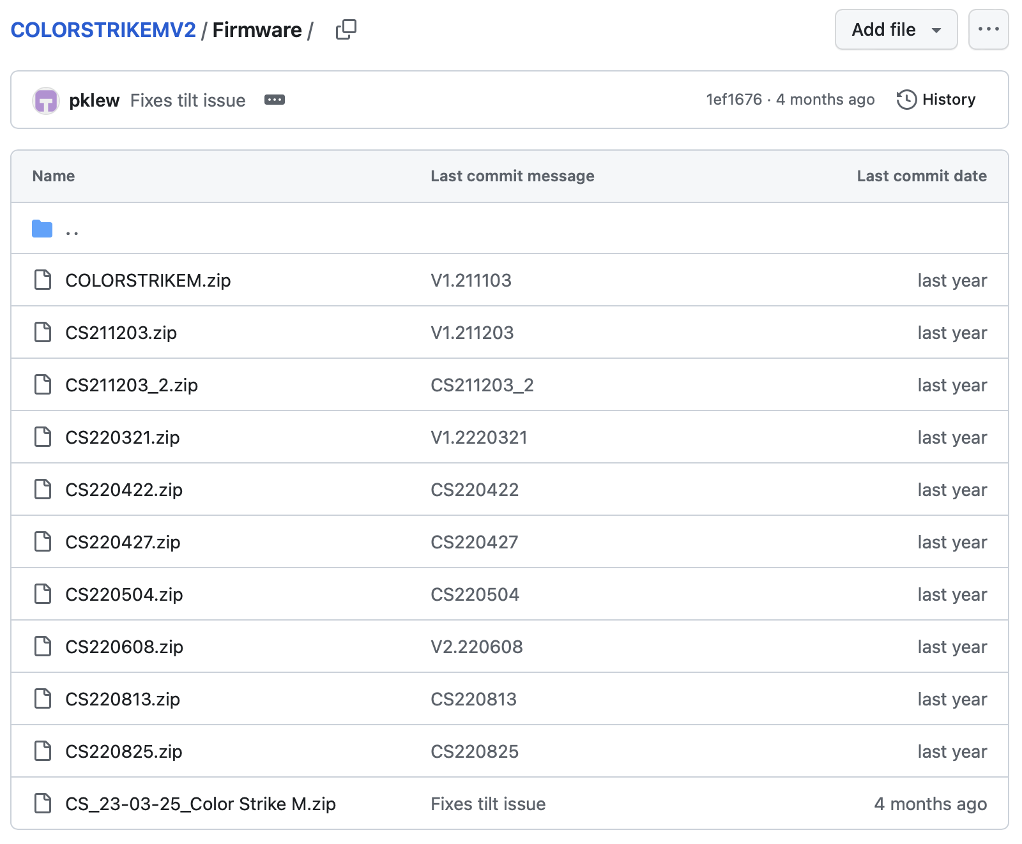
    Once you click the Firmware folder, you will see a list displaying: 

    Firmware filename | Last commit message (aka Release Notes) | Last commit date (aka Date of Release)

    DOWNLOAD WINDOW

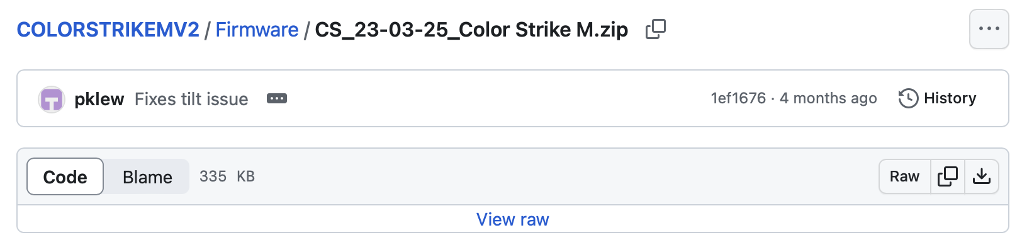
    Clicking on a firmware file name will bring you to the DOWNLOAD WINDOW.

    Here you can click on the download icon at the far right of the menu to begin your download.

    In addition to providing a portal for retrieving our latest firmware files, GitHub also enables you to LOG AN ISSUE in order to notify our developers of your requests for new features or fixes in future firmware versions.

    LOG AN ISSUE

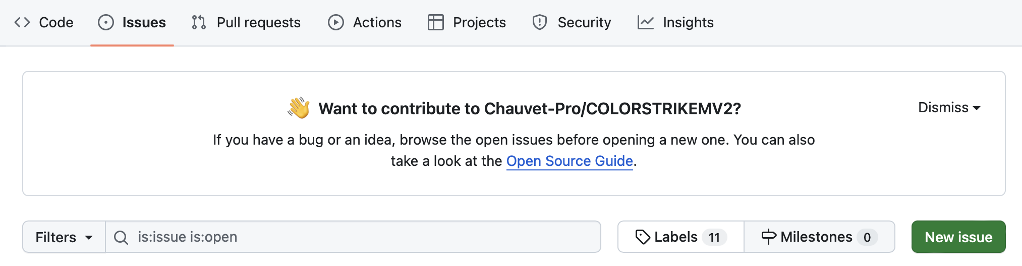
    In the Product Repository Window for the selected model, you will see an Issues button at the far left of the top banner menu. 

    Clicking on the Issues button will take you to this screen:

    We welcome you to click the NEW ISSUE button to send us your bug report or suggestions for improvements to the current firmware version.

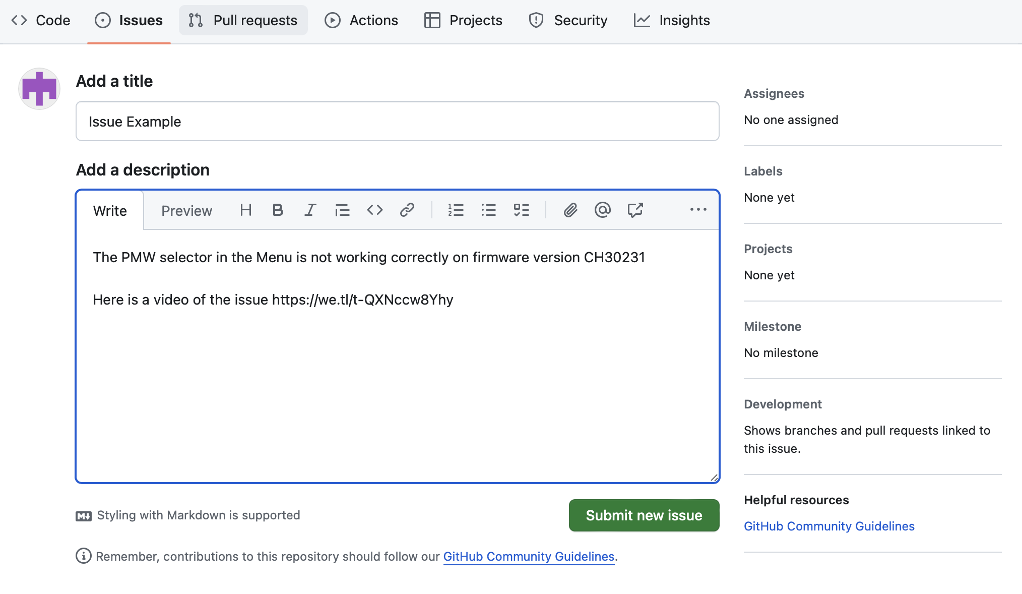
    Please see our suggestions below for how to enter information in the NEW ISSUE SUBMISSION fields:

    GUIDELINES FOR SUBMISSIONS:

    • Describe the issue with as much detail and information as possible.
    • Pictures and videos demonstrating the issue are helpful.
    • Please include a WeTransfer download link for any media you want to share.

    THANK YOU for following along our tour of our new CHAUVET Professional GitHub Portal.

    HAPPY UPDATING!  

    REM Mira Light Snacks: Standard and Optional Accessories
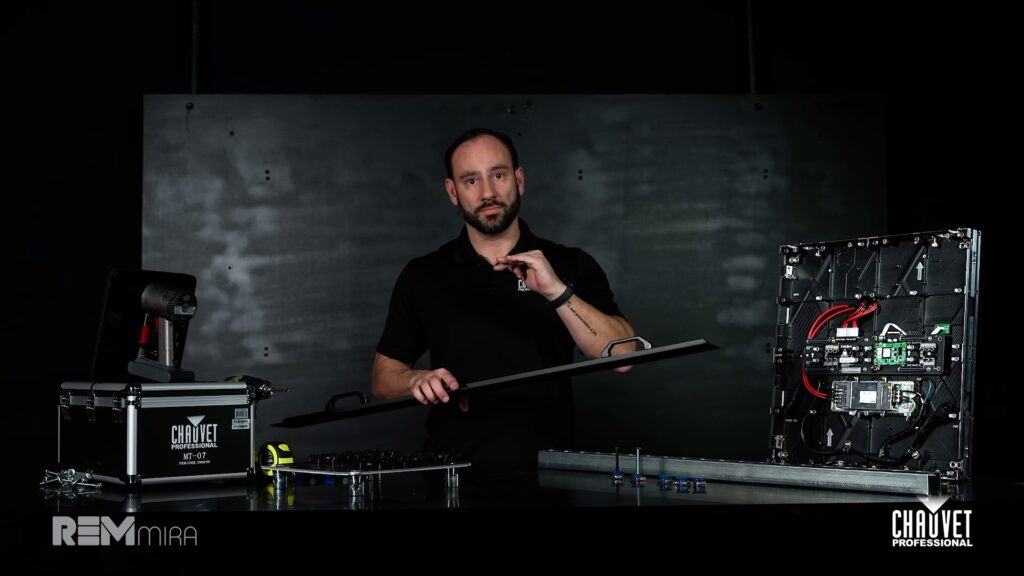
    Senior Product Manager Anthony Chiappone serves up a pair of Light Snacks that help us understand what comes standard in the box as well as what additional accessories are available for our REM Mira series of thin profile, high-performance indoor video wall solutions.

    Learn what you’ll find in the box when you purchase REM Mira. 

    Senior Product Manager Anthony Chiappone serves up a pair of Light Snacks that help us understand what comes standard in the box as well as what additional accessories are available for our REM Mira series of thin profile, high-performance indoor video wall solutions.

    Learn what you’ll find in the box when you purchase REM Mira. 

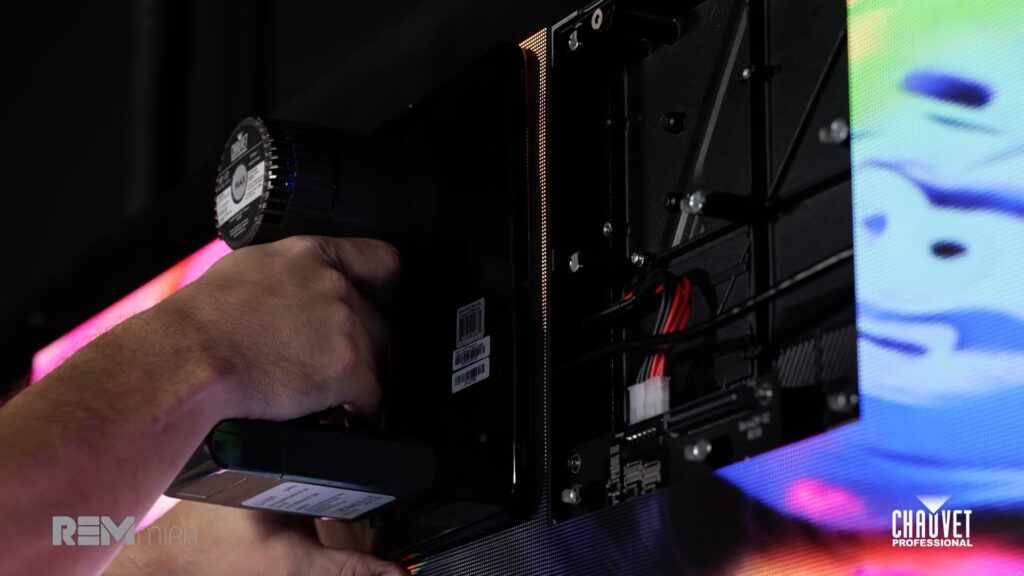
    • A drill guide that works both horizontally and vertically, and can be used with a laser level to faciliate drilling mounting points that always hit their mark.
    • A rechargeable battery-operated vacuum tool that allows for directly installing and removing LED modules from the front of the screen.

    Visit our Chauvet Video website for more information on our MT-07 universal LED Module removal/installation tool.

    How to Read Photometrics Reports

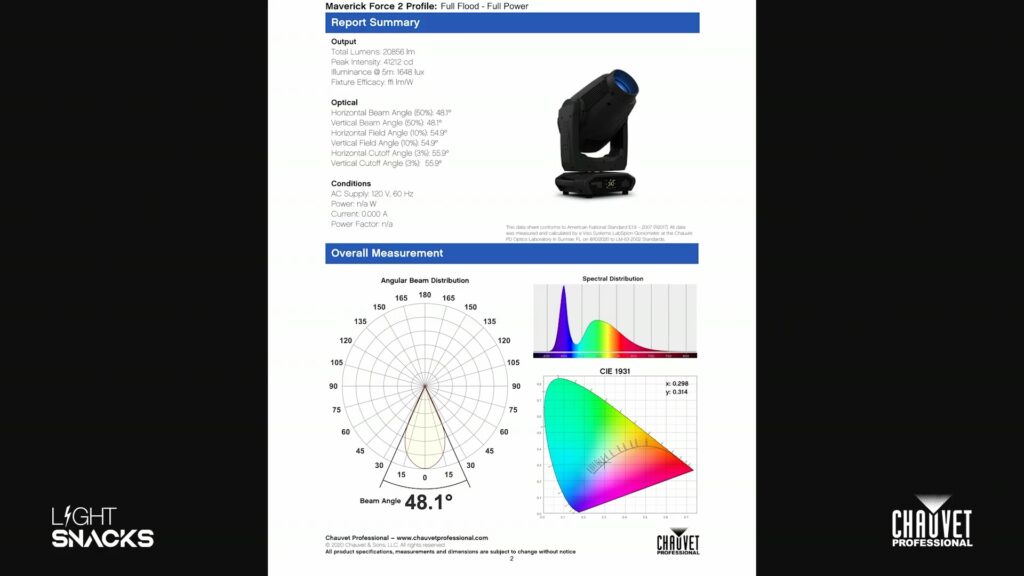
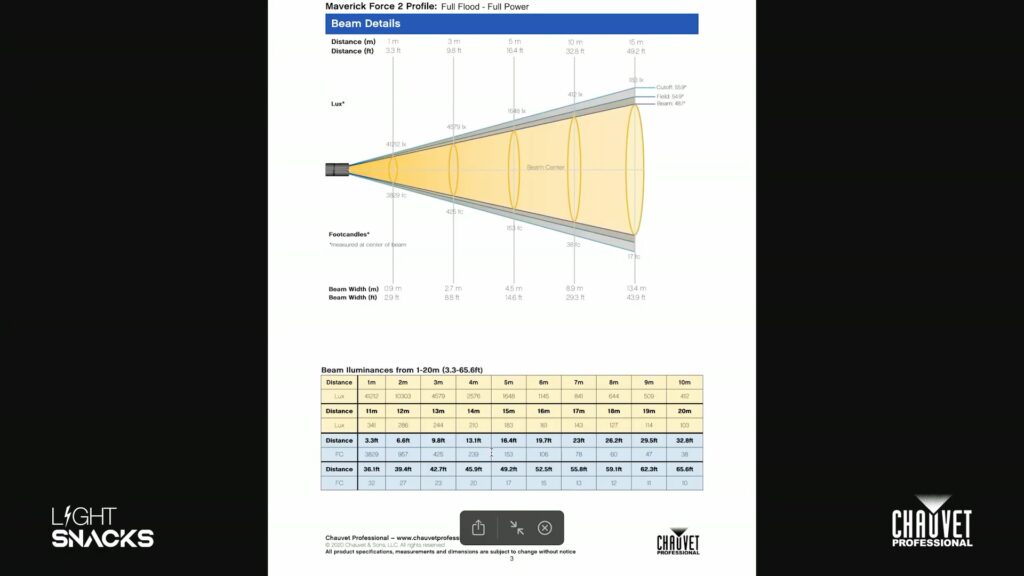
    In this episode of Light Snacks, Senior Product Manager Mike Graham explains how to read and interpret photometrics reports, helping you make informed lighting design choices based on beam angles, peak intensity, zoom range, spectral distribution and more. 

    Key takeaways:
    • Understanding total lumens and peak intensity
    • How to interpret beam angle vs. field angle
    • What spectral distribution means for color performance
    • Using photometrics to predict real-world fixture performance

    For a deeper dive into demystifying photometric readings from Lumens versus Lux to lighting measurement types and how to apply these metrics to various projects, click below to watch an in-depth Tech Talk panel discussion:

    Why We Chose Mint for Rogue Outcast 1M Beam

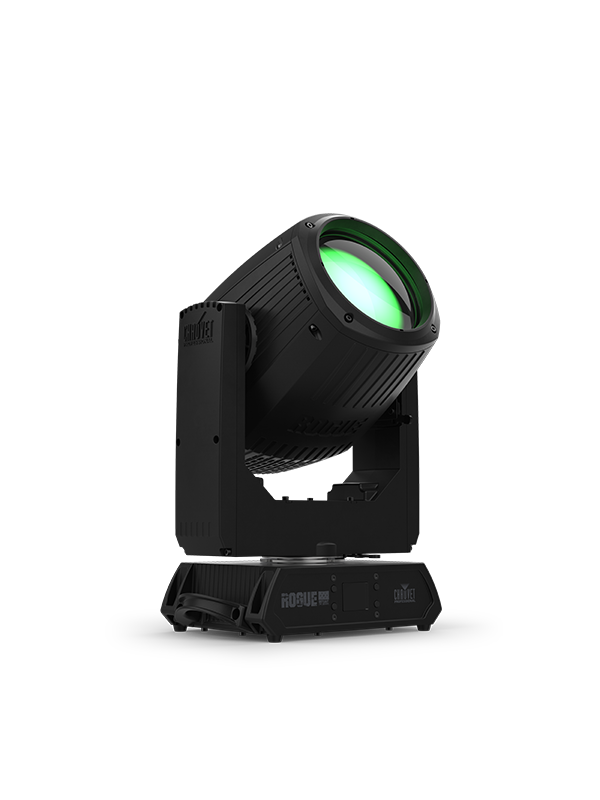
    If you’re familiar with our Rogue Outcast 1L Beam, you already know the benefits our LED-based beam fixtures deliver, but let’s do a quick recap.

    One of the advantages an LED-based beam offers is the ability to perfectly maintain a consistent beam shape when dimming. Unlike lamp-based beam fixtures, there are no mechanical flags involved and we’re able to achieve extremely smooth dim outs with a beam shape that remains consistent all the way down. This also means the fixture can run at lower intensities that suit particular venues or applications while holding the same consistent beam look that we get at higher intensities.

    Another advantage is the low weight and compact form factor we’re able to achieve with this design. Less weight and a smaller size mean speed and precision on the performance front. And for corporate events, red carpet and tent events, or any situation that calls for getting in and out easily, having a lightweight beam fixture in your arsenal is a huge plus.

    And of course, when we’re talking about Outcasts, we’re talking about the IP65-rated members of the Rogue family. These are durable aluminum-magnesium housed fixtures at home on both indoor and outdoor stages. But also ideal for permanent installation in nightclubs and houses of worship. Because beyond durability in outdoor environments, their IP rating means they’re going to handle things like haze, dust, and confetti in a way that makes fixture maintenance a much easier job in a club or church install.

    Now that we’ve covered some of the overall benefits of our LED-based beam fixtures, let’s talk about what makes Rogue Outcast 1M Beam stand out.

    We’ve moved one letter forward in the alphabet, from 1L to 1M, and the M in this fixture’s name refers to its Red, Mint and Blue LED light engine. Where you might normally expect a Green LED in a tri-color system, we’ve chosen Mint for the very specific purpose of achieving a quality of white light that has not been seen before in this fixture category.

    With its Mint-powered light engine, Rogue Outcast 1M Beam sets itself apart from the rest of the pack by offering a full color LED solution and great optics to produce sharp beams of light with the color of your choice. You’ll be able to mix better whites with Rogue Outcast 1M Beam, while also having a heavy frost available for evening out light distribution and creating washier looks, dual overlapping prisms that allow you to create stunning aerial effects, and aperture gobos that allow you to instantly punch up pencil-thin beams.

    On top of those features, with the 1M Beam, the size of the front lens is increased to allow for more lumens of output and a narrower beam angle.

    All of this, in a fixture offering continuous 360 degree rotation and weighing in under 30 pounds.

    “Taking a look at this fixture in full white gives you a really good idea why we chose Mint.”

    Click to watch now and join Senior Product Manager Michael Graham for a Light Snack that walks through the benefits and spectral characteristics of Rogue Outcast 1M Beam’s RMB light engine:

    *Rogue Outcast 1M Beam is only available in North America

    Get the full specs:

    Get the Right Color Temperature with Rogue R2X Wash VW 

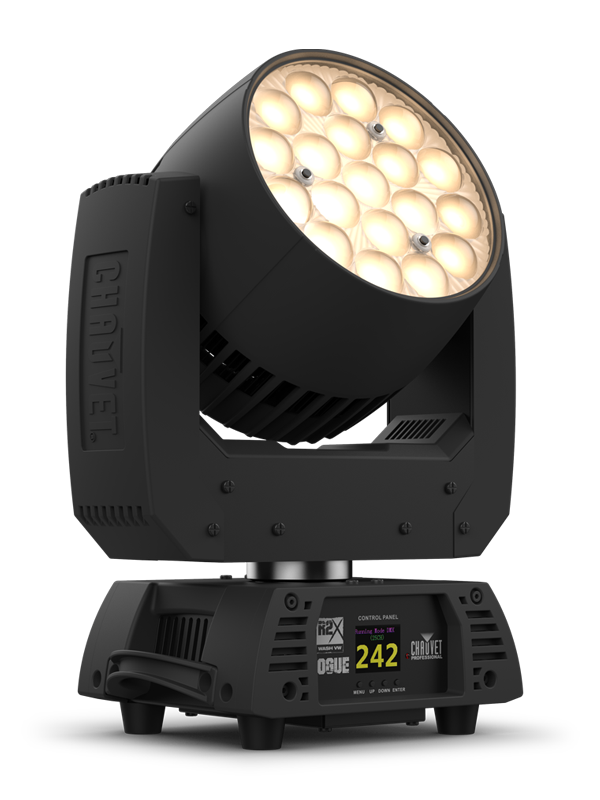
    Go from a warm 2800K white to a cool 6000K white and everything in-between with Rogue R2X Wash VW, featuring full output at 4000K and quality of light that make it perfect for key lighting.  

    “The ideal light for picking up those shots where you just need to have the right color temperature for a video shoot.” 

    Senior Product Manager Michael Graham explains why this variable white LED wash is ideal for your production filming needs in this episode of Light Snacks.

    WATCH NOW

    Read the full specs:

    Rogue R2X Wash VW 
    https://chauvetprofessional.com/products/rogue-r2x-wash-vw/

    Learn How to Find and Use GDTF files

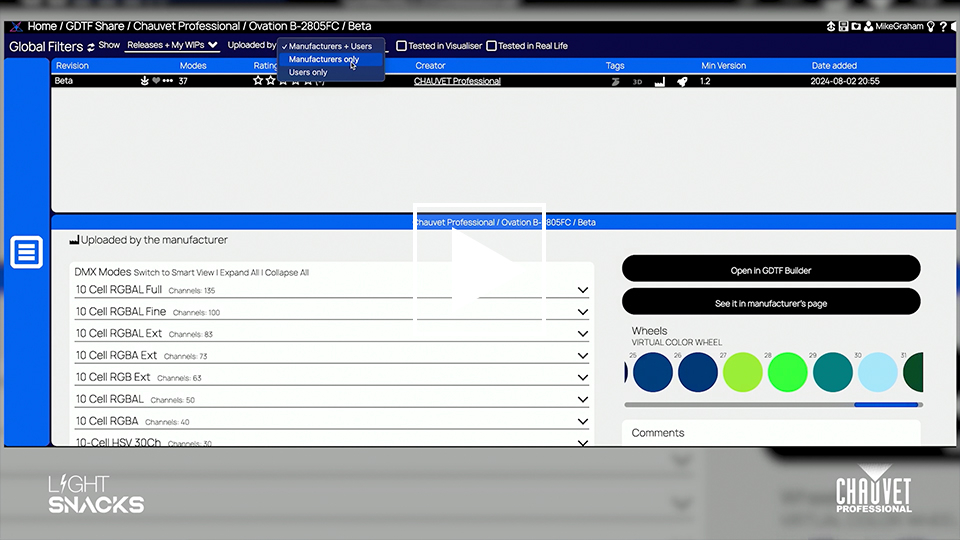
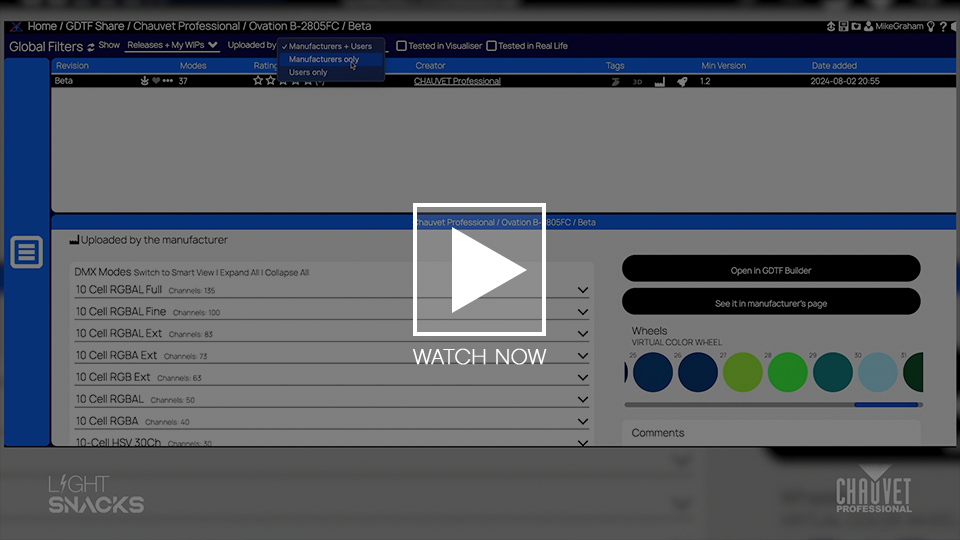
    In this episode of Light Snacks, Senior Product Manager Mike Graham walks through the essentials of GDTF (General Device Type Format) files — what they are, how to find them, and how to use them for your lighting console.

    Whether you’re working with ChamSys, GrandMA3, or the Martin P3 system, GDTF files make it easier to integrate fixtures and consoles.

    • What is GDTF? A universal file format that allows console and fixture manufacturers to share device profiles seamlessly.
    • Where to get GDTF files? Navigate to https://gdtf-share.com/ to find and download fixture profiles from leading manufacturers, including CHAUVET Professional.
    • How to download and use GDTF files? Get step-by-step instructions on downloading, exporting, and loading GDTF files onto your console.

    Pro Tip: For best results, select “Manufacturer Only” files when downloading GDTF files to ensure you’re using profiles tested and approved by the fixture manufacturer.

    Learn how to speed up your workflow, reduce programming headaches, and ensure your fixtures perform exactly as expected.

    WATCH NOW

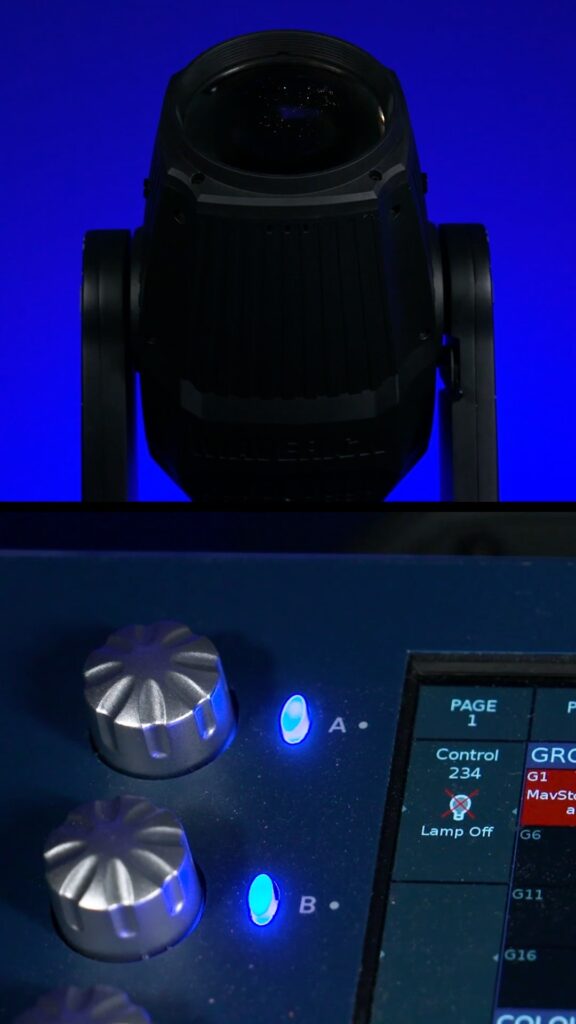
    Using the Console & Control Channel to Extend Lamp Life

    Join Senior Product Manager Michael Graham to learn how to use console and channel controls to lamp CHAUVET Professional fixtures on and off for optimal performance and longevity.

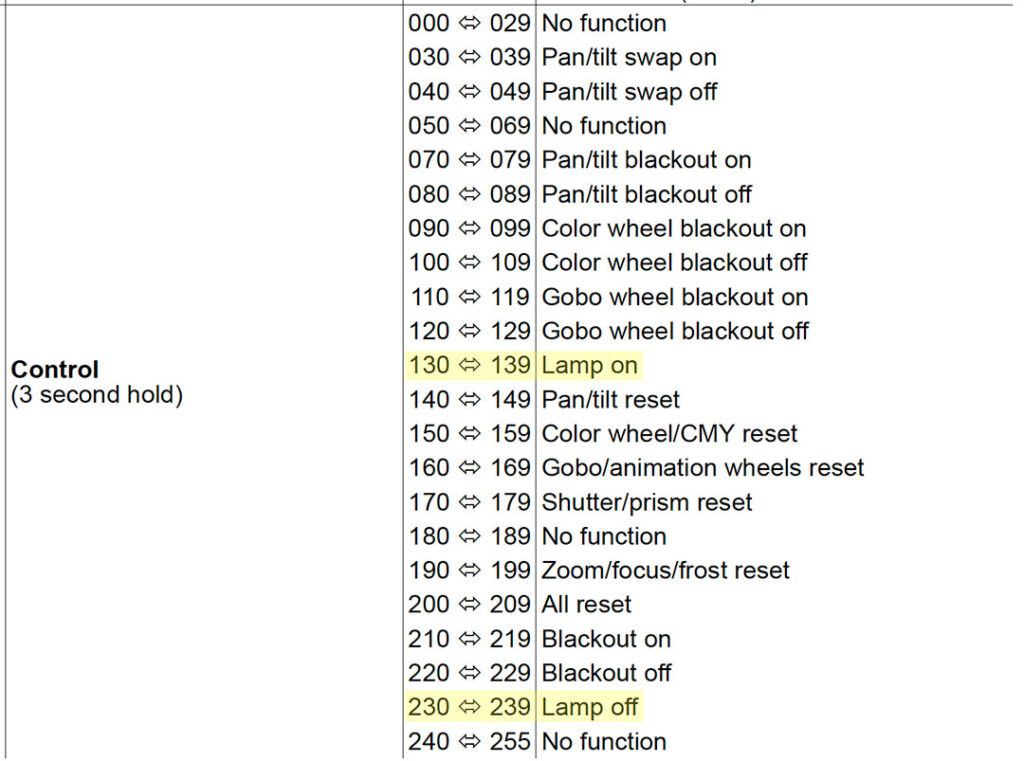
    There are many parameter settings in the control channel.  In this episode of Light Snacks, the focus is on the functions available for powering lamps on and off from the console.

    Allowing the lamps to cool down with the help of the fixture’s internal fans is a technique that will extend your lamp life.

    WATCH NOW for a demonstration of putting this useful advice to good use with CHAUVET Professional lamped fixtures.